Best VS Code Alternatives: AI Editors to Full IDEs
By JoshWP Team | Published: August 6, 2026 | ~40 min read | Best VS Code Alternatives AI Editors Full IDEs Developer Tools
What Are the Best VS Code Alternatives Right Now?
The best VS Code alternatives depend on why you want to leave VS Code. If you want AI-first coding with a familiar interface, start with Cursor. If you want the closest VS Code-like experience without Microsoft branding and telemetry customizations, VSCodium deserves position two because it is more similar to VS Code than most alternatives. If you want agentic coding, compare Google Antigravity, Devin Desktop, Codex, and Terax. If you want a browser-based cloud workspace, consider Replit. If you need deep language intelligence, debugging, refactoring, and enterprise-grade project tools, IntelliJ IDEA, PyCharm, and Eclipse IDE are stronger full IDE choices.
VS Code is still a dominant developer environment. Stack Overflow’s 2025 Developer Survey says Visual Studio Code and Visual Studio maintained the top spots, while new AI-enabled tools such as Cursor, Claude Code, and Windsurf gained visible adoption. That is the real story: the question is no longer “what replaces VS Code for everyone?” It is “which editor fits your workflow better than VS Code does?”
Important AI caution: AI editors can accelerate routine work, but they can also generate plausible code that misses architecture, security, tests, or domain rules. Stack Overflow’s 2025 survey reported high AI usage but also a widening trust gap. Treat every AI-generated diff as a proposal that needs review.
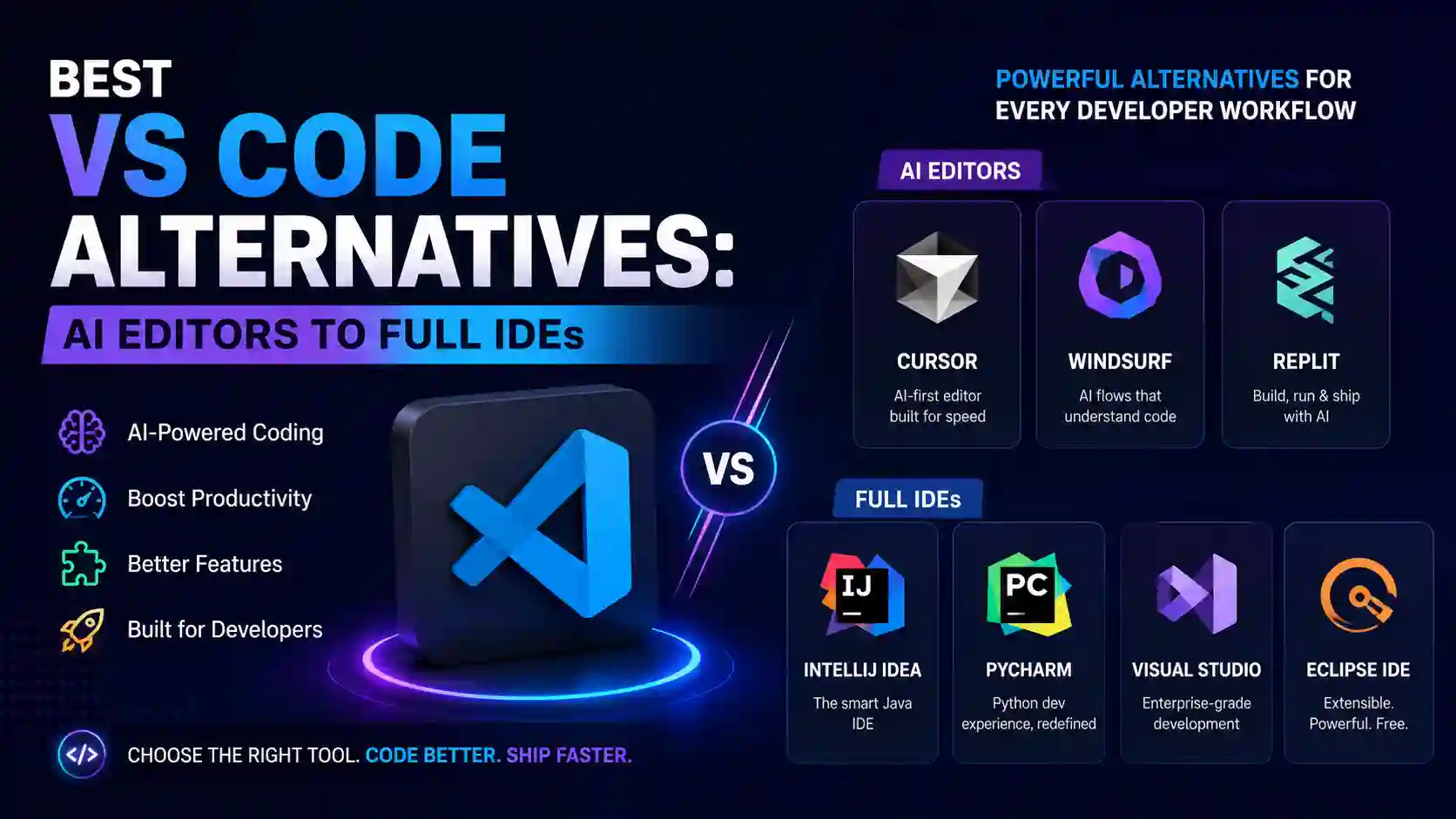
Table of Contents
- Why look for VS Code alternatives?
- Developer editor statistics
- Best VS Code alternatives comparison table
- Which alternative should you choose?
- AI-first VS Code alternatives
- Cursor review
- VSCodium review
- Google Antigravity review
- Devin Desktop review
- Codex review
- Terax review
- Zed review
- Replit review
- Open-source and privacy-friendly editors
- Full IDE alternatives
- Eclipse IDE review
- Lightweight editors
- Recommended workflows
- How to migrate from VS Code
- FAQs
- Sources
Why Look for VS Code Alternatives?
Visual Studio Code is popular for good reasons: it is free, cross-platform, extensible, familiar, and backed by a huge extension ecosystem. For many developers, it is still the right default. But modern workflows have changed. Teams now work across monorepos, cloud dev environments, local and remote AI agents, frontend builders, multiple languages, and larger dependency graphs. A general-purpose editor can start to feel either too light, too heavy, too telemetry-heavy, or too plugin-dependent.
Developers usually look for best VS Code alternatives for one of six reasons:
- AI should be native, not bolted on. Tools like Cursor, Google Antigravity, Devin Desktop, Codex, Terax, Zed, and Replit are built around AI workflows rather than only extension-based chat panels.
- The project needs deeper language support. JetBrains IDEs and Eclipse IDE often beat a general-purpose editor for large Java, Kotlin, Python, Django, data science, and enterprise refactoring workflows.
- Privacy or licensing matters. VSCodium gives a VS Code-like experience without Microsoft branding, telemetry, and licensing customizations.
- Speed matters more than everything. Sublime Text, Neovim, Notepad++, Kate, and Terax can feel lighter for quick edits or low-resource systems.
- The terminal is the center of work. Neovim and Terax are attractive when the terminal is where you live.
- The team wants a different collaboration model. Zed’s real-time collaboration, Replit’s browser-based workspaces, and Devin Desktop’s agent command center are attractive when the workflow is more collaborative or agent-supervised than local-editor-only.
Plain English: VS Code is not “bad.” It is just not the only sensible default anymore. A developer building a Next.js app with AI agents, a Python data scientist, a Java backend engineer, and a Linux sysadmin opening config files all need different things from an editor.
Developer Editor Trends and AI Adoption
The editor market is splitting into three lanes: VS Code remains the mainstream default, full IDEs still dominate deep language workflows, and AI-first editors are growing quickly among developers who want code generation, codebase chat, autonomous agents, and reviewable diffs built into the tool itself.
Editor category fit by workflow
Editorial scoring based on feature fit, not a benchmark. Use it to choose what to test first.
AI tool sentiment reality
Stack Overflow’s 2025 release reported 84% use or plan to use AI tools, while 46% do not trust output accuracy.
Best VS Code alternatives by learning curve
Lower is easier for a beginner. Neovim is powerful, but its advantage appears after learning modal editing and configuration.
Best VS Code Alternatives: Full Comparison Table
This table is the fast scan. The detailed reviews below explain the trade-offs, screenshots, ideal users, and migration notes.
| Tool | Category | Best for | Major strengths | Watch out for | Beginner fit |
|---|---|---|---|---|---|
| Cursor | AI-first VS Code-like editor | Developers who like VS Code but want built-in AI chat, autocomplete, agent mode, and codebase context | Familiar UI, many VS Code habits, natural-language edits, agent mode, reviewable changes | AI usage, privacy settings, cost, model limits, and overreliance risk | High |
| VSCodium | Open-source VS Code build | VS Code users who want the most familiar drop-in alternative with fewer Microsoft-specific defaults | Very familiar interface, open-source binaries, no Microsoft branding/telemetry customizations | Marketplace differences; some Microsoft extensions may be restricted | Very high |
| Google Antigravity | Agent-first AI IDE | Developers exploring managed agents across editor, terminal, browser, and task artifacts | Agent manager, artifact review, browser/terminal/editor surfaces, Gemini ecosystem fit | Newer product category; agent permissions and trust require care | Medium |
| Devin Desktop | Agent command center | Teams that want to supervise local and cloud coding agents, PRs, and related workspaces from one desktop surface | Spaces, shared agent context, local/cloud agent orchestration, ACP-compatible agent direction | More agent manager than traditional editor; access, pricing, and workflow fit need review | Medium |
| Codex | OpenAI coding agent | Developers who want coding help across terminal, IDE extension, cloud tasks, and ChatGPT desktop workflows | CLI, IDE extension, cloud delegation, code review, sandbox/approval model, repo-aware assistance | Not a standalone editor; requires clear instructions, review, tests, and responsible permissions | Medium |
| Terax | Terminal-first AI-native workspace | Terminal-heavy developers who want editor, terminal, Git, web preview, and AI agents in a tiny app | Open source, no telemetry, BYOK/local models, Tauri app, fast cold start, reviewable AI diffs | Not a full IDE; smaller ecosystem than VS Code or JetBrains | Medium |
| Zed | Fast AI code editor | Developers who want native speed, collaboration, and agent-assisted editing | Performance, multiplayer collaboration, review diffs, AI agent integration, Rust-based editor | Extension ecosystem and language coverage may not match VS Code for every stack | High |
| Replit | Cloud IDE and AI app builder | Beginners, educators, founders, and teams that want browser-based coding, hosting, collaboration, and AI app generation | No local setup, real-time collaboration, deployment, database/storage/auth integrations, AI app builder | Cloud dependency, platform limits, production architecture, cost, and vendor lock-in considerations | Very high |
| IntelliJ IDEA | Full JVM IDE | Java, Kotlin, Spring, Maven/Gradle, enterprise backend development | Deep refactoring, debugging, build tooling, database tools, JetBrains AI, agents | Heavier than editors; paid Ultimate for many pro features | Medium |
| PyCharm | Full Python IDE | Python, Django, Flask, FastAPI, data science, Jupyter, SQL-heavy workflows | Python-first inspections, debugger, testing, notebooks, AI Assistant, refactoring | Heavier than VS Code; Pro features may require paid plan | High for Python |
| Eclipse IDE | Open-source full IDE | Java developers, enterprise teams, Eclipse plug-in/RCP projects, and open-source JVM workflows | Mature Java tooling, Git, Maven/Gradle, XML tools, debugger, formatter, quick fixes, plug-in ecosystem | Can feel less modern than JetBrains or VS Code; setup choices and workspace concepts may confuse beginners | Medium |
| Neovim | Terminal/open-source editor | Keyboard-centric developers who want extreme customization and speed | Fast, scriptable, extensible, built-in LSP, Lua config, terminal-native workflow | Steep learning curve; configuration time | Low to medium |
| Sublime Text | Lightweight proprietary editor | Fast opening, large files, distraction-free coding, quick edits | Speed, command palette, multiple selections, GPU rendering option, polished UX | Not a full IDE; paid license for continued use | High |
| Kate | Open-source programmer editor | Linux/KDE users and developers who want a capable GUI editor without VS Code | LSP, split views, terminal, Git, plugins, syntax highlighting, lightweight project support | Less mainstream on macOS/Windows than VS Code or Sublime | Medium-high |
| Notepad++ | Lightweight Windows editor | Quick Windows edits, scripts, config files, logs, simple multi-tab code editing | Fast, free, open source, portable, plugin ecosystem, low resource use | Windows-first and not a full IDE | Very high |
Which VS Code Alternative Should You Choose?
If you want VS Code + stronger AI
Start with Cursor. It feels familiar, supports many VS Code habits, and puts AI chat, autocomplete, inline edit, and agent mode directly inside the editor.
If you want the closest VS Code replacement
Choose VSCodium. It belongs right after Cursor because it preserves the VS Code feel while removing Microsoft branding and telemetry customizations.
If you want agent-first development
Try Google Antigravity for a Google-backed agent workflow, Devin Desktop for an agent command center, or Codex when you want a coding agent across CLI, IDE, cloud, and ChatGPT desktop surfaces.
If you want raw speed
Try Zed for a modern fast editor, Sublime Text for polished lightweight editing, or Neovim if terminal-native control matters.
If you want browser-based building
Use Replit when no local setup, collaboration, deployment, and AI app generation matter more than a traditional desktop editor.
If you are a Java/Kotlin developer
Use IntelliJ IDEA. It is stronger than a general editor for JVM refactoring, debugging, Spring, build systems, databases, and code navigation.
If you prefer open-source Java tooling
Use Eclipse IDE when you want mature Java tooling, a long-established plug-in ecosystem, and an open-source desktop IDE.
If you are a Python developer
Use PyCharm if you want a Python-first IDE for Django, FastAPI, Jupyter, data science, SQL, testing, profiling, and refactoring.
Building a web app instead of only editing code?
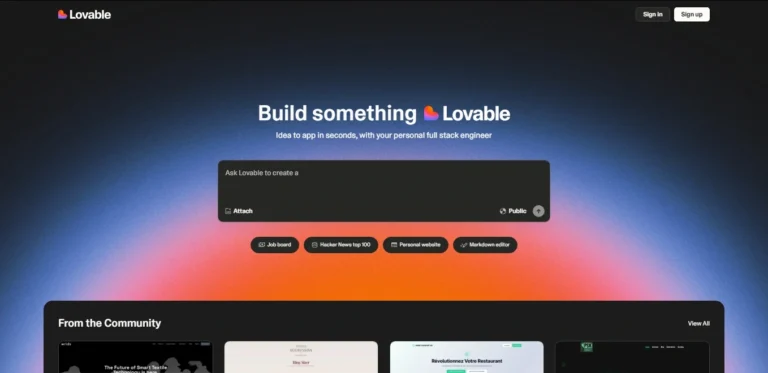
If your goal is to move from idea to working web app quickly, an AI app builder may be more useful than switching editors. Use an editor for codebases; use a builder when you want rapid prototypes, landing pages, or frontend experiments.
AI-Powered VS Code Alternatives
AI-first editors are the biggest reason developers are reevaluating VS Code. The appeal is obvious: autocomplete that understands multi-line edits, chat that can reference your codebase, agents that can run commands and edit files, and diff views that let you accept or reject the result. The risk is equally real: AI can change too much, misunderstand architecture, introduce security issues, or pass shallow tests while breaking business logic.
Use AI editors when they reduce friction, not when they hide complexity. The best workflow is still review-first: ask the agent for a plan, inspect the diff, run tests, and keep version control clean.
Related guide: If you are comparing agentic dev tools beyond editors, read OpenClaw vs Odysseus. If you want to run an agent workflow on your own server, see how to set up Hermes Agent on a Hostinger VPS.
1. Cursor – Best VS Code Alternative for Familiar AI Coding
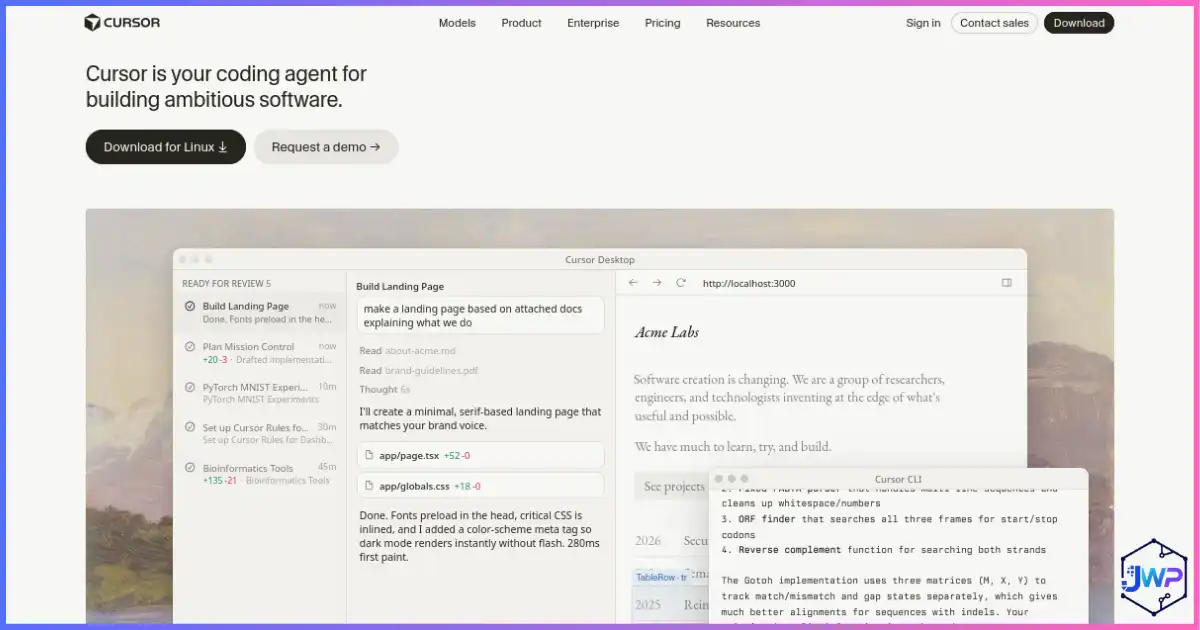
Cursor is the most obvious VS Code alternative for developers who like VS Code but want AI built into the editor. Cursor’s official materials emphasize AI autocomplete, natural language edits, codebase-aware chat, agent mode, terminal command execution with confirmation, web/documentation context, and privacy options. It is also familiar enough that many VS Code users can import extensions, themes, and keybindings without rebuilding their workflow from zero.
Best for
- Developers who want AI-first coding without learning a totally new interface.
- Frontend and full-stack developers working in TypeScript, React, Next.js, Python, and mixed codebases.
- Teams that want reviewable AI edits rather than copy-pasting from a separate chatbot.
- Developers who already use VS Code and want the shortest migration path.
Pros
- Familiar VS Code-like interface.
- Strong autocomplete and inline edit experience.
- Agent mode can search, edit, run commands, and loop on errors.
- Good fit for product teams building quickly.
- Privacy Mode and enterprise controls are available.
Cons
- Not as open-source or telemetry-simple as VSCodium or Terax.
- AI costs, model limits, and privacy settings require attention.
- Can encourage overreliance on generated diffs if teams skip review.
- JetBrains IDEs may still outperform it for deep JVM/Python refactoring.
Verdict: Cursor is the best first test for developers searching “best VS Code alternatives” because it preserves the familiar editing surface while making AI a first-class feature.
2. VSCodium – Best Closest VS Code Alternative Without Microsoft Telemetry
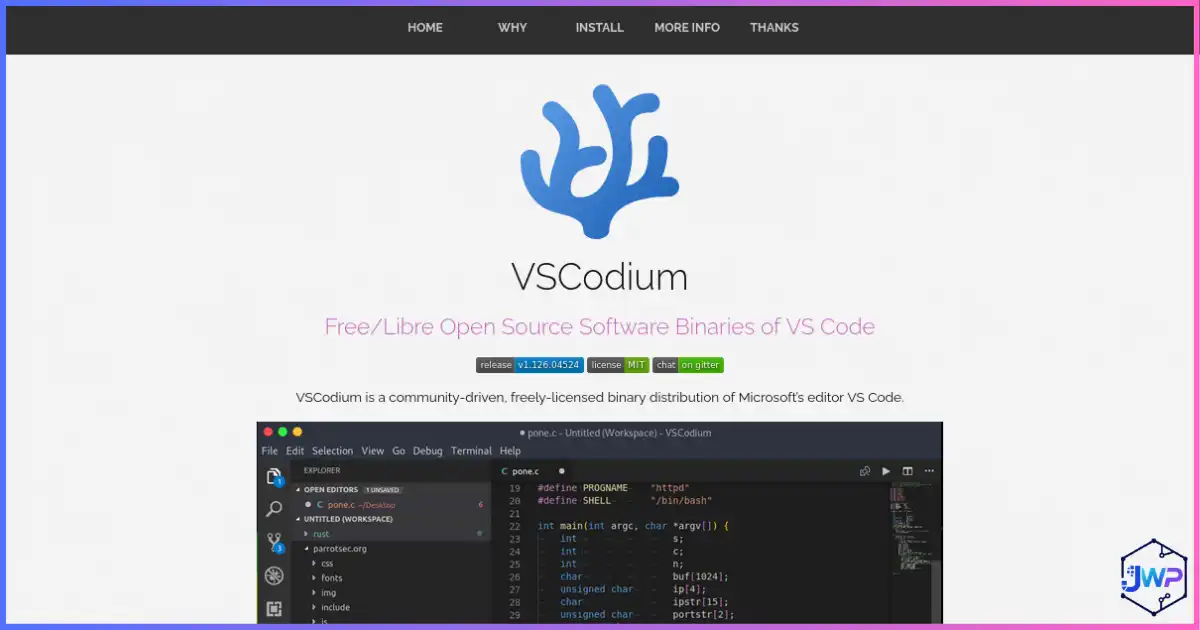
VSCodium should sit near the top of any best VS Code alternatives list because it answers a very specific need: “I like VS Code, but I want a cleaner open-source build.” It is not trying to be a new IDE philosophy. It is the closest drop-in option for people who want familiar commands, layout, keybindings, themes, and extension-style workflows without Microsoft-specific product customizations.
The important caveat is extension marketplace behavior. VSCodium uses community-oriented defaults, and some Microsoft Marketplace extensions or proprietary services may not behave exactly like they do in Visual Studio Code. For many web, Python, Go, Rust, and general editing workflows, that trade-off is acceptable. For teams that depend on Microsoft-specific extensions, remote tooling, or enterprise configuration, testing is essential before switching everyone.
Best for
- VS Code users who want the smallest workflow change.
- Developers who care about open-source binaries and telemetry-light defaults.
- Linux and privacy-conscious users who want a familiar editor without rebuilding their setup from scratch.
- Teams that can verify extension availability before standardizing on it.
Pros
- The interface is extremely familiar to VS Code users.
- Open-source build path with community-driven defaults.
- Excellent choice when the objection is telemetry, branding, or licensing rather than VS Code’s workflow.
- Low learning curve compared with Neovim, Eclipse, JetBrains, or newer agent-first tools.
Cons
- It is not a completely new productivity model; it feels like VS Code because that is the point.
- Extension marketplace differences can matter for Microsoft-specific extensions.
- AI-first tools like Cursor, Codex, Devin Desktop, and Antigravity may feel more advanced for agentic workflows.
Verdict: Yes, VSCodium belongs at position two after Cursor if the article is ranking by similarity to VS Code. Cursor is the strongest AI-first familiar switch; VSCodium is the closest non-Microsoft VS Code-like switch.
3. Google Antigravity – Best Agent-First IDE Experiment
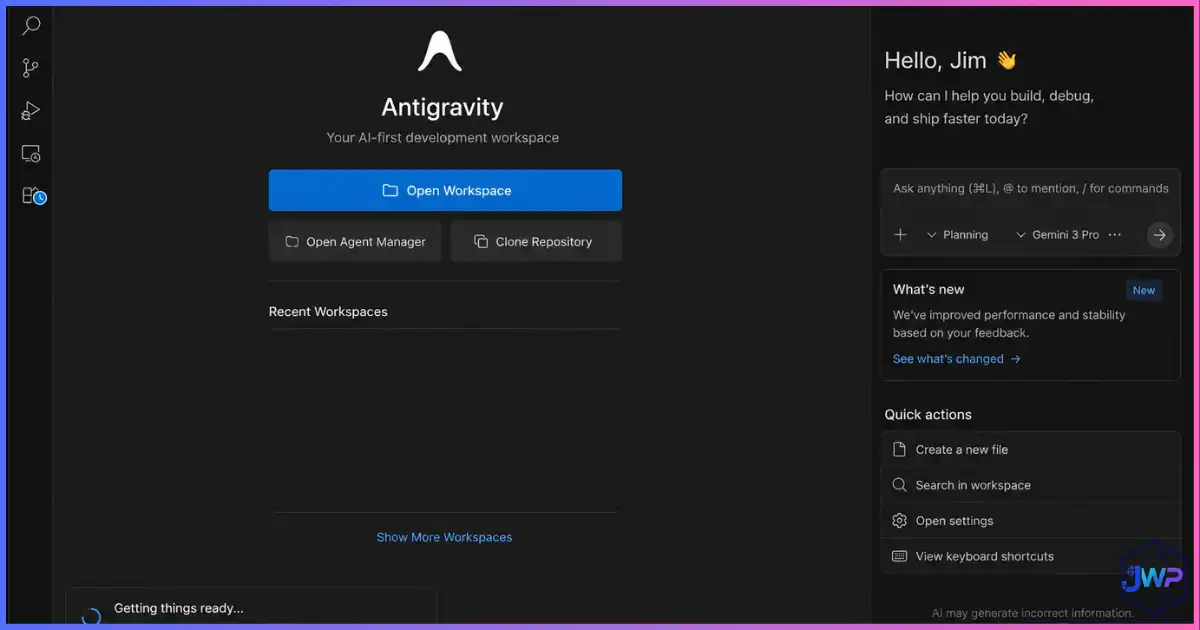
Google Antigravity represents a more agent-first direction than a traditional editor replacement. Official Google Antigravity materials describe an editor with tab autocompletion, natural-language code commands, context-aware agents, artifact review, and agents that can operate across editor, terminal, and browser surfaces. Google codelabs also highlight model selection, file and command context, terminal setup, and security settings for agent permissions.
This is not just “VS Code with autocomplete.” The interesting idea is task-level supervision. Instead of prompting line by line, you can guide agents through artifacts, feedback, and verification results. That makes Antigravity worth watching for teams experimenting with long-running agent tasks.
Best for
- Developers already invested in Gemini and Google developer tooling.
- Teams exploring agentic workflows across browser, terminal, and code.
- Builders who want task artifacts and review surfaces, not only chat.
Pros
- Agent-first workflow across multiple development surfaces.
- Artifacts and feedback loops make agent progress easier to inspect.
- Built-in editor AI assistance, commands, and context-aware agent panel.
- Strong fit for developers curious about future agent orchestration.
Cons
- Newer workflow, so teams need careful process and permission settings.
- Less familiar than Cursor for a pure VS Code migration.
- Agent autonomy must be reviewed carefully in production codebases.
4. Devin Desktop – Best for Managing Local and Cloud Coding Agents
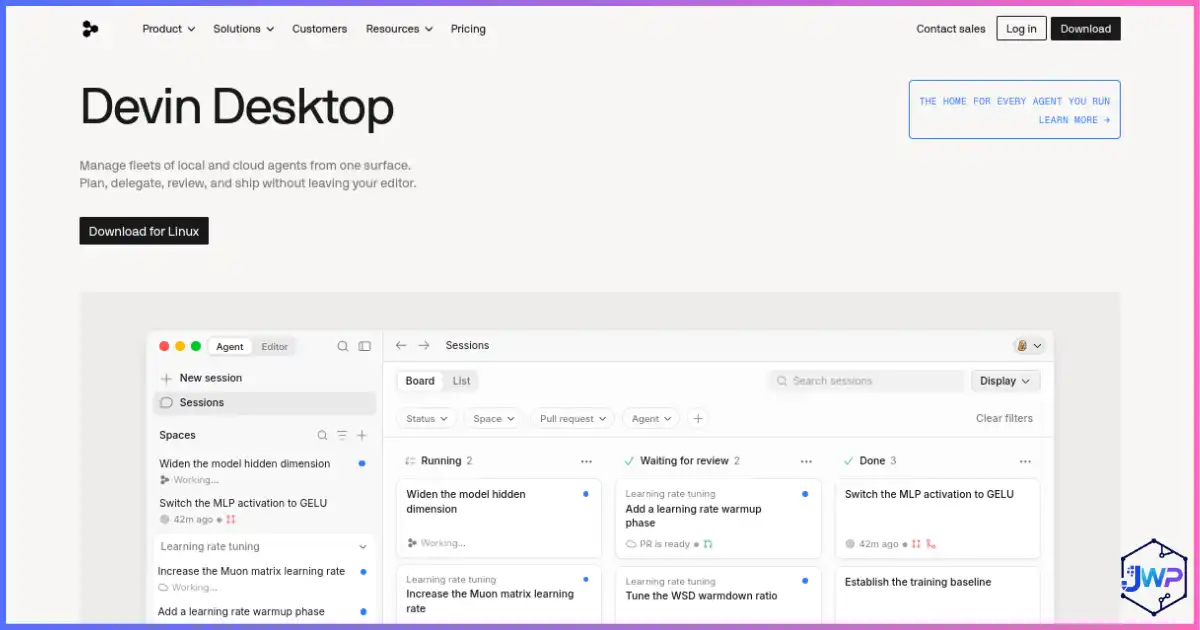
Devin Desktop belongs in this guide because the category is expanding beyond “text editor replacement.” Cognition describes Devin Desktop as the next generation of Windsurf and a default surface for agent-managed development. The core idea is to manage local and cloud agents, code changes, pull requests, and context from one workspace rather than doing every edit manually inside a conventional editor.
The most important concept is Spaces: related agents and tasks can share context, making it easier to coordinate a larger coding effort. Devin Desktop also points toward an ecosystem where ACP-compatible agents can be directed from a central surface. That makes it interesting for teams that already think in issues, branches, PRs, reviews, and long-running agent tasks.
Best for
- Engineering teams experimenting with supervised autonomous coding agents.
- Developers who want to coordinate local and cloud work rather than manually edit every file.
- Product teams that use agent-generated pull requests and need review discipline.
- Users who previously liked Windsurf-style AI development and want to follow Cognition’s new desktop direction.
Pros
- Built around agent orchestration instead of only editor autocomplete.
- Spaces can help related agents share context and keep work organized.
- Useful for multi-step tasks where planning, code changes, review, and PR follow-up matter.
- May fit teams that want agent output to be supervised through a dedicated workflow.
Cons
- It is not the most natural replacement if you simply want a VS Code-like text editor.
- Teams must define permission, review, testing, and security rules before allowing agents into important repos.
- Pricing, availability, and product behavior can change quickly in agent platforms, so confirm current terms before standardizing.
Practical caution: Agent command centers are powerful because they can coordinate work. That is also why review matters. Keep branch protection, code owners, tests, and human approval in the loop for production code.
5. Codex – Best Coding Agent Companion Across CLI, IDE, Cloud, and ChatGPT
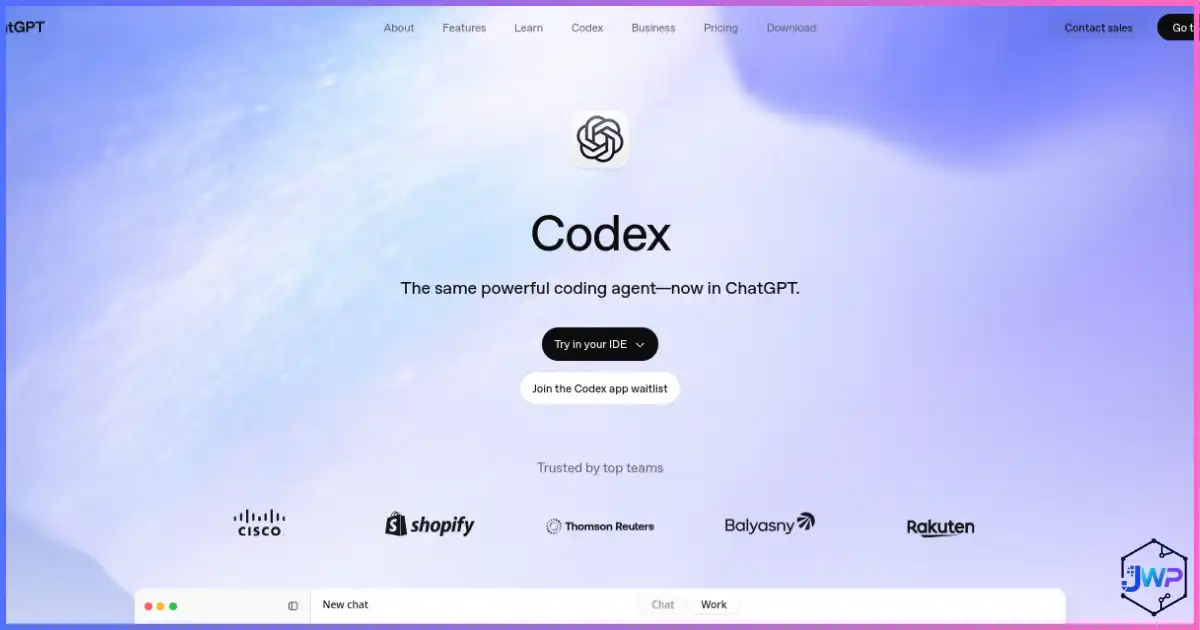
Codex is different from most VS Code alternatives in this list. It is best understood as a coding agent rather than a traditional editor. OpenAI’s Codex manual describes several surfaces: a ChatGPT desktop app for projects, files, and long-running work; a terminal-first Codex CLI; cloud tasks for delegated work in isolated environments; and an IDE extension that brings Codex beside editor context.
That makes Codex useful when your problem is not “I need a different text editor” but “I need an assistant that can understand the repo, propose changes, run commands, review code, and work within approval boundaries.” In a real workflow, Codex can sit beside VS Code, Cursor, VSCodium, JetBrains, or a terminal editor. It does not force a single editing surface.
Best for
- Developers who want a coding agent but do not want to abandon their preferred editor.
- Terminal-first workflows where a CLI agent can inspect files, edit code, and run verification commands.
- Teams that want cloud-delegated coding tasks while keeping local review and approvals.
- Code review, debugging, refactoring, documentation, tests, migration work, and structured implementation tasks.
Pros
- Works across multiple surfaces instead of replacing every editor habit.
- Can be useful for implementation, review, debugging, and repo-level reasoning.
- CLI and IDE-extension workflows make it attractive for developers who already live in terminal/editor loops.
- Cloud delegation can help when work benefits from isolated environments or parallel task execution.
Cons
- Not a standalone VS Code clone, so users expecting a full GUI editor may be confused.
- Requires clear instructions, scoped permissions, version control, tests, and human review.
- Like any AI coding tool, output should be treated as a diff to inspect, not a guaranteed correct answer.
Verdict: Codex is one of the strongest additions for developers who want agentic help without tying the entire workflow to one editor. Pair it with the editor you already trust.
6. Terax – Best Terminal-First AI-Native Workspace
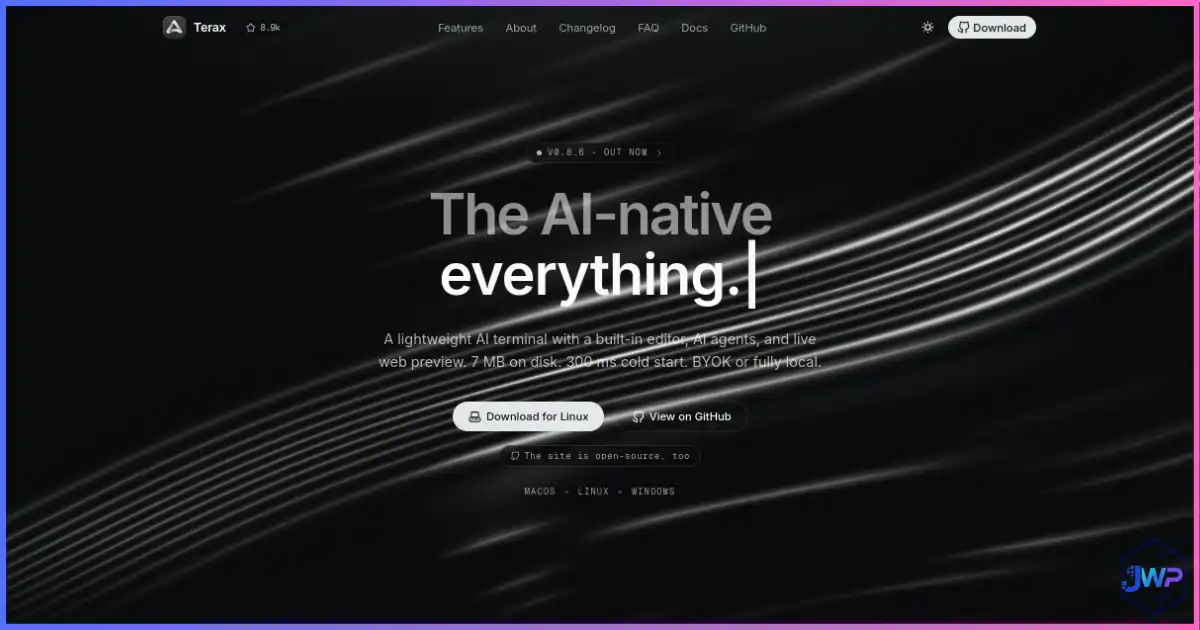
Terax deserves a place in this guide because it approaches the VS Code alternative question from a different direction. It is not trying to be a heavy all-language IDE. Its official documentation describes a lightweight terminal-first AI-native dev workspace built on Tauri 2, Rust, React, xterm.js, CodeMirror 6, and a bring-your-own-key or local-model approach. The Terax site highlights a roughly 7 MB app size, a fast cold start, no telemetry, Apache-2.0 licensing, local model options via LM Studio/Ollama-style workflows, source control, live web preview, AI edit diffs, snippets, skills, and project memory.
Terax is especially interesting for developers who feel VS Code became too large for terminal-centric work. It keeps terminal, file explorer, editor, source control, web preview, and agents in one small workspace.
Best for
- Terminal-first developers who want AI without leaving the shell-centered flow.
- Developers who want no telemetry and no account by default.
- Local-model users who want BYOK or fully local AI workflows.
- Small app and web projects where a full IDE is overkill.
Pros
- Open source under Apache-2.0.
- No telemetry and no required hosted backend.
- Terminal, editor, Git, preview, and AI in one lightweight app.
- Reviewable AI edit diffs before changes touch disk.
- Good fit for dev servers, scripts, and local-first projects.
Cons
- Not a full IDE with deep debugger UI and enterprise refactoring tools.
- Smaller ecosystem than VS Code, JetBrains, or Neovim.
- May feel unusual if you are used to extension-heavy GUI workflows.
Verdict: Terax is one of the most interesting new entries for developers who want a tiny, open-source, terminal-first AI workspace rather than another VS Code fork.
7. Zed – Best Fast Editor for Collaboration and AI
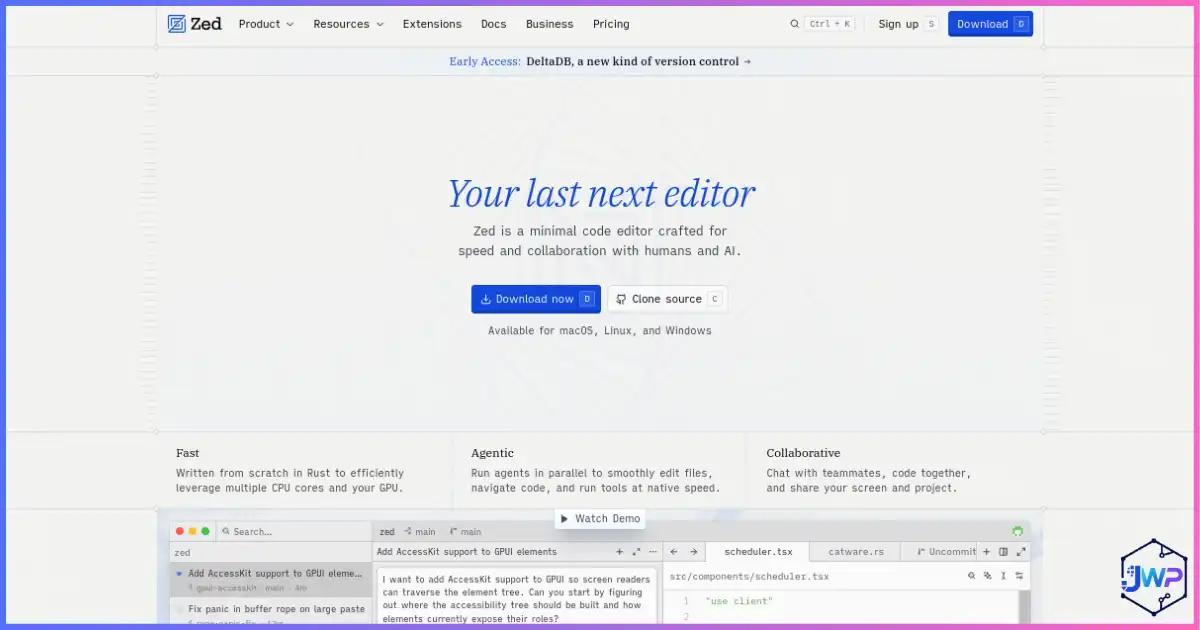
Zed is a modern editor built for speed and collaboration. Its official AI page positions Zed as an AI code editor built for native speed, with agentic editing, real-time collaboration, reviewable diffs, and support for bringing agents through protocols such as ACP and tools through MCP. The core appeal is that Zed feels fast while still moving toward agent-assisted coding.
Compared with Cursor, Zed is less “VS Code but AI” and more “a new editor with speed, multiplayer, and AI review loops baked in.” That can be compelling if VS Code feels sluggish or if your team pair-programs often.
Best for
- Developers who value startup speed and responsiveness.
- Teams that use pair programming or collaborative editing.
- Developers who want AI agents but still want to review diffs carefully.
Pros
- Fast, modern editor experience.
- Strong collaboration story.
- Agentic editing with review and refinement.
- Good direction for MCP/agent ecosystem integration.
Cons
- Extension ecosystem may not match VS Code for every stack.
- Developers with highly customized VS Code workflows may need adjustment time.
- Some specialized debugging/language workflows still favor JetBrains or VS Code extensions.
8. Replit – Best Browser-Based VS Code Alternative for Fast App Building
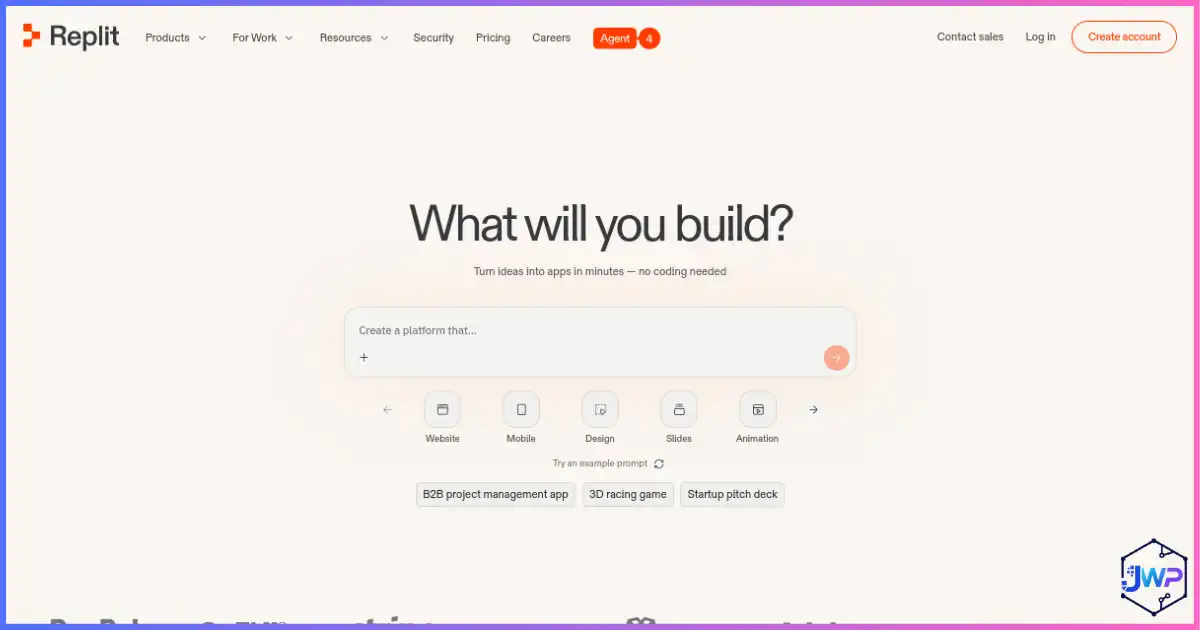
Replit is not a classic desktop editor, but it is one of the most practical VS Code alternatives for beginners, educators, founders, and teams that want to build in the browser. Replit’s official AI app builder materials emphasize prompt-to-app creation, full-stack projects, integrated databases, file storage, authentication, secrets, real-time collaboration, mobile access, and deployment from the same environment.
Where Cursor and VSCodium keep the local editor model, Replit changes the operating model: the workspace, dependencies, collaboration, hosting, and app preview live in the cloud. That can be a huge advantage if you teach programming, work from multiple devices, prototype quickly, or want to share a working project without explaining local setup. It can also be a disadvantage if your company requires local development, custom infrastructure, strict data controls, or complex production deployment pipelines.
Best for
- Beginners who want to start coding without configuring a local machine.
- Teachers, students, and teams that need shareable browser workspaces.
- Founders and creators building prototypes, internal tools, demos, and MVPs.
- Developers who want AI app generation plus hosting and collaboration in one place.
Pros
- No traditional local setup for many projects.
- Good collaboration story through workspaces and browser-based access.
- Can combine coding, AI generation, secrets, database/storage/auth services, previews, and deployment.
- Helpful for learning, teaching, and rapid validation.
Cons
- Not the best fit for every production codebase or enterprise compliance requirement.
- Cloud dependency means platform limits, outages, billing, and vendor lock-in should be considered.
- Advanced local debugging, custom infrastructure, and large monorepo workflows may still favor local IDEs.
Best use case: Treat Replit as a browser-based build-and-deploy workspace, not merely a text editor. It shines when collaboration and speed matter more than reproducing a desktop VS Code setup.
Open-Source and Privacy-Friendly VS Code Alternatives
Not every developer wants AI-first tooling. Some want a cleaner license story, fewer telemetry concerns, or a more controllable editor. VSCodium already received a standalone review above because it is the closest VS Code-like option; this section covers the other open-source and privacy-friendly choices that make sense when customization, keyboard control, Linux integration, or quick local editing matter.
Neovim vs VS Code
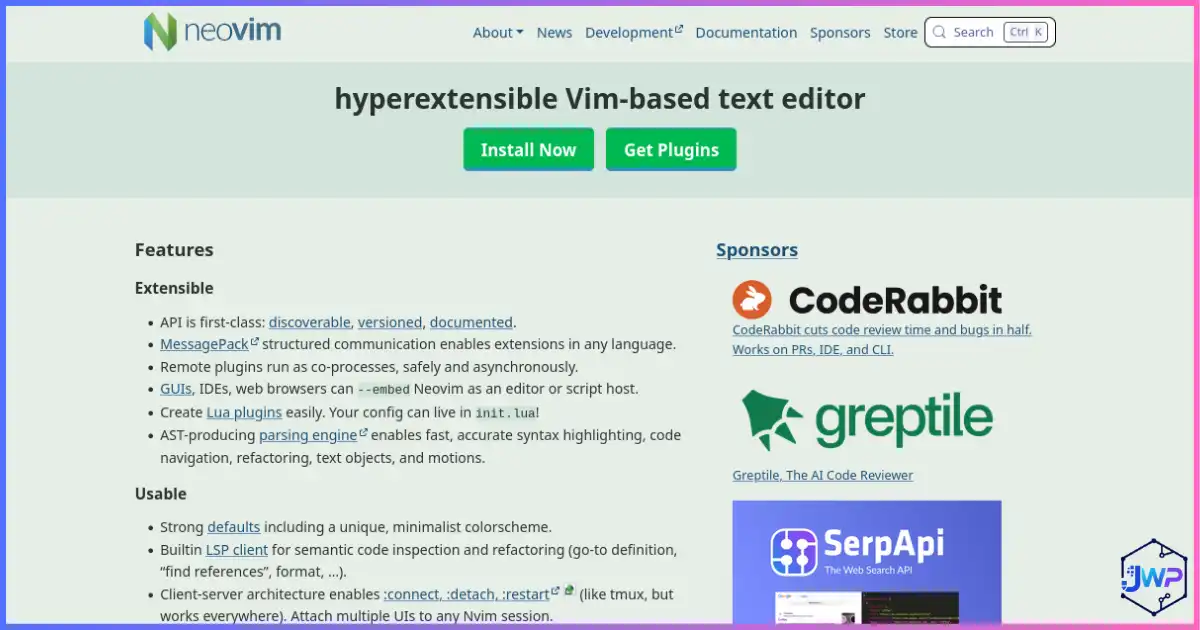
Neovim is not beginner-first, but it is powerful. It is a Vim-based editor engineered for extensibility and usability, with built-in LSP, Lua configuration, async job control, and a massive plugin ecosystem. Choose it if keyboard speed and control matter more than a polished graphical default.
Kate vs VS Code
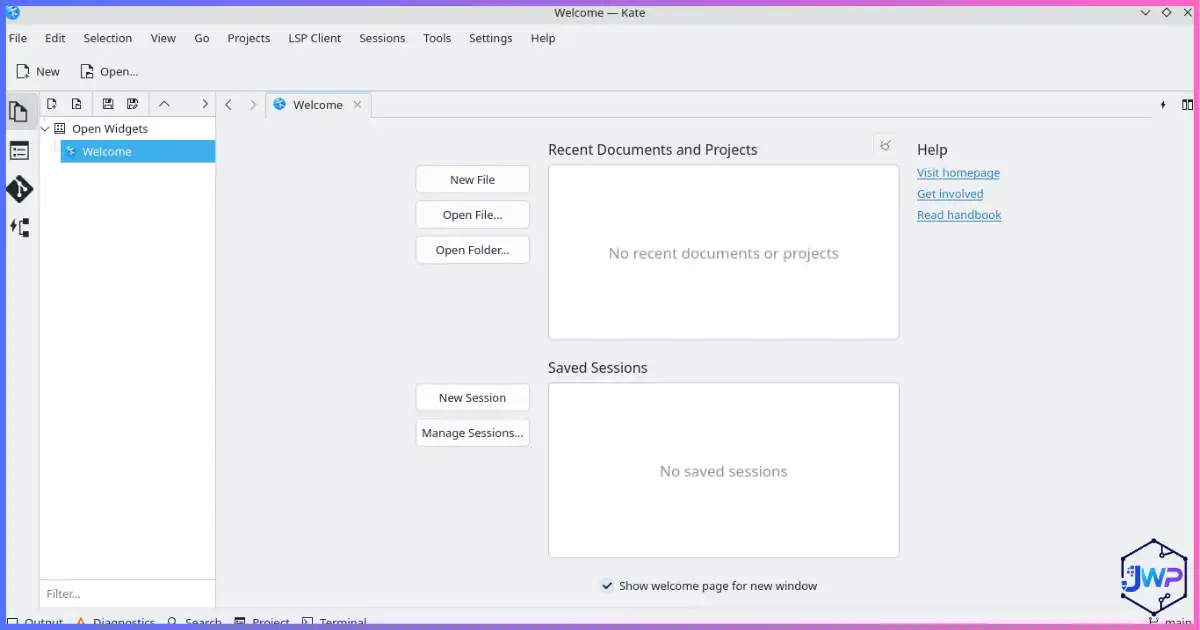
Kate is underrated for developers who want a serious GUI editor without joining the VS Code ecosystem. KDE lists LSP, project support, Git integration, split views, integrated terminal, syntax highlighting for hundreds of languages, multi-cursor editing, and plugins.
Notepad++ vs VS Code
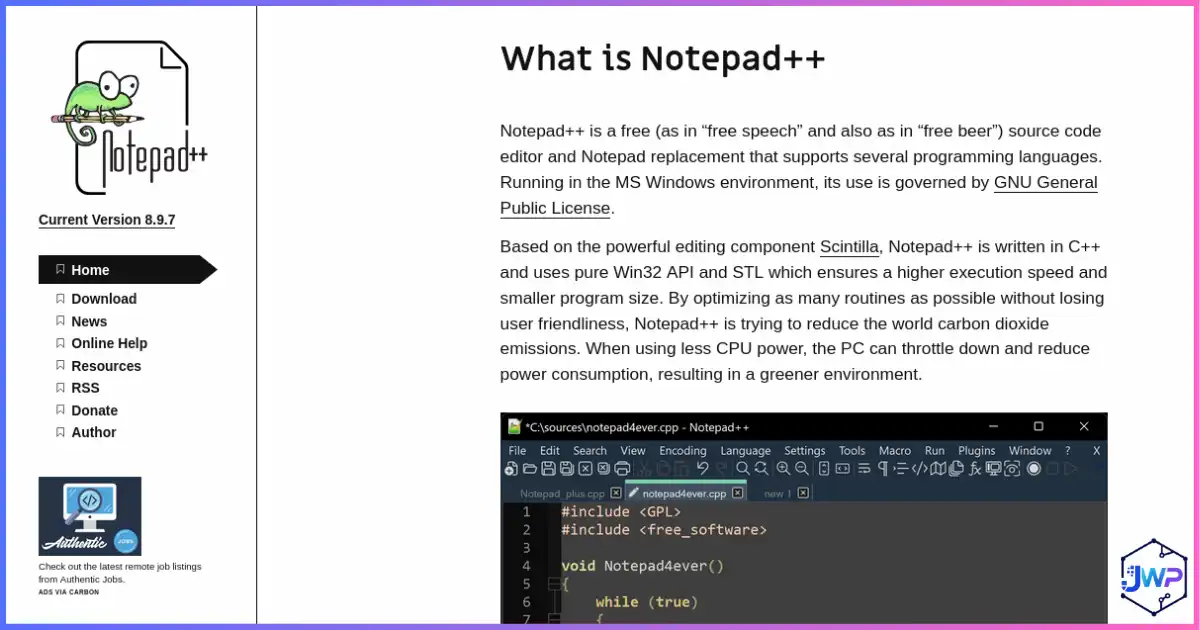
Notepad++ is the simplest tool here. It is Windows-native, free, open source, Scintilla-based, fast, and practical for quick edits. It is not trying to be a modern cloud/AI IDE. That is the point.
Full IDE VS Code Alternatives
Full IDEs are heavier than editors because they do more by default. That trade-off can be worth it when your project depends on deep refactoring, debugging, profiling, test runners, build tools, database tools, framework insight, and first-class language support.
IntelliJ IDEA
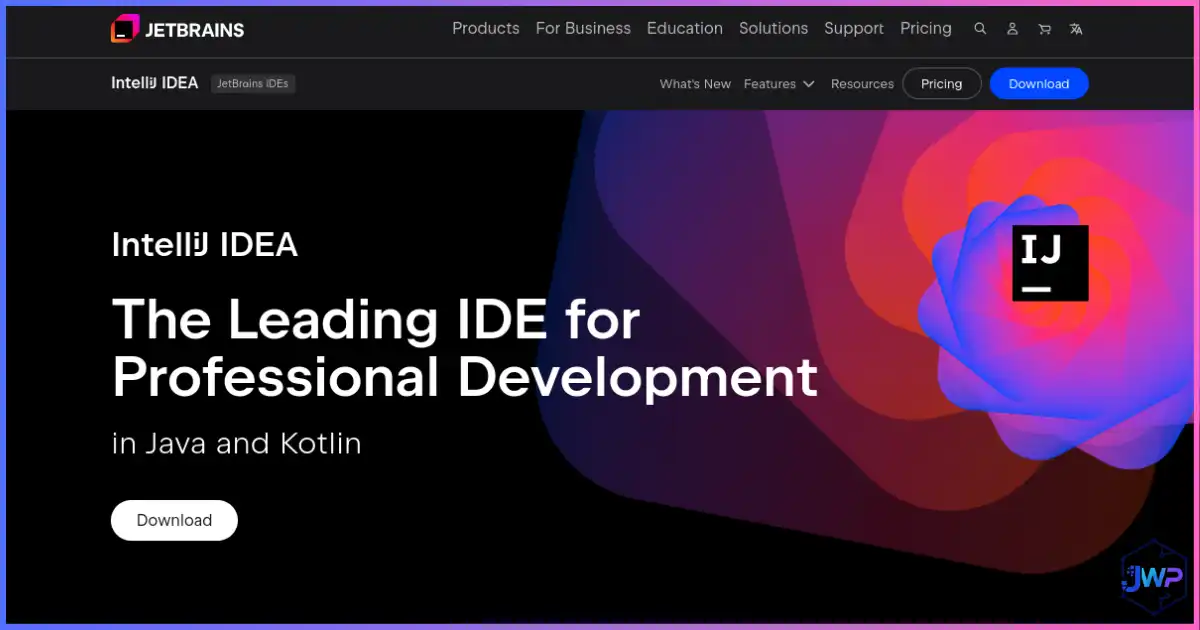
IntelliJ IDEA is the obvious VS Code alternative for serious Java and Kotlin development. JetBrains has years of deep IDE intelligence around JVM code, refactoring, Spring, Gradle, Maven, testing, debugging, database tooling, and project navigation. Current JetBrains AI Assistant documentation also shows how AI agents, external ACP-compatible agents, MCP tools, context-aware chat, code completion, next-edit suggestions, and local model setups are becoming part of the JetBrains workflow.
Choose IntelliJ IDEA when a general editor with extensions feels too fragile for your backend stack. It is heavier, but it understands JVM projects in ways that save time on large codebases.
PyCharm
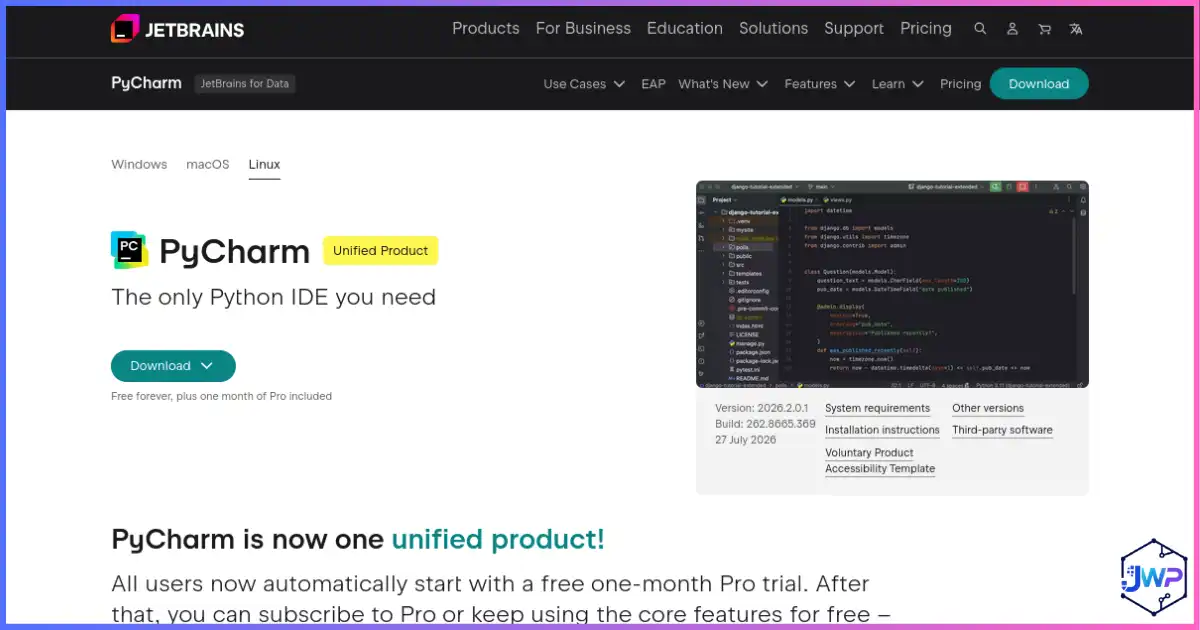
PyCharm is the Python-focused sibling. JetBrains describes PyCharm as covering web, data, and AI/ML workflows with Python, databases, Jupyter, Git, Conda, PyTorch, TensorFlow, Hugging Face, Django, Flask, FastAPI, JavaScript, TypeScript, React, SQL, debugger, testing, and AI-assisted coding. If Python is your primary language, PyCharm often feels more cohesive than VS Code plus a bundle of Python extensions.
Eclipse IDE
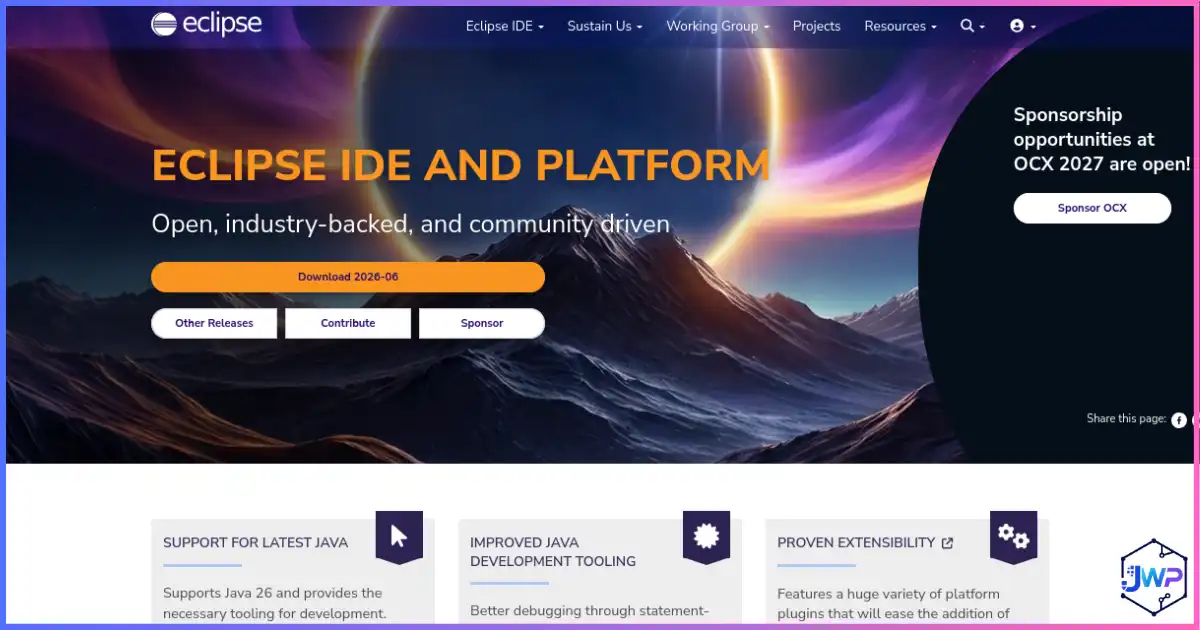
Eclipse IDE remains a serious VS Code alternative for Java and enterprise development. The Eclipse IDE for Java Developers package includes the Java IDE, Git client, XML editor, Maven integration, Gradle integration, and cross-platform support for Windows, macOS, and Linux. Eclipse documentation also highlights classic IDE features such as syntax highlighting, content assist, formatting, import assistance, quick fixes, and integrated debugging.
Eclipse is especially worth considering if your team has long-running Java projects, Eclipse plug-ins, RCP applications, or open-source workflows that already fit the Eclipse ecosystem. Compared with IntelliJ IDEA, Eclipse can feel less polished to some beginners, but it remains mature, free, open source, extensible, and familiar in many enterprise environments.
Full IDE trade-off: JetBrains tools and Eclipse can feel heavier than VS Code, Sublime, Zed, or Terax. They shine when language intelligence, debugging, framework support, and refactoring save more time than the extra resource usage costs.
Lightweight VS Code Alternatives
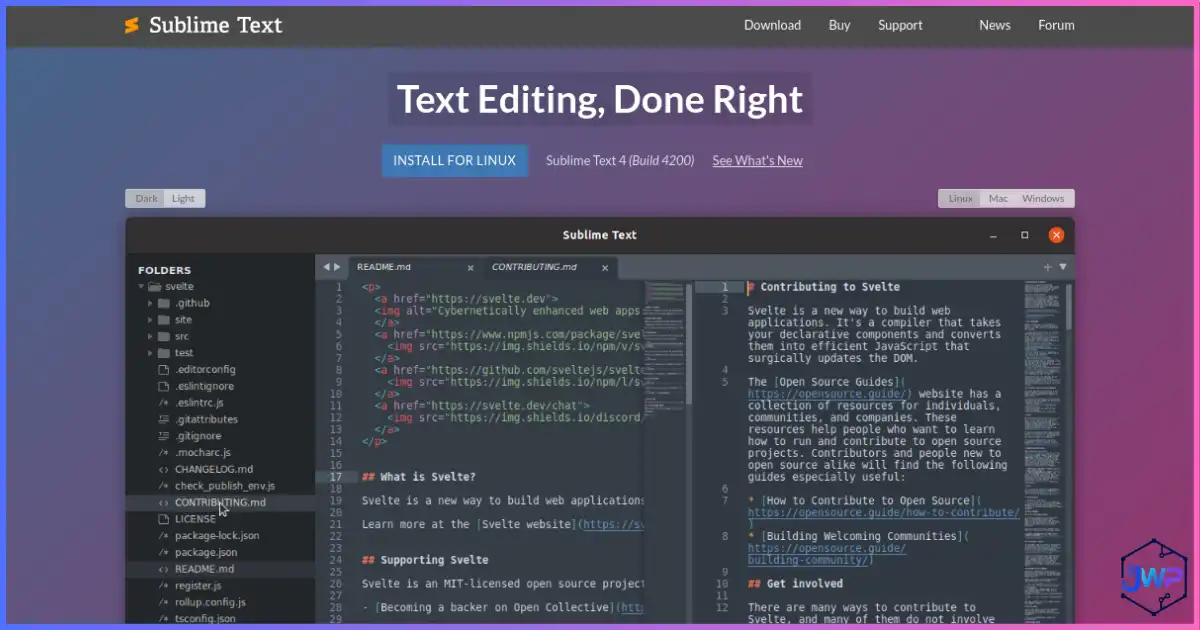
Sublime Text remains one of the best lightweight editors because it feels fast and polished. Its official documentation includes GPU rendering options, and its long-standing strengths are quick navigation, multiple selections, command palette workflows, and low-friction editing. It is not a free open-source editor, but many developers still prefer it for speed.
Notepad++ is even simpler: free, open source, Windows-native, fast, and useful for editing code snippets, scripts, logs, and configuration files. If you need modern Git, AI, terminal, LSP, testing, and debugging, use something else. If you need to open a file instantly and edit it safely, Notepad++ remains excellent.
Recommended Editor Workflows by Project Type
| Project type | Best first choice | Strong second choice | Why |
|---|---|---|---|
| Next.js / React app | Cursor or Zed | VS Code/VSCodium | AI refactors and component edits are useful; extension ecosystem still matters. |
| AI-generated prototype | Replit or Bolt + Cursor | Builder.io + VS Code | Use cloud builders for speed, then move code into an editor or agent review flow for maintenance. |
| Agent-managed feature work | Codex or Devin Desktop | Google Antigravity | Agent workflows need planning, scoped permissions, test runs, branch discipline, and human review. |
| Java / Spring backend | IntelliJ IDEA | Eclipse IDE or Cursor with JVM tooling | IDE-native refactoring and framework insight matter on large JVM projects. |
| Eclipse plug-in or RCP project | Eclipse IDE | IntelliJ IDEA | Eclipse remains a practical choice when the project already depends on the Eclipse ecosystem. |
| Python / data science | PyCharm | VS Code or Cursor | PyCharm bundles notebooks, debugger, SQL, testing, and Python inspections. |
| Terminal-heavy scripts | Terax or Neovim | Sublime Text | Terminal-first workflows benefit from speed and keyboard control. |
| Open-source project | VSCodium or Neovim | Kate | Open-source defaults and fewer proprietary assumptions matter to contributors. |
| Quick Windows edits | Notepad++ | Sublime Text | Fast startup and low resource use beat full IDEs for small changes. |
Website builders vs code editors: If the project is mostly a marketing page or visual website, you may not need an IDE-first workflow. Read how to build a website with Builder.io and how to create a website with AI before spending days configuring an editor stack.
Build faster when the editor is not the bottleneck
For landing pages and visual frontends, a builder can be faster than hand-coding every section. For app prototypes, AI builders can help you validate the idea before you settle into a full IDE.
How to Migrate from VS Code Without Breaking Your Workflow
Do not switch editors during a deadline. Test alternatives on a side project, a branch, or one repo first. The goal is to discover friction before the tool becomes responsible for production work.
- Export your VS Code extension list. Note which extensions are essential, optional, or abandoned.
- Identify your non-negotiables. Debugger, Git, terminal, Docker, remote dev, Vim mode, test runner, Copilot, database tools, notebooks, formatting, linting.
- Test one editor per category. For example: Cursor for AI, VSCodium for the closest VS Code-like switch, Codex for agent assistance, Replit for cloud building, PyCharm for Python, Eclipse for open-source Java, and Zed for speed.
- Open a real project. Toy examples hide problems. Use a repo with tests, scripts, env files, and generated code.
- Run the full loop. Edit, search, debug, commit, run tests, review AI output, handle merge conflicts, and open docs.
- Check privacy and model settings. Especially for AI editors handling private company code.
- Keep a rollback path. Do not delete VS Code until the new setup survives a full week of normal work.
For content sites and monetized apps: If you are editing React or Next.js projects that include ads, keep the implementation clean when switching editors. This guide on implementing Adsterra ads in React/Next.js is useful when you need to preserve layout, performance, and code hygiene.
Once your project is polished, do not forget distribution. Developers often spend weeks choosing an editor and then forget to publish, promote, and build trust signals. After launching, use free backlinks from high-authority websites to get your product or documentation discovered.
Best VS Code Alternatives FAQs
What is the best VS Code alternative overall?
For most VS Code users who want a familiar AI-first editor, Cursor is the easiest first choice. VSCodium belongs right after Cursor if you want the closest VS Code-like alternative without Microsoft branding and telemetry customizations. For full IDE workflows, IntelliJ IDEA, PyCharm, and Eclipse IDE are stronger. For agentic coding, compare Codex, Devin Desktop, Google Antigravity, and Terax. For browser-based app building, try Replit.
Is Cursor better than VS Code?
Cursor can be better if you want built-in AI chat, codebase context, inline edits, and agent workflows. VS Code remains better if you want the largest extension ecosystem, Microsoft-backed stability, and a familiar non-AI-first default.
Is VSCodium the same as VS Code?
VSCodium is built from Microsoft’s open-source VS Code repository, but without Microsoft branding, telemetry, and licensing customizations. The interface is very familiar, but extension marketplace behavior can differ.
Which VS Code alternative is best for Python?
PyCharm is the strongest dedicated Python IDE. Cursor or VS Code can also be excellent for Python if you prefer lighter editor workflows and extension-based setup.
Which VS Code alternative is best for Java?
IntelliJ IDEA is usually the strongest Java and Kotlin IDE because of its deep refactoring, debugging, Spring, Maven, Gradle, and code insight features. Eclipse IDE is the better open-source Java pick when you want mature community tooling, Eclipse plug-in support, or a workflow already built around Eclipse workspaces.
Is Codex a VS Code alternative?
Codex is not a traditional editor replacement. It is a coding agent that can support terminal, IDE extension, cloud, and ChatGPT desktop workflows. It can work alongside VS Code, VSCodium, Cursor, JetBrains, or terminal editors when you want repo-aware implementation, review, debugging, or test assistance.
Is Replit better than VS Code for beginners?
Replit can be easier for beginners because it reduces local setup and provides a browser-based workspace with collaboration, previews, deployment, and AI app generation. VS Code is still better when you need a local development environment, broad extensions, custom tooling, or enterprise-controlled workflows.
What is Devin Desktop best for?
Devin Desktop is best for developers and teams who want to supervise coding agents, related tasks, pull requests, and shared context from an agent command center. It is less suitable if you simply want a lightweight text editor.
Which alternative is best for low-end computers?
Notepad++, Sublime Text, Neovim, Kate, and Terax are good lightweight choices. The best one depends on whether you want GUI simplicity, terminal control, or AI assistance.
Is Terax a full IDE?
No. Terax describes itself as a terminal-first AI-native dev workspace. It includes terminal, editor, file explorer, source control, web preview, and AI agents, but it is not a full IDE like IntelliJ IDEA, PyCharm, or Eclipse IDE.
Should beginners leave VS Code?
Not necessarily. VS Code is still a safe beginner default. Beginners should switch only when they have a clear reason: AI-first workflow, Python/JVM depth, privacy, speed, or terminal-first development.
Sources and Research Notes
This article uses official product documentation where possible. Pricing, platform support, AI features, and product names change quickly, so confirm details before standardizing your team workflow.
Open sources used
- Cursor official site and Cursor docs – AI autocomplete, agent, context, and review features.
- Google Antigravity IDE and Google codelab – agent, editor, terminal, browser, and settings details.
- Cognition: Introducing Devin Desktop and Devin 2.2 notes – Devin Desktop positioning, Spaces, local/cloud agents, and agent workflow direction.
- OpenAI Codex CLI manual, Codex IDE extension manual, Codex cloud manual, and Codex app manual – Codex surfaces, command flow, IDE integration, and cloud delegation.
- Replit AI app builder and Replit Workspaces docs – prompt-to-app creation, cloud services, collaboration, and workspace organization.
- Terax official site, Terax docs, and Terax about page – app size, architecture, local/BYOK AI, no telemetry, and feature set.
- Zed AI page – agentic editing, collaboration, review diffs, ACP/MCP integration.
- VSCodium GitHub – open-source VS Code binaries, telemetry notes, extension marketplace caveats.
- JetBrains AI Assistant for IntelliJ IDEA and PyCharm AI Assistant docs.
- Eclipse IDE for Java Developers package and Eclipse Java editor documentation – Java IDE package contents, Git, XML, Maven/Gradle integration, editor assistance, formatting, quick fixes, and debugging.
- Neovim official site and Neovim about page – extensibility, built-in LSP, Vim-based workflow.
- Kate editor official site and KDE Apps: Kate – LSP, plugins, terminal, syntax highlighting, Git, split views.
- PyCharm features – Python, web, data science, database, debugger, AI features.
- Sublime Text GPU rendering docs – performance and rendering details.
- Notepad++ official site – Windows-native editor, open source, syntax, plugins, performance claims.
- Stack Overflow Developer Survey 2025: Technology – IDE and AI-enabled tooling trends.
- Stack Overflow 2025 survey press release – AI usage, trust, and AI-enabled tool adoption notes.