How to Create a Website with AI
AI can help you go from blank page to polished website faster than ever, but the best results still come from a smart process. This guide shows how to plan, prompt, design, refine, optimize, host, and launch a professional AI-built website.
Quick Answer
To create a website with AI, start by defining your website goal, audience, pages, and visual style. Collect a few reference designs, write a detailed prompt, generate the first version with an AI website builder or coding tool, refine the design and copy, test the site on mobile, optimize SEO, then publish it on reliable hosting with a custom domain.
Inspiration credit: This article is inspired by the website-building video and creative workflow from Viktor Oddy on YouTube. The written guide below is original, expanded for SEO, and includes additional practical steps for planning, SEO, hosting, and launch.
Creating a website with AI is not just about typing “make me a website” and hoping for the best. The strongest AI-built websites usually come from a repeatable workflow: gather inspiration, describe the goal clearly, generate a first draft, critique it like a designer, refine the details, then launch it like a real production website.
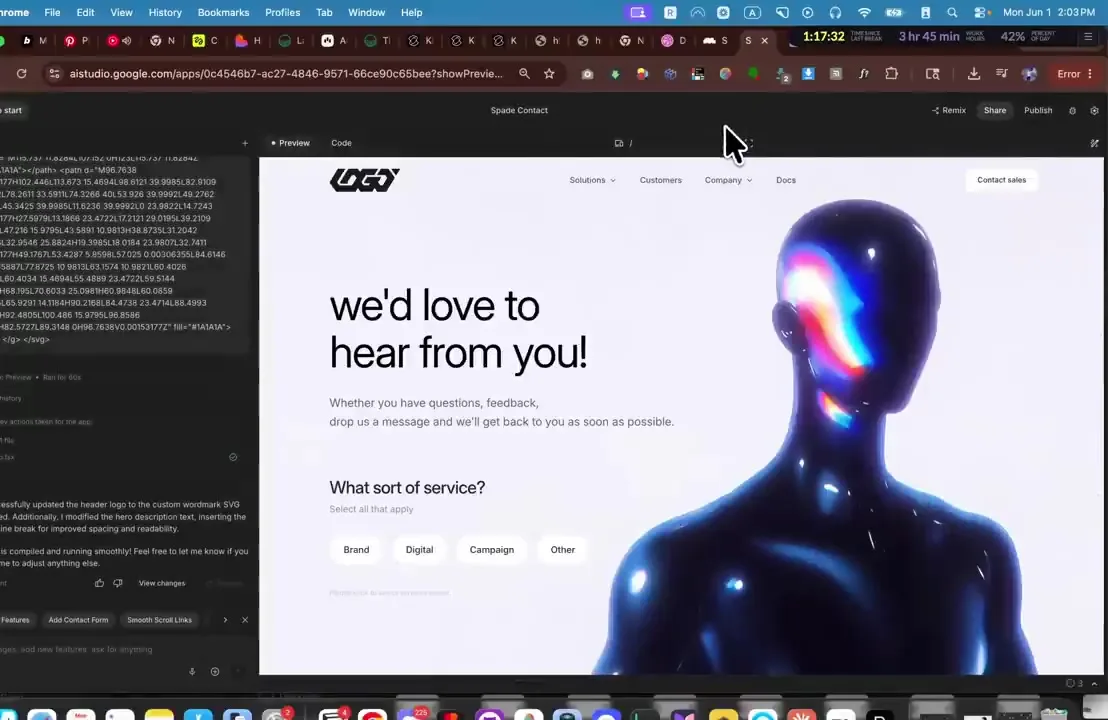
The reference video used for this guide shows a fast creative build: award-winning visual inspiration, image experimentation, Google AI Studio prompting, design refinement, and a polished futuristic homepage.
What Does It Mean to Create a Website with AI?
Creating a website with AI means using artificial intelligence to speed up one or more parts of the web design process. AI can help you brainstorm the website strategy, write copy, generate images, design sections, create layouts, write code, fix bugs, add animations, produce SEO metadata, and prepare launch checklists.
There are two main approaches. The first is a no-code AI website builder, where you describe the site and the platform creates pages, sections, and content inside a visual editor. The second is an AI coding workflow, where tools such as Google AI Studio generate a real web app that you can edit, export, deploy, and host. If you want to compare the second approach in detail, read the dedicated guide on how to build a website with Google AI Studio.
The magic is speed. The risk is sameness. AI can quickly produce a good-looking design, but it can also create generic copy, vague positioning, inconsistent spacing, unoptimized images, and fragile code. Your job is to guide the tool, curate the output, and turn the first draft into a real website people can trust.
Important: AI should accelerate your website process, not replace your judgment. Review every headline, form, link, image, button, metadata field, and mobile layout before publishing.
Watch the AI Website Creation Tutorial
Ready to Launch the Site After Building?
Once your AI-generated website is ready, use reliable hosting, connect your domain, test the site, and publish confidently.
Before You Create a Website with AI
The quality of your AI website depends on the quality of your brief. Before you prompt any AI tool, write down the essentials.
Prepare these details first:
- Website goal: lead generation, portfolio, ecommerce, booking, newsletter, SaaS waitlist, or service sales.
- Target audience: who the website is for and what they need to believe before taking action.
- Core offer: the product, service, or message the site must make clear.
- Pages or sections: home, about, services, work, pricing, FAQ, contact, blog, privacy policy.
- Visual direction: mood, colors, typography, image style, spacing, and reference sites.
- Primary CTA: book a call, start a project, buy now, join waitlist, contact us, or download.
- SEO keyword: the main search phrase the page should target.
- Hosting plan: decide whether you need static hosting, WordPress hosting, or app hosting.
How to Create a Website with AI: Step by Step
Step 1: Start with Strong Visual Inspiration
The video starts with high-quality web design inspiration rather than a blank prompt. This is a smart move. AI tools respond better when you can describe what you want visually: dark or light, editorial or app-like, playful or premium, minimal or immersive.
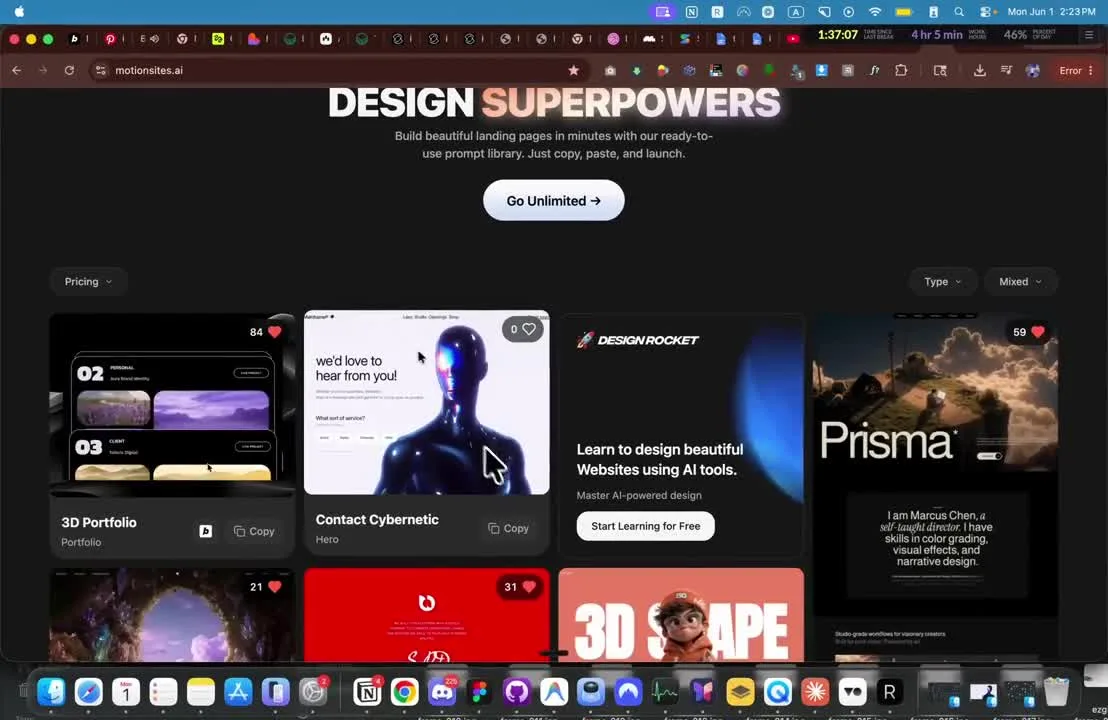
Do not copy another designer’s work. Use references to define taste and direction. Your prompt might say: “Create a futuristic service website inspired by high-end design portfolios, with strong typography, a large hero image, clean navigation, and a minimal contact flow.”
Step 2: Create or Collect Hero Visuals
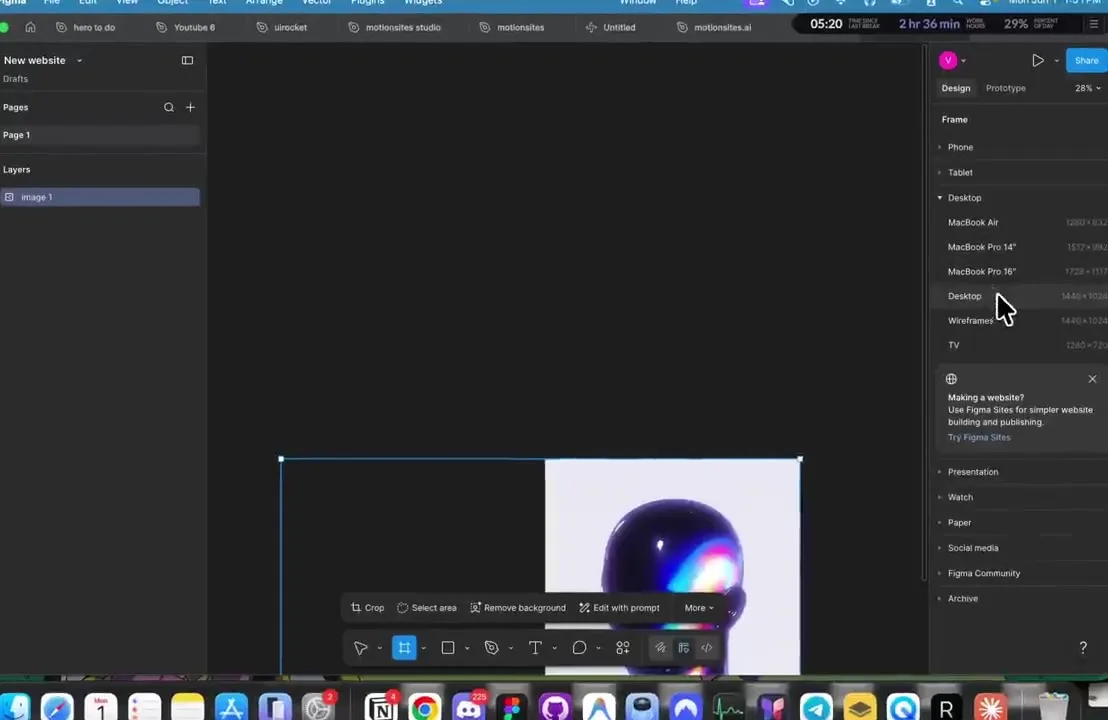
AI websites often fail because the visuals feel generic. If your hero image looks like stock art, the whole website feels less premium. In the reference workflow, the creator uses a striking cybernetic figure as the visual anchor, then designs the website around that mood.
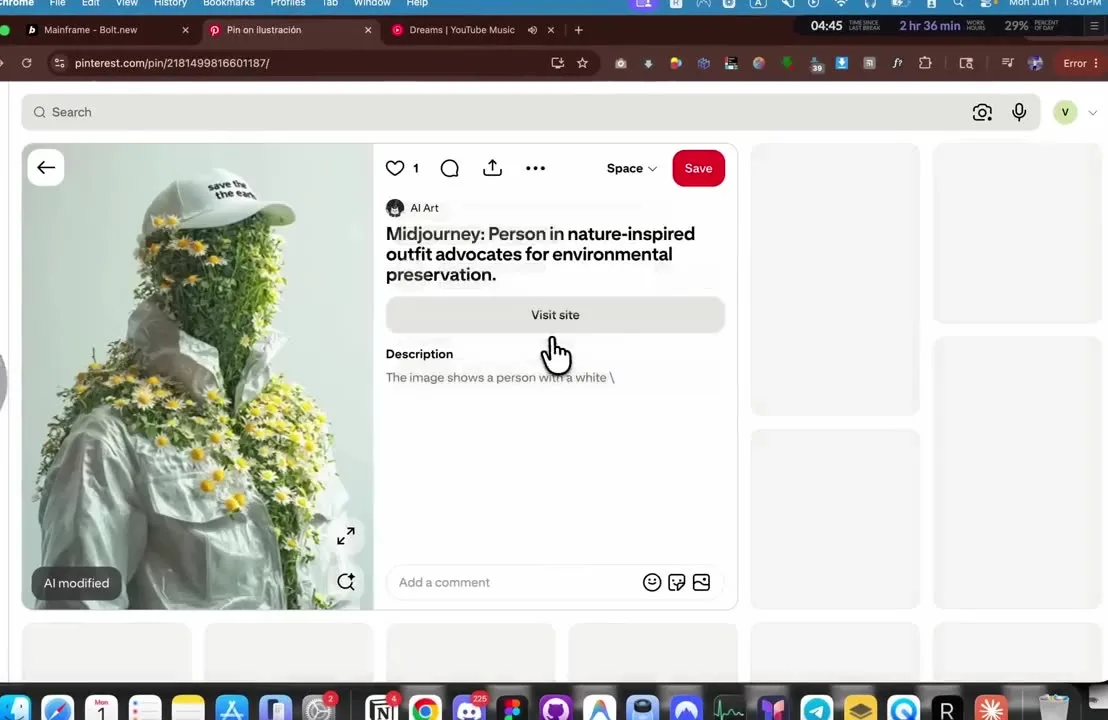
You can generate images with an AI image tool, use brand photography, create a product mockup, or combine assets in a design tool. The main goal is to give the site a memorable first impression.
Step 3: Choose the Right AI Website Tool
Choose your AI tool based on how much control you need. If you want an easy no-code workflow, use a builder such as Lovable or another AI site creator. If you want editable app code, use a tool such as Google AI Studio. If you want a traditional CMS, use WordPress with AI writing, design, or page-building tools.
For a deeper no-code build, see how to build a website with Lovable AI. If you are using Google’s app-building workflow, see how to build a website with Google AI Studio.
| Tool Type | Best For | Pros | Watch Out For |
|---|---|---|---|
| No-code AI website builder | Fast business websites and landing pages | Simple workflow, visual editing, quick launch | Less code-level control |
| AI coding tool | Custom websites, apps, and interactive tools | Editable code and more flexibility | Requires deployment and security care |
| WordPress plus AI tools | Blogs, content sites, service websites | CMS, plugins, SEO ecosystem | Can become plugin-heavy |
| Design tool plus AI | Visual-first websites and prototypes | Great creative control | Still needs development or export workflow |
Step 4: Prompt the AI with a Complete Website Brief
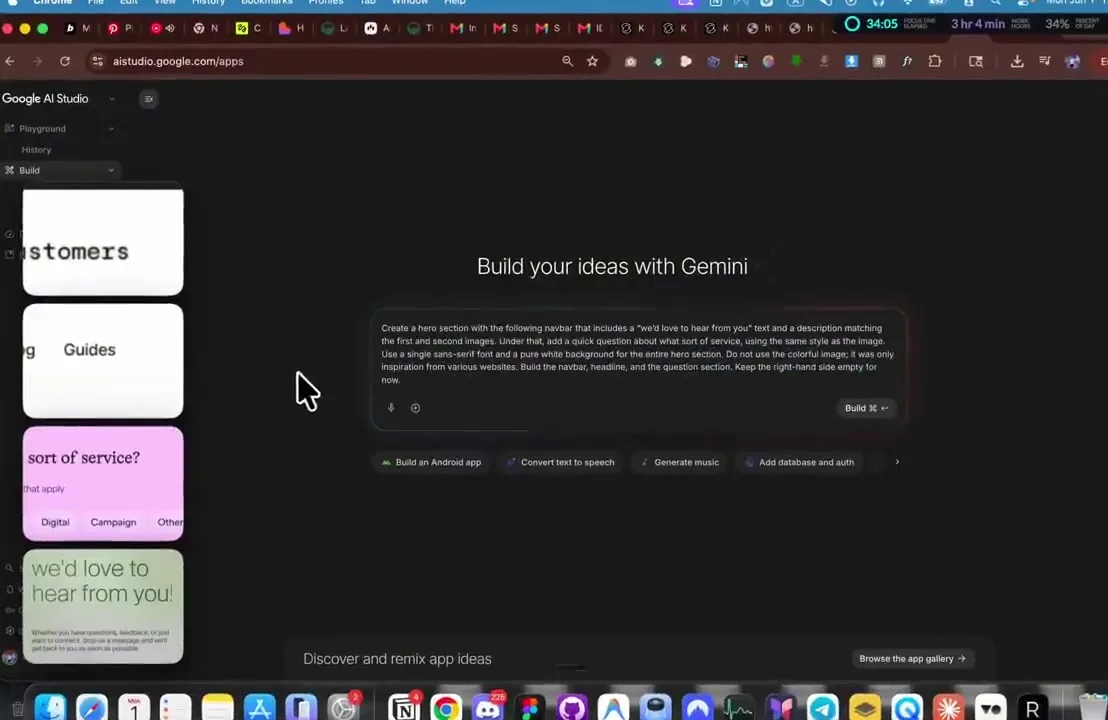
Once you know the goal and visual style, write a detailed prompt. The prompt should tell the AI what to build, who it is for, what sections to include, what the visual mood should be, and what conversion action matters most.
Step 5: Review the First AI Website Draft
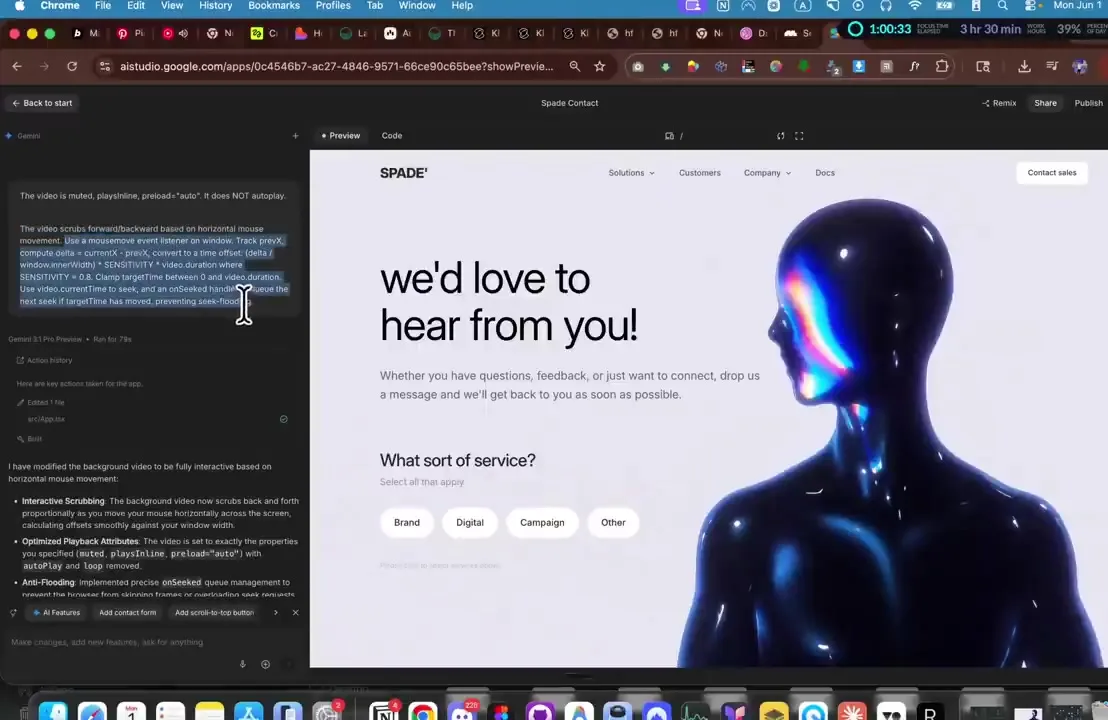
The first draft is not the finish line. Review it like a creative director. Does the hero communicate the offer? Is the CTA visible? Does the image crop correctly? Is the copy specific? Are the service buttons useful? Does the design feel intentional on mobile?
Step 6: Refine the Design with Specific Feedback
Do not ask the AI to “make it better.” Give precise direction. For example: make the headline smaller on mobile, align the hero image better, add more whitespace, strengthen the contact form, make the navigation cleaner, or improve the CTA labels.
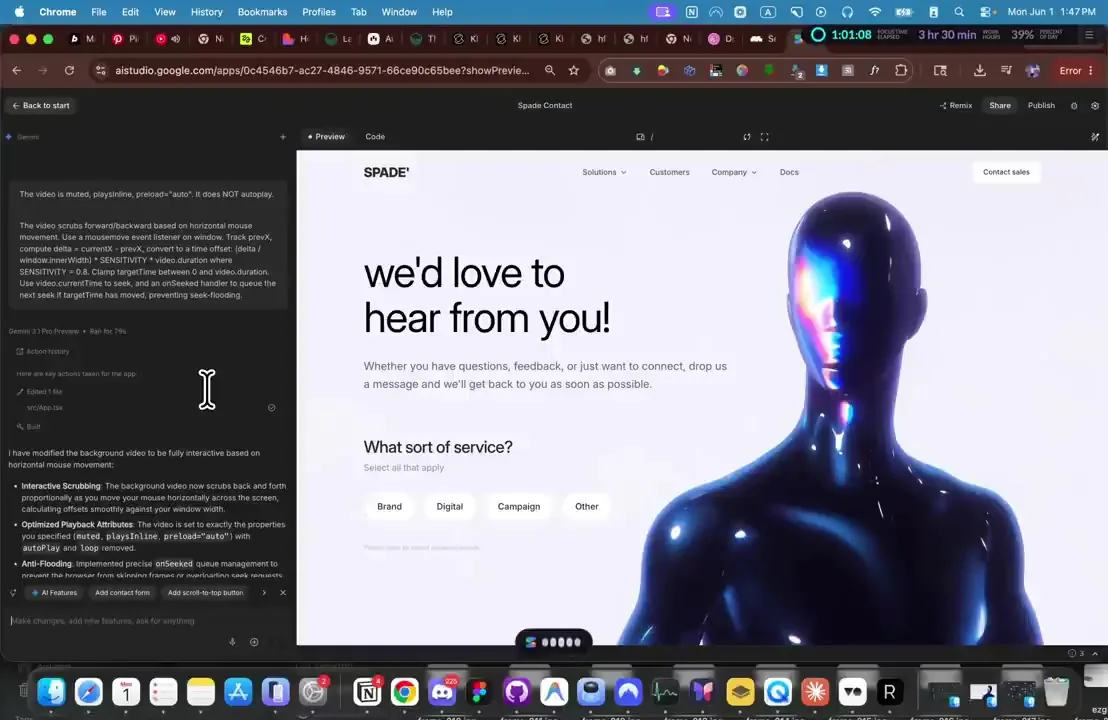
Useful refinement prompts include:
- “Improve the hero spacing and make the headline more balanced on desktop and mobile.”
- “Make the contact section feel more premium and easier to complete.”
- “Use more specific service copy for brand strategy, digital campaigns, and launch design.”
- “Add subtle hover states and smoother transitions without making the page feel gimmicky.”
- “Improve accessibility: contrast, focus states, labels, and semantic structure.”
Step 7: Use Reference Sections Carefully
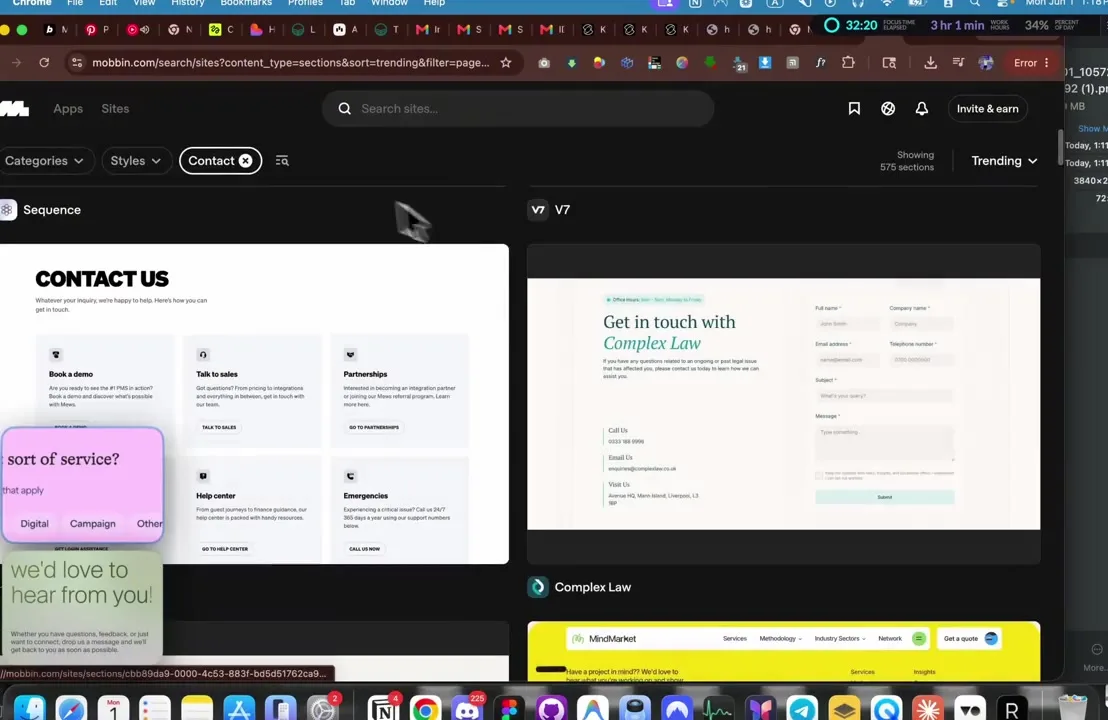
The video also looks at reference contact sections and design examples. This is useful for learning patterns, but you should not clone a design. Instead, identify the problem the reference solves: clearer contact options, better spacing, simpler form fields, or a stronger CTA.
Step 8: Export, Record, or Publish the Final Version
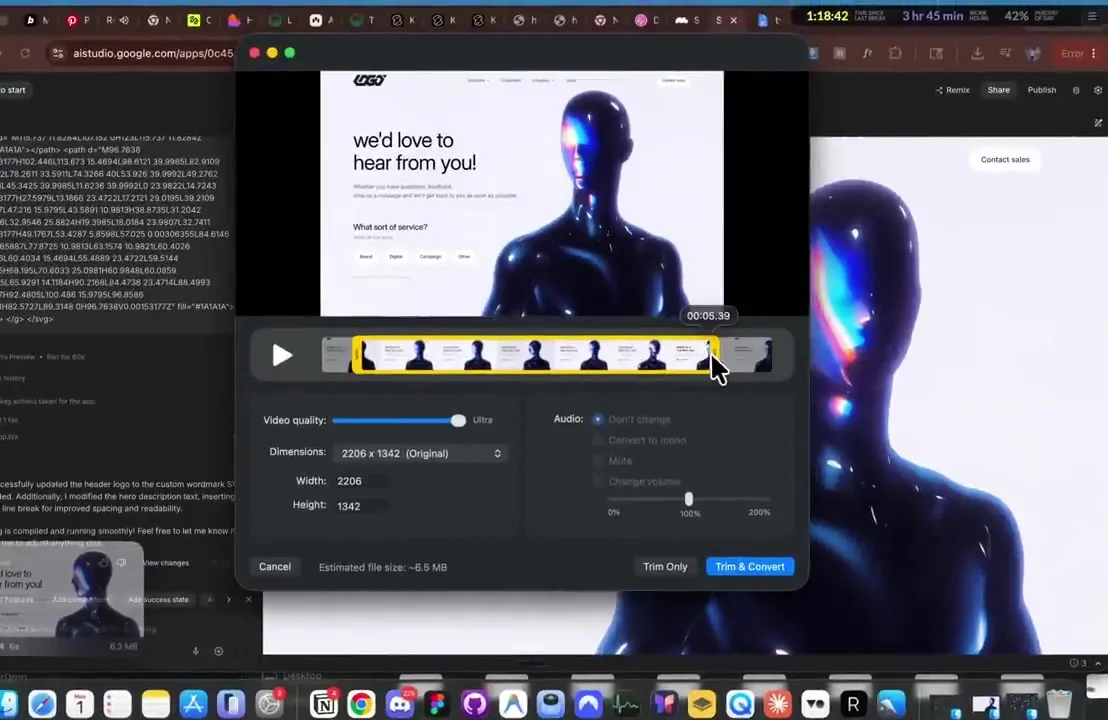
Once the design is ready, decide how the website will be used. You might export the code, publish it through the AI platform, host it externally, or record a launch/demo video for social media. The reference workflow includes a video export/share step, which is useful if you want to document your AI build process.
Best AI Tools for Creating Websites
The best AI tool depends on the type of website you need. A marketing homepage, an app, a blog, and an ecommerce store all have different requirements.
| Use Case | Recommended AI Workflow | Why |
|---|---|---|
| Fast business website | AI website builder or Lovable-style tool | Quick sections, visual editing, fast launch. |
| Custom interactive website | Google AI Studio or AI coding workflow | More control over code, layout, and app behavior. |
| Content website or blog | WordPress plus AI content/design assistance | CMS features, SEO plugins, editorial workflows. |
| Visual-first portfolio | Design tool plus AI image generation | Stronger control over image direction and composition. |
| AI-powered tool | Server-side app hosting with environment variables | Protects API keys and supports backend logic. |
How to Optimize an AI-Created Website for SEO
AI can generate SEO metadata, but you should still review it manually. The goal is not just to have keywords on the page. The goal is to make the page useful, specific, technically crawlable, and trustworthy.
AI website SEO checklist:
- Choose one primary keyword per page.
- Write a unique SEO title and meta description.
- Use one clear H1 and logical H2/H3 headings.
- Replace generic AI claims with specific benefits, examples, and proof.
- Add descriptive alt text for important images.
- Compress generated images and screenshots.
- Add internal links to related articles and service pages.
- Create a sitemap and
robots.txt. - Add schema markup for Article, FAQ, Organization, Service, Product, or LocalBusiness when relevant.
- Test mobile layout and page speed.
- Submit the live URL to Google Search Console after launch.
How to Host and Launch an AI-Created Website
After the design looks good, you need to launch it properly. Hosting requirements depend on how your AI website was built.
| Website Type | Hosting Needed | Launch Notes |
|---|---|---|
| Static AI-generated site | Standard web hosting | Upload files, connect domain, test pages. |
| WordPress AI website | WordPress hosting | Install theme/plugins, optimize speed, add SEO plugin. |
| React/Vite website | Static or app hosting | Build with npm run build and deploy output folder. |
| AI app with API calls | Server-side hosting | Use environment variables and protect API keys. |
Hostinger is a practical option if you want an approachable hosting dashboard, domain tools, email, SSL, and a path for launching standard websites. For a deeper platform breakdown, read the full Hostinger web hosting review.
Launch Your AI Website on Hostinger
Once your AI-built site is ready, publish it on reliable hosting, connect your domain, add SSL, and run your final SEO checks.
Common Mistakes When Creating Websites with AI
1. Using a vague prompt
“Create a modern website” is too generic. Give the AI the audience, brand, offer, sections, visual direction, CTA, and SEO goal.
2. Copying inspiration too closely
Use references for learning and direction, not imitation. Build an original layout, original copy, and original brand expression.
3. Publishing generic AI copy
AI copy often sounds polished but empty. Replace vague claims with specific services, proof, pricing, process, testimonials, examples, and FAQs.
4. Ignoring mobile design
Check every section on mobile. Hero images, buttons, forms, navigation, and long words can break layouts quickly.
5. Exposing API keys
If your AI website calls Gemini, OpenAI, or another API, keep secrets server-side. Do not publish keys in frontend code or public repositories.
6. Forgetting SEO basics
Generated websites often miss metadata, schema, alt text, internal links, sitemap files, and canonical URLs. Add them before launch.
Helpful related guides:
- How to Build a Website with Google AI Studio for a deeper deployment-focused Google AI Studio walkthrough.
- How to Build a Website with Lovable AI if you want a no-code AI website builder alternative.
- Hostinger Web Hosting Review if you want to compare hosting before launching your AI-generated site.
- Build a Website with Builder.io To build a website with Builder.io, create a Builder account, choose a Fusion Space, and start a project from a prompt or an existing repository..
Frequently Asked Questions
Can I create a website with AI for free?
You can create drafts with free or freemium AI tools, but launching a real website usually requires a domain, hosting, and sometimes paid AI usage or premium builder features.
What is the easiest way to create a website with AI?
The easiest route is a no-code AI website builder where you describe the site, edit the generated sections visually, and publish. For more control, use a code-generating AI tool such as Google AI Studio.
Can AI create an award-winning website?
AI can help create a visually impressive website quickly, but award-level work still depends on human taste, originality, storytelling, interaction design, performance, accessibility, and polish.
Should I use Google AI Studio or Lovable AI?
Use Google AI Studio if you want more app/code control and Gemini-powered workflows. Use Lovable AI if you want a more guided no-code-style app and website creation experience. Compare both guides linked above before choosing.
Where should I host a website created with AI?
A simple website can use standard web hosting. A dynamic app or AI-powered tool may need app hosting with server-side functions and environment variables. Hostinger is a practical option for many standard websites.
Is AI website content good for SEO?
AI content can help, but it needs editing. Search-friendly pages should be specific, useful, original, well-structured, internally linked, and technically optimized.
Final Thoughts
AI makes website creation faster, but the best results come from creative direction. Start with a clear goal, collect visual inspiration, write a detailed prompt, refine the output, and treat the final launch like a real production website.
The workflow from Viktor Oddy’s video is a good reminder that AI web design is not only about automation. It is about taste, curation, and iteration. The AI can generate the draft, but you shape the final experience.
Create and Launch Your AI Website
Build the first version with AI, refine it with the checklist above, then publish it on reliable hosting with your own domain.