Payoneer Review : Is It Still The Best Way To Get Paid Globally?
By JoshWP Team | Updated: | ~15 min read | Cross-Border Payments · Fintech
Quick Answer
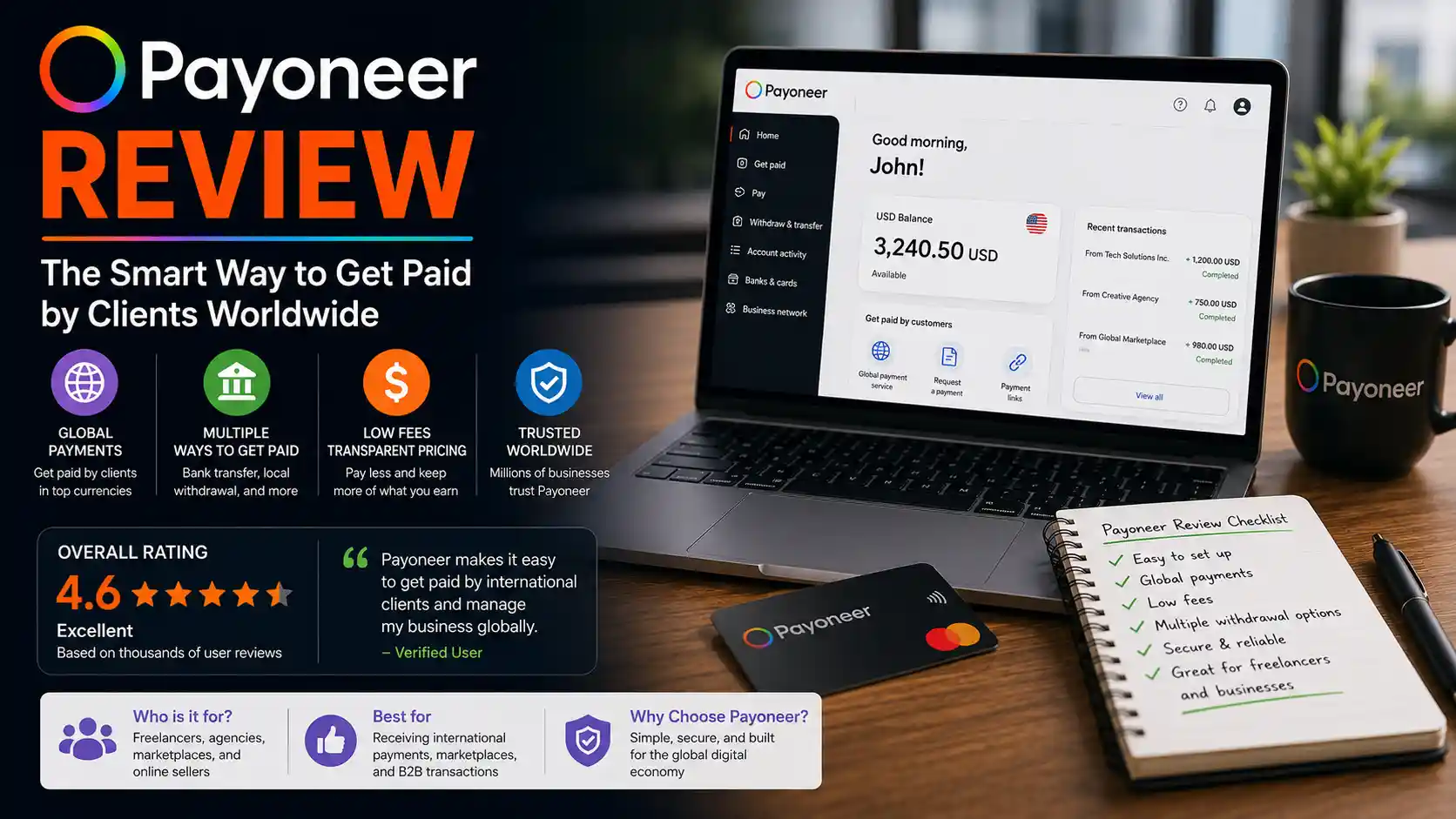
Payoneer is a publicly traded (NASDAQ: PAYO) cross-border payments platform built for freelancers, e-commerce sellers, and B2B businesses that need to send and receive money internationally. It gives you local receiving accounts in 10+ currencies, a Mastercard you can spend or withdraw from, direct integrations with marketplaces like Amazon, Upwork, Fiverr and Airbnb, and business tools like invoicing and working-capital advances. Payoneer reported over $1 billion in 2025 revenue, serves roughly 2 million directly active customers (and up to 8 million when counting freelancers paid through marketplaces), and operates in 210+ countries and 160+ currencies. There’s no monthly fee, but a 1% receiving fee, currency-conversion markups of 0.5%–3.5%, and a $29.95 annual fee if you receive under $2,000/year can add up. It’s an excellent fit if your income already comes through Amazon, Upwork, or another Payoneer-integrated marketplace — less ideal if you mostly need dirt-cheap, mid-market currency conversion, where Wise usually wins.
If you’ve ever tried to get paid by a client in another country, you already know the problem: banks charge brutal wire fees, exchange rates get quietly padded, and payments can take a week to clear — if they clear at all. For freelancers, agencies, and online sellers whose entire business depends on money crossing borders smoothly, that friction isn’t a minor annoyance. It’s a tax on doing business globally.
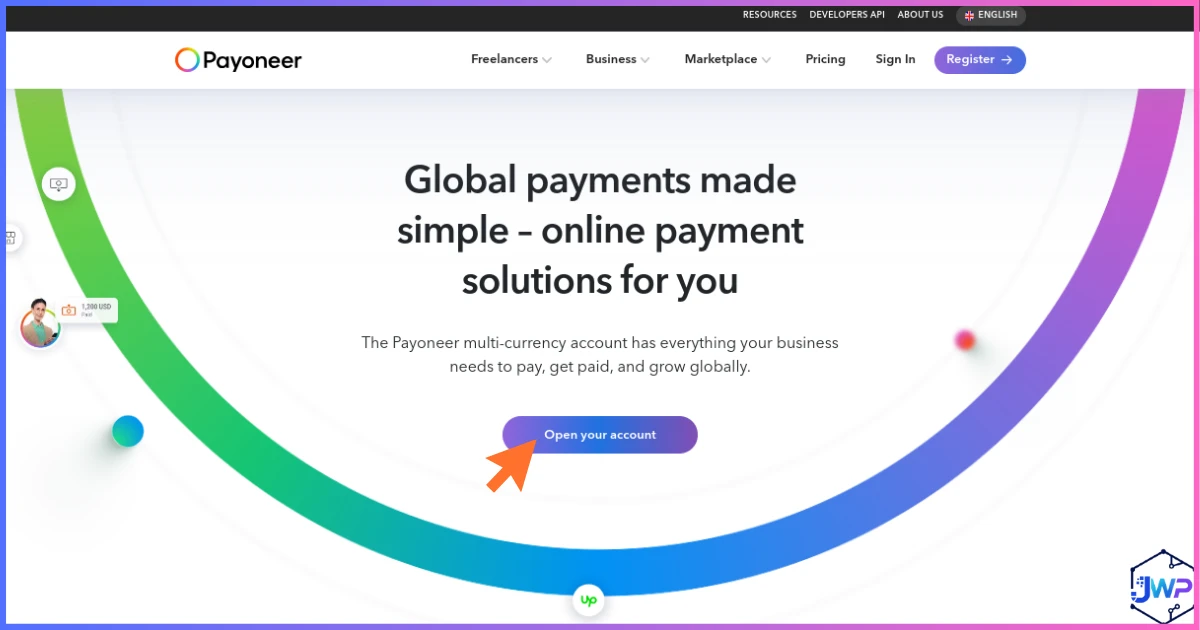
Payoneer was built to remove that friction. Instead of forcing you to receive a wire into your local bank and eat whatever rate your bank feels like offering, Payoneer gives you your own local receiving accounts — a US account and routing number, a UK sort code, a Eurozone IBAN, and more — so clients and marketplaces can pay you as if you were just another local business, even when you’re not. From there, you can hold the balance in that currency, spend it with a Payoneer Mastercard, or withdraw it to your own bank.
This Payoneer review covers everything you need before signing up: exactly what it does, the real fee structure (not just the marketing headline), the company and financials behind it, how it stacks up against PayPal, Wise, Skrill, and Stripe, genuine user feedback — good and bad — and a final verdict on who it’s actually built for.
Table of Contents
- 1. What Is Payoneer?
- 2. The Company Behind Payoneer — History & Financials
- 3. How Payoneer Actually Works
- 4. Watch Payoneer In Action
- 5. Core Features — Full Breakdown
- 6. Payoneer By The Numbers
- 7. Fees & Pricing — The Full Breakdown
- 8. Security, Trust & Account Freezes
- 9. Payoneer vs PayPal vs Wise vs Skrill vs Stripe
- 10. Real Customer Feedback
- 11. Who Is Payoneer Built For?
- 12. Pros and Cons
- 13. Final Verdict
- 14. Frequently Asked Questions
What Is Payoneer?
Payoneer is a publicly traded (Nasdaq: PAYO) financial technology company that specializes in cross-border payments for freelancers, small businesses, marketplace sellers, and B2B companies. Founded in 2005, it built its reputation by solving a very specific problem: letting people in one country receive money from clients, marketplaces, or platforms in another country without the delays and markups of a traditional international wire.
The core mechanic is Payoneer’s Global Receiving Accounts. Instead of giving a client your home bank’s SWIFT details and hoping for the best, you give them local account details — a US ACH account and routing number, a UK sort code and account number, a Eurozone IBAN, and accounts in several other major currencies. To the person paying you, it looks and feels like a domestic transfer. Behind the scenes, Payoneer collects the funds and credits your Payoneer balance, which you can then hold, spend with a Payoneer Mastercard, or withdraw to your own local bank.
Payoneer is especially deeply integrated with the freelance and e-commerce ecosystem: it’s a built-in payout option on Amazon, Upwork, Fiverr, Airbnb, Envato, and hundreds of other marketplaces, which is a big part of why it has become the default choice for millions of independent workers and sellers rather than a niche alternative to PayPal.
The Short Version
Payoneer = local receiving accounts in 10+ currencies + a global Mastercard + built-in marketplace payouts + B2B invoicing and working capital, all under one free-to-open account. It exists so that getting paid internationally feels as simple as getting paid domestically.
The Company Behind Payoneer — History & Financials
Payoneer was founded in 2005 by Yuval Tal, who started the company with roughly $2 million in seed funding and served as CEO for its early years. Over the following decade the company raised over $265 million from investors including 83North (Greylock Israel), Susquehanna Growth Equity, Wellington Management, and Ping An, gradually expanding from a niche prepaid-card provider into a full cross-border payments platform.
Payoneer went public in 2021 through a merger with FTAC Olympus Acquisition Corp., a SPAC backed by former Bancorp CEO Betsy Cohen, at an implied enterprise value of roughly $3.3 billion. It now trades on Nasdaq under the ticker PAYO and is headquartered in New York City, with major operations hubs in Tel Aviv, London, and elsewhere.
Financially, the company has grown steadily every year since its IPO: annual revenue climbed from $473 million in 2021 to $1.05 billion in 2025, and management has guided to $900–940 million in revenue excluding interest income for full-year 2026, alongside roughly $200 million in interest income. Payoneer has also been acquisitive, buying HR and payroll platform Skuad for $61 million in 2024, Chinese payments provider Easylink in 2025, and workforce-management company Boundless for up to $17 million in January 2026 — all aimed at deepening its B2B and global-workforce capabilities. In early 2026 the company also began building out stablecoin functionality (powered by Bridge) and applied to the OCC for a national trust bank charter, signaling a push further into embedded, always-on cross-border settlement.
How Payoneer Actually Works
Getting set up on Payoneer is a straightforward three-step process, though verification can take anywhere from a day to a couple of weeks depending on your country and business type.
Create Your Free Account
Sign up with your business or personal details and submit ID verification (KYC). Approval typically takes 24–72 hours, though it can stretch longer for higher-risk industries or countries.
Get Your Receiving Accounts
Once approved, you’re issued local account details in USD, EUR, GBP, and other currencies. Share these with clients, or link them directly inside Amazon, Upwork, Fiverr, or whichever marketplace pays you.
Spend, Hold, or Withdraw
Use your balance with the Payoneer Mastercard, keep it in its original currency to avoid conversion fees, or withdraw it to your local bank account whenever you’re ready.
The One Rule That Saves You Money
Every fee on Payoneer gets worse the moment currencies don’t match. If you’re paid in USD and withdraw in USD, you’ll pay close to nothing. The moment you convert USD to your local currency, a markup of up to 3.5% can apply. Matching your receiving currency to your withdrawal currency — or opening a local-currency bank account — is the single biggest lever you have over your total cost.
Watch Payoneer In Action
Prefer to see it rather than read about it? This walkthrough covers account setup, receiving your first payment, and withdrawing funds.
Core Features — Full Breakdown
🌍 Global Receiving Accounts
Local account details in USD, EUR, GBP, JPY, AUD, CAD and more, so clients and marketplaces can pay you as if you were a local business — no international wire fees on their end.
💳 Payoneer Mastercard
A physical or virtual card linked directly to your balance, usable online and in-store anywhere Mastercard is accepted, plus ATM withdrawals in most countries.
🛒 Marketplace Integrations
Direct, built-in payout support on Amazon, Upwork, Fiverr, Airbnb, Envato, Walmart Marketplace and hundreds of other platforms — set it once, get paid automatically going forward.
🧾 Invoicing & Payment Requests
Send professional payment requests or invoices to clients, who can pay via card, bank debit, or their own Payoneer balance.
🏦 Multi-Currency Balances
Hold multiple currencies simultaneously inside one account, and convert between them only when the timing and rate suit you.
📈 Capital Advance & Checkout
Eligible sellers can access short-term working-capital advances against future receivables, while Payoneer Checkout lets merchants accept direct-to-consumer payments on their own storefronts.
Payoneer By The Numbers
Payoneer publishes detailed financials as a public company, which makes it one of the more transparent players in cross-border payments. Here’s what the data actually shows.
Annual Revenue, 2019–2025 ($ Millions)
Source: Payoneer Global Inc. public financial filings, via Macrotrends.
Active Customers vs Total Ecosystem Reach
“Directly active” = SEC-reported accountholders with a transaction in the period; “ecosystem” adds freelancers and sellers paid indirectly through marketplaces.
ARPU Growth, 2023–2025
Average Revenue Per active User, as reported in Payoneer’s quarterly filings.
Feature Comparison: Payoneer vs PayPal vs Wise vs Skrill
Editorial scoring (0–10) based on researched features, not an official benchmark from any vendor.
Where A $10,000 Cross-Currency Payout Can Shrink
Illustrative worst-case cross-currency route: 1% receiving fee, up to 3.5% conversion markup, and a cross-currency withdrawal fee. A same-currency withdrawal avoids nearly all of this.
Fees & Pricing — The Full Breakdown
Payoneer’s account itself is free — there’s no subscription. But it runs on a transaction-based fee model, and the true cost depends heavily on how you receive, convert, and withdraw your money. Here’s the honest breakdown, current as of Payoneer’s official pricing page.
| Action | Typical Fee |
|---|---|
| Opening an account | Free, no monthly fee |
| Receiving via local receiving account | Free |
| Receiving via non-local-currency account | Up to 1% |
| Receiving via credit card payment request | Up to 3.99% + $0.49 |
| Receiving via US ACH bank debit | 1% |
| Payoneer-to-Payoneer transfer (same country) | Up to $4.00 flat |
| Payoneer-to-Payoneer transfer (different country) | Up to 1% + up to $4.00 |
| Same-currency bank withdrawal (under $50k/mo) | $1.50 flat |
| Same-currency bank withdrawal (over $50k/mo) | 0.5% |
| Cross-currency bank withdrawal | 1.2%–4% |
| Internal currency conversion (balance to balance) | 0.5%–3.5% |
| ATM withdrawal | ~$3.15 / €2.50 / £1.95 per transaction |
| Annual account fee (if under $2,000 received/yr) | $29.95 |
| Replacement card | $12.95 |
Fees vary by country, currency corridor, and account type — always confirm your exact rate in the Fees section of your live Payoneer account before a large transaction.
The Fee Most People Never See
The account itself looks nearly free, and for same-currency users it basically is. The cost that catches people off guard is the currency-conversion markup — up to 3.5% depending on whether the conversion happens through an internal balance move, a card transaction, or a cross-currency withdrawal. Stack a 1% receiving fee on top of a 2-3% conversion markup and a small withdrawal fee, and a “free” account can quietly cost 3-5% of every international payment.
Practical Tip for Controlling Cost
Keep balances in the currency you were paid in whenever possible, batch withdrawals into fewer, larger transfers instead of many small ones, and ask clients to pay in the currency your Payoneer receiving account already supports. Doing all three can cut your effective fee load dramatically.
Where users push back: Payoneer holds roughly a 3.8-star rating on Trustpilot across more than 62,000 reviews, and among negative reviews, account freezes or held funds during verification are the most common complaint — sometimes dragging on for weeks with limited communication. There have also been isolated reports of unauthorized account access. If you’re moving significant volume, keep documentation ready, respond quickly to verification requests, and don’t rely on Payoneer as your only payment channel.
Security, Trust & Account Freezes
As a publicly traded, regulated financial institution, Payoneer holds an Electronic Money Institution license from the Central Bank of Ireland for EU customers, along with money-transmitter licenses across the US and other jurisdictions it operates in. The company reports that its AI-driven fraud-prevention system reduced fraud rates by roughly 48% in 2025, and states a 97.2% customer satisfaction rate internally — though independent review sites tell a more mixed story, as covered above.
The realistic risk to weigh isn’t fraud on Payoneer’s side — it’s the platform’s own compliance-driven account holds, which can freeze funds during identity or source-of-funds verification. This is standard practice across regulated fintechs (PayPal and Stripe both do it too), but it means you shouldn’t treat any single payment platform as your only lifeline for incoming revenue. Keep a secondary payout method available, and respond to verification requests immediately rather than letting them sit.
Payoneer vs PayPal vs Wise vs Skrill vs Stripe
No cross-border payment platform wins on every axis. Here’s an honest side-by-side against the tools people most often compare Payoneer to.
| Feature | Payoneer | PayPal | Wise | Skrill |
|---|---|---|---|---|
| Local receiving accounts | ✅ 10+ currencies | ⚠️ Limited | ✅ 10+ currencies | ⚠️ Limited |
| Marketplace payout integrations | ✅ Amazon, Upwork, Fiverr, Airbnb & more | ✅ Widely supported | ⚠️ Fewer direct integrations | ⚠️ Fewer direct integrations |
| FX markup | 0.5%–3.5% | ~3–4% | ~0.4%–0.6% (near mid-market) | ~1.5%–3% |
| Physical/virtual debit card | ✅ Mastercard | ✅ Debit card available | ✅ Wise card | ✅ Prepaid card |
| Working capital / advances | ✅ Capital Advance | ✅ PayPal Working Capital | ❌ No | ❌ No |
| Best for | Marketplace sellers & freelancers | General online payments | Cheapest FX & transfers | Online gaming & forex payouts |
| Account fee | Free ($29.95/yr if inactive) | Free | Free (small card fee) | Free ($15.30/yr if inactive) |
| Publicly traded | ✅ Nasdaq: PAYO | ✅ Nasdaq: PYPL | ✅ LSE: WISE | ❌ Private (Paysafe-owned) |
Payoneer vs PayPal
PayPal has broader consumer recognition and easier one-off payments, but its FX markups tend to run higher and it’s a weaker fit for marketplace-native payouts. Payoneer wins for freelancers and sellers whose income already routes through Amazon, Upwork, or Fiverr.
Payoneer vs Wise
Wise is hard to beat on raw currency-conversion cost, staying close to the mid-market rate. Payoneer trades some of that FX efficiency for far deeper marketplace integrations and built-in working-capital tools that Wise doesn’t offer.
Payoneer vs Skrill
Skrill leans toward online gaming, trading, and forex payouts, with a smaller footprint in e-commerce marketplaces. Payoneer’s marketplace depth makes it the stronger default for freelancers and online sellers.
Payoneer vs Stripe
Stripe is built for developers accepting card payments on their own website, not for freelancers getting paid by clients or marketplaces. The two rarely compete directly — Payoneer Checkout is the closer comparison for merchants who want both.
Real Customer Feedback
Rather than cherry-pick only glowing quotes, here’s a representative mix of what real users — sourced from independent review platforms — actually say.
Freelancers on review platforms consistently highlight how much simpler it is to get paid by international clients once a Payoneer receiving account replaces a traditional bank wire.
Paraphrased from Trustpilot reviews, 2026
Sellers who receive marketplace payouts through Amazon or Upwork describe the integration as close to invisible — money simply arrives without any manual routing.
Paraphrased from independent seller forums, 2026
Some long-time users say the fee structure took time to fully understand, since the real cost only becomes clear after several currency-conversion transactions.
Paraphrased from Trustpilot reviews, 2026
A recurring complaint describes account holds during verification lasting weeks, with support response times described as slow during that window.
Paraphrased from public Trustpilot reviews, 2026
Who Is Payoneer Built For?
🧑💻 Freelancers & Remote Workers
Especially those paid through Upwork, Fiverr, or direct clients abroad who need a fast, reliable way to receive payment without eating heavy wire fees.
🛍️ E-Commerce & Marketplace Sellers
Amazon, Walmart Marketplace, and other platform sellers who want payouts routed directly into a currency-flexible account they control.
🏢 B2B Companies & Agencies
Businesses invoicing international clients or paying overseas contractors and suppliers, especially those that also want access to working-capital advances.
🎥 Creators & Digital Sellers
Creators on platforms like Envato or affiliate networks that already default to Payoneer for payouts.
Pros and Cons
Pros
- Free to open, with local receiving accounts in 10+ currencies
- Deep, native integrations with Amazon, Upwork, Fiverr, Airbnb and more
- Publicly traded and financially transparent (Nasdaq: PAYO)
- Mastercard for spending or ATM withdrawals worldwide
- Working-capital advances available for eligible sellers
- Same-currency withdrawals and transfers are genuinely cheap
Cons
- Currency conversion markups (up to 3.5%) undercut the “free account” pitch
- $29.95 annual fee if you receive under $2,000/year
- Account holds during verification are a recurring user complaint
- Wise beats it on pure FX cost for currency conversion
- Fee structure is genuinely confusing until you’ve used it a few times
Final Verdict
Payoneer earns its place as one of the default payment rails for global freelancers and marketplace sellers, and the numbers back that up: over $1 billion in 2025 revenue, roughly 2 million directly active customers, and operations in 210+ countries as a publicly traded, regulated company. Its marketplace integrations remain the single biggest reason people choose it over alternatives — if Amazon, Upwork, or Fiverr already pays you through Payoneer, switching elsewhere rarely makes sense.
Where it falls short is transparency around currency conversion. The account itself is free, but the FX markup is where Payoneer actually makes its margin, and it’s easy to lose 2-4% of a payment without realizing it until you’ve made a few conversions. If your priority is the absolute cheapest currency exchange and you don’t need marketplace integrations, Wise is worth comparing. But for the specific job of getting paid internationally as a freelancer or seller, Payoneer remains a strong, well-established choice.
Bottom Line
Payoneer is best for freelancers, e-commerce sellers, and B2B businesses already earning through marketplaces or international clients who want a reliable, well-capitalized platform to receive, hold, and spend that money — as long as you’re deliberate about matching currencies to avoid the conversion markup.
Related Reads
If you’re comparing the tools that matter for global business operations, these are the most relevant next reads:
- Payoneer vs Wise — the clearest comparison if you want to weigh Payoneer’s marketplace integrations against Wise’s low-cost conversion.
- Wise vs PayPal — useful when deciding between a transfer specialist and a universal checkout platform.
- Payoneer vs PayPal — best when comparing marketplace payouts to broader checkout acceptance.
- How to Open a Payoneer Account — step-by-step setup guide for getting started.
- How to Open a Wise Account — practical walkthrough for Wise setup.
- Wise Review — deeper look at Wise’s pricing, strengths, and limitations.
Frequently Asked Questions
What is Payoneer and how does it work?
Payoneer is a cross-border payments platform that gives you local receiving accounts in currencies like USD, EUR, and GBP, so clients and marketplaces can pay you as if you were a local business. You can then hold, spend with a Mastercard, or withdraw those funds to your own bank.
Is Payoneer free to use?
Opening an account is free, and there’s no monthly fee. However, a $29.95 annual fee applies if you receive less than $2,000 within a 12-month period, and transaction fees (receiving, currency conversion, and cross-currency withdrawals) apply depending on how you move money.
Is Payoneer safe and legit?
Yes. Payoneer is a publicly traded company (Nasdaq: PAYO) regulated as an Electronic Money Institution in the EU and licensed as a money transmitter in the US and other markets. That said, some users report frustrating account holds during identity verification, which is worth knowing before relying on it as your only payout channel.
Payoneer vs PayPal — which is better?
Payoneer generally wins for freelancers and sellers paid through Amazon, Upwork, or Fiverr, thanks to deeper native marketplace integrations and often lower FX markups. PayPal has broader consumer recognition and is simpler for one-off, informal payments.
Can I withdraw Payoneer funds to my local bank account?
Yes. Same-currency withdrawals cost a flat $1.50 (under $50,000/month) or 0.5% above that. Withdrawing to a different currency than you were paid in adds a conversion fee of roughly 1.2%–4%.
Does Payoneer freeze accounts?
As with most regulated fintechs, Payoneer can place holds on accounts during identity or source-of-funds verification. This is a commonly cited complaint in independent reviews, so it’s wise to keep supporting documentation ready and maintain a backup payment method.
What are the best alternatives to Payoneer?
The most common alternatives are PayPal (broader consumer reach), Wise (lowest FX markup), Skrill (popular for gaming and forex payouts), and Stripe (for merchants accepting card payments directly on their own site).
Related Reads
If you’re comparing the tools that matter for global business operations, these are the most relevant next reads:
- Northwest vs Bizee — the most direct comparison of privacy, pricing, and long-term value.
- Northwest Registered Agent Review — a deeper dive into registered agent services and formation pricing.
- Bizee Review — a useful comparison for LLC formation costs and renewal traps.
Disclosure: This article contains affiliate links. If you sign up through our link we may earn a commission at no extra cost to you. Figures on revenue, fees, and customer counts reflect publicly available information at the time of writing and may change — always confirm current details on payoneer.com before signing up.