Sigma Media Manager Review : The Ultimate WordPress Media Organization Tool
Discover how Sigma Media Manager transforms chaotic WordPress media libraries into organized, AI-powered asset management systems. With lifetime access starting at just $39 (61% off), this comprehensive plugin combines nested folders, cloud offloading, AI metadata generation, and advanced file protection to help freelancers, agencies, and web designers manage thousands of media files without the frustration. If you’re tired of scrolling through endless uploads folders and losing track of important assets, this review reveals whether Sigma Media Manager is the solution you’ve been waiting for.
Why WordPress Media Management Needs Sigma Media Manager
Your WordPress media library shouldn’t feel like a junk drawer. Yet for most website owners, it’s exactly that—a chaotic mess of thousands of unorganized images, PDFs, videos, and documents scattered across a single uploads folder with no logical structure. Finding a specific image means endless scrolling, searching by vague filenames, or worse, re-uploading because you can’t locate the original.
That’s where Sigma Media Manager changes everything. Created by bdthemes (the team behind popular WordPress products like Element Pack and Ultimate Store Kit), this comprehensive media management plugin replaces WordPress’s default media library with a powerful, folder-based organization system that finally makes sense. With nested subfolders, AI-powered metadata generation, cloud offloading to Amazon S3 and other providers, and advanced file protection features, Sigma Media Manager transforms how you manage digital assets.
In this comprehensive Sigma Media Manager review, we’ll dive deep into every feature—from the intuitive drag-and-drop folder organization to the AI assistant that automatically generates alt text and captions. We’ll analyze the AppSumo lifetime deal pricing (currently 61% off at just $39), examine real-world use cases for freelancers and agencies, and help you determine if this plugin is the solution to your WordPress media chaos. Whether you’re managing a single client site or hundreds of assets across multiple projects, you’ll discover exactly how Sigma Media Manager can streamline your workflow.
Limited-time AppSumo deal • 60-day money-back guarantee
The WordPress Media Management Challenge
Time Saved with Organized Media Library
Sigma Media Manager Deal Value
Key Statistics:
- 61% discount on AppSumo lifetime deal ($39 vs $100 regular price)
- 12 core features including folders, AI metadata, cloud offloading, and file protection
- Unlimited folders with nested subfolders and color-coded labels
- 4 cloud storage options: Amazon S3, DigitalOcean Spaces, Google Cloud, Cloudflare R2
- 60-day money-back guarantee with lifetime access to all future updates
What Is Sigma Media Manager?

Sigma Media Manager is a comprehensive WordPress plugin designed to replace the frustrating, flat structure of the default WordPress media library with an intuitive, folder-based organization system. Developed by bdthemes—a respected WordPress development company founded in 2012 and based in Bangladesh—this plugin addresses one of the most common pain points for WordPress users: managing growing collections of media files.
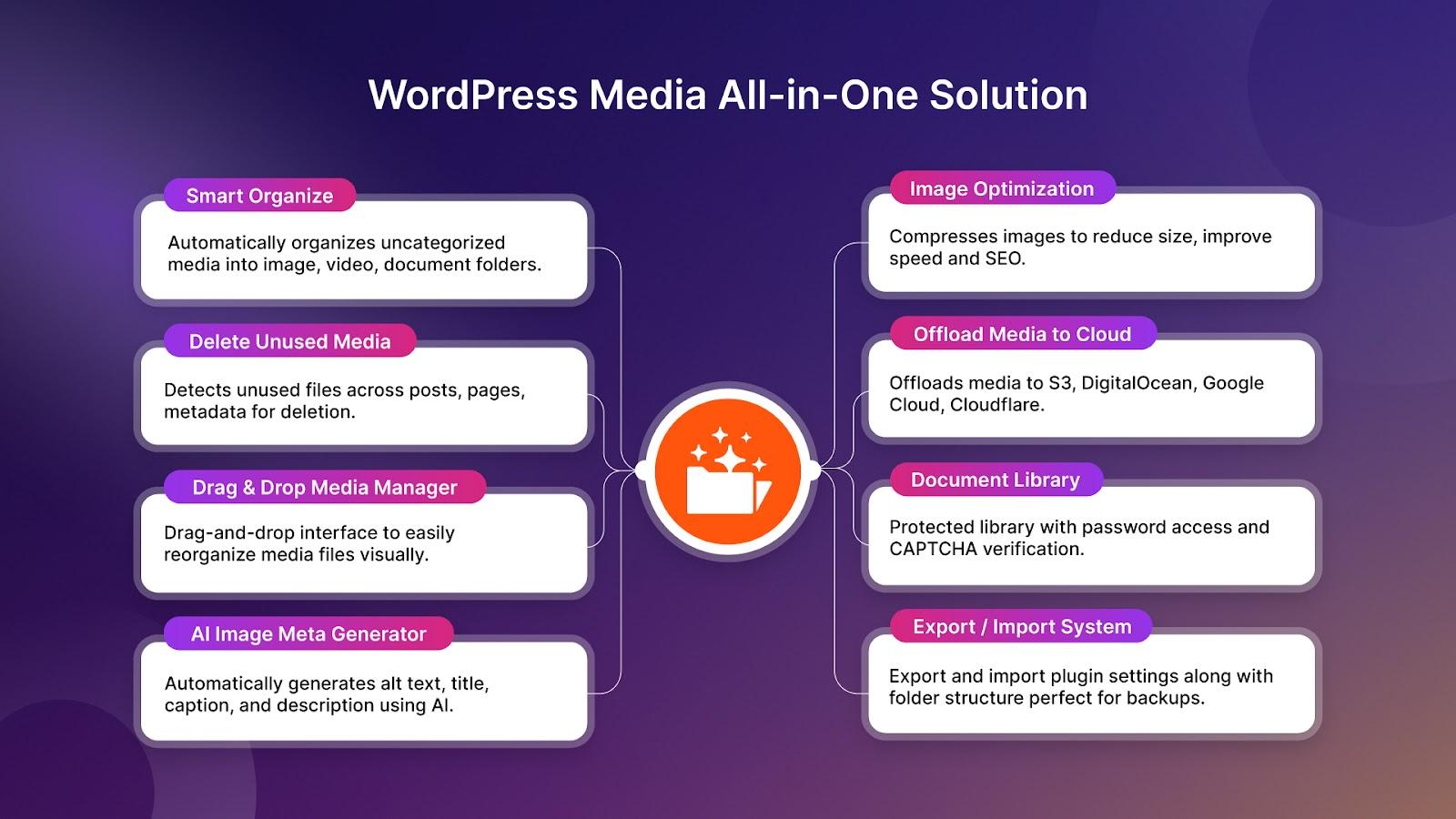
The plugin combines twelve powerful features into a seamless, native WordPress experience. You get unlimited nested folders with color-coding, AI-powered metadata generation that automatically creates titles, captions, and alt text, cloud offloading to reduce server bloat, advanced file protection with passwords and expiring links, bulk management tools, and a built-in image editor with AI assistance. Everything works together to create a media management system that scales from small blogs to enterprise-level websites with thousands of assets.
What sets Sigma Media Manager apart from competitors like Cloudinary is its focus on the WordPress ecosystem. Rather than forcing you to learn a completely new interface, it integrates directly into WordPress with a familiar, lightweight design. The plugin supports drag-and-drop uploads, customizable thumbnail sizes, adjustable items per page, and white-labeling options for agencies. It’s built for large media libraries but remains optimized for performance, ensuring your site doesn’t slow down as your collection grows.
Folder Organization
Unlimited nested folders with color labels, drag-and-drop, and bulk management
AI Metadata
Auto-generate titles, captions, alt text, and tags for better SEO and accessibility
Cloud Offloading
Offload to Amazon S3, DigitalOcean, Google Cloud, or Cloudflare R2
Key Features Breakdown
Advanced Folder Organization
Say goodbye to the endless WordPress uploads folder. Sigma Media Manager lets you create unlimited nested subfolders with color-coded labels, making it impossible to lose track of your assets. Drag and drop files and entire folders to reorganize instantly, rename folders on the fly, and use custom colors to visually categorize different project types or content categories.
- Unlimited folder creation with unlimited nesting depth
- Color-coded folder labels for visual organization
- Drag-and-drop functionality for files and folders
- Bulk move, delete, and rename operations
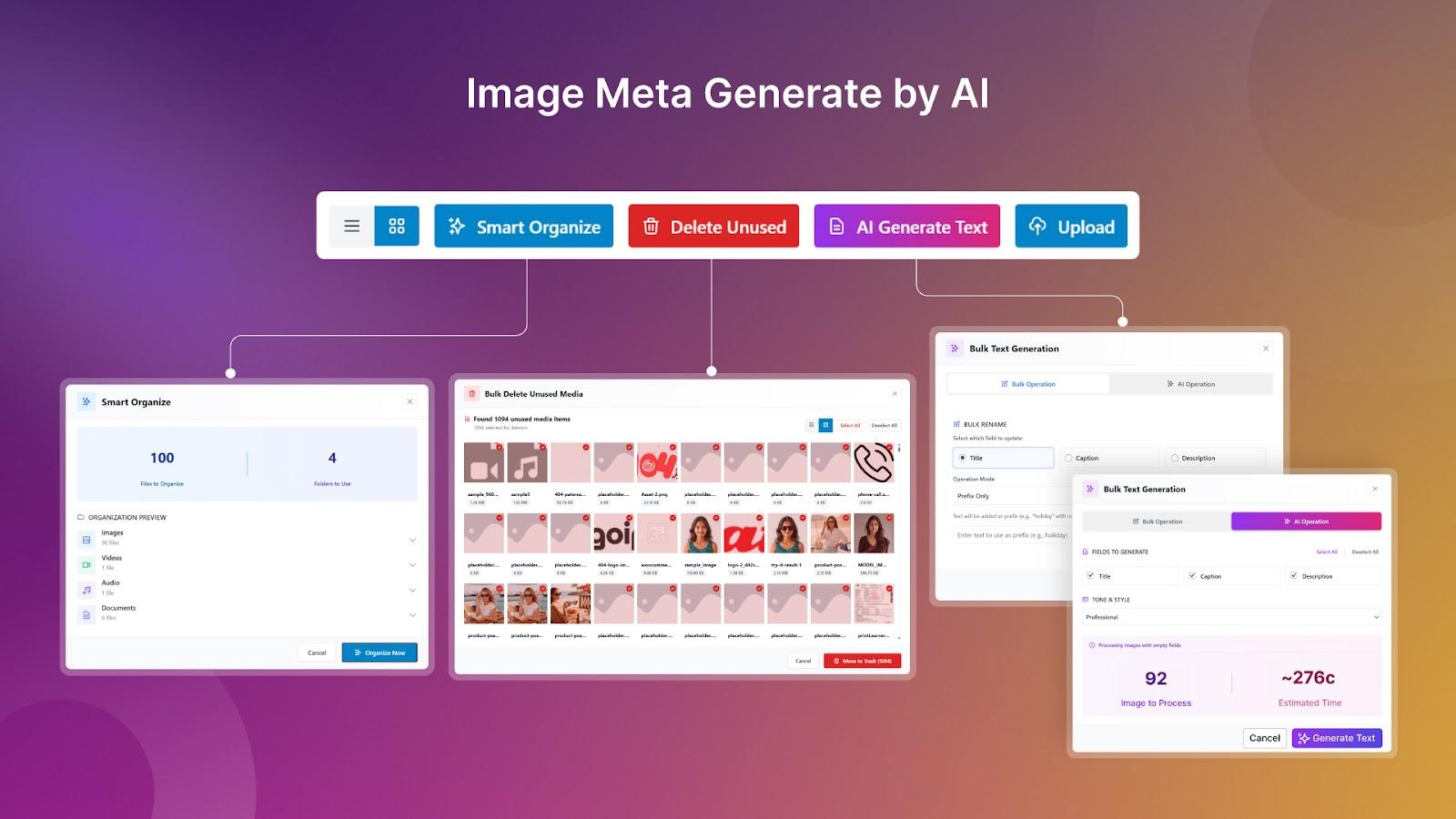
AI-Powered Metadata Generation
Stop manually writing titles, captions, and alt text for every image. Sigma Media Manager’s AI assistant can bulk-generate metadata across your entire library or process only images with empty fields. The system provides smart time estimates before you start, so you know exactly how long the process will take. Auto-tagging and alt text generation also improve accessibility and SEO without any manual effort.
- Bulk-generate titles, captions, and descriptions with AI
- Auto-generate alt text for accessibility and SEO
- Process only empty fields or run across entire library
- Smart time estimation before processing begins
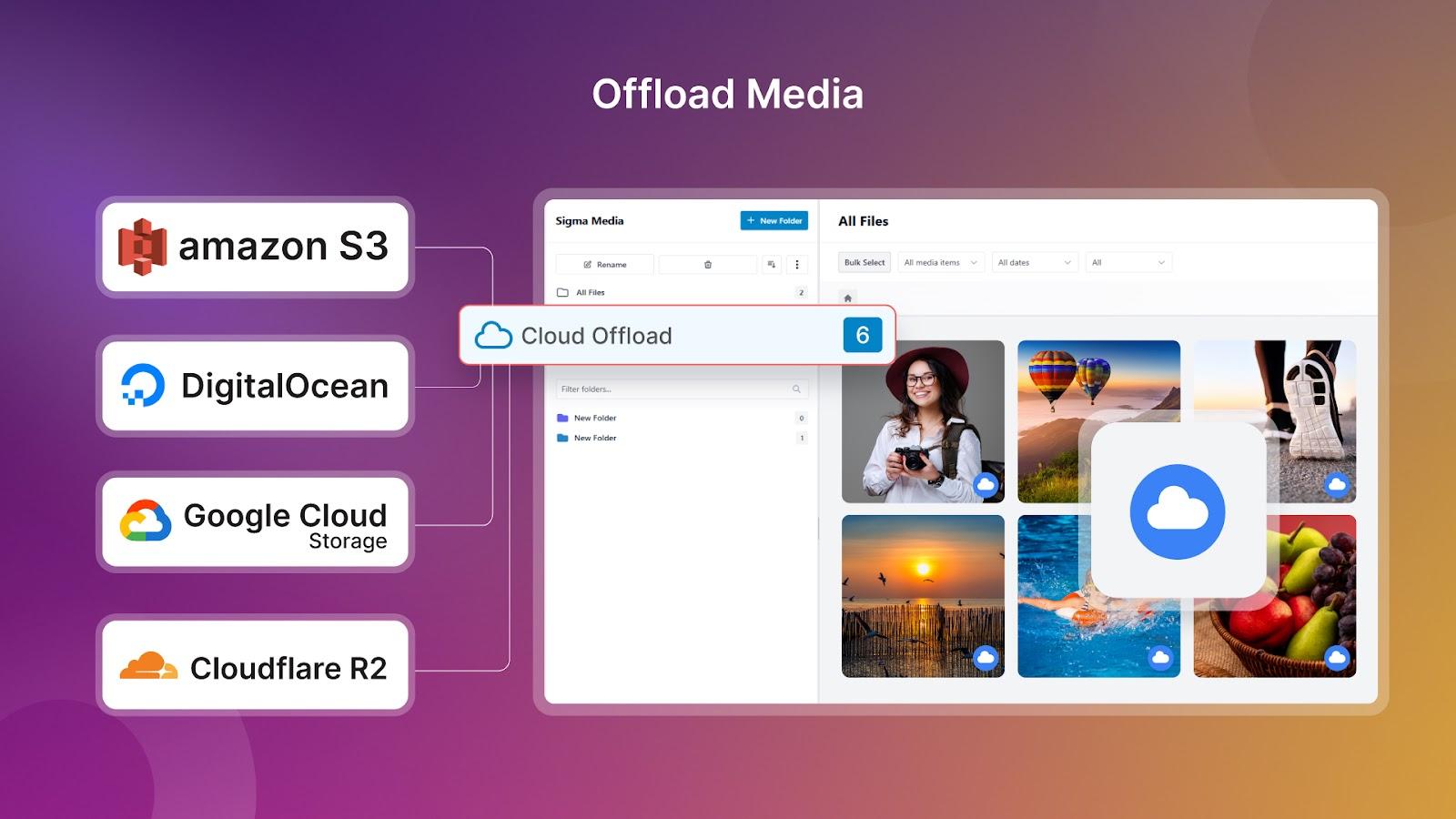
Cloud Storage Offloading
Large media libraries eat up server space and slow down your site. Sigma Media Manager solves this by offloading files to cloud storage providers like Amazon S3, DigitalOcean Spaces, Google Cloud Storage, or Cloudflare R2. The plugin safely syncs and relinks assets from external storage so nothing breaks when files move. You can also scan your library for unused files and preview them before deletion—no accidental removals.
- Support for Amazon S3, DigitalOcean, Google Cloud, Cloudflare R2
- Safe sync and relink from external storage
- Scan for unused files with preview before deletion
- Automatic backup of all images before offloading
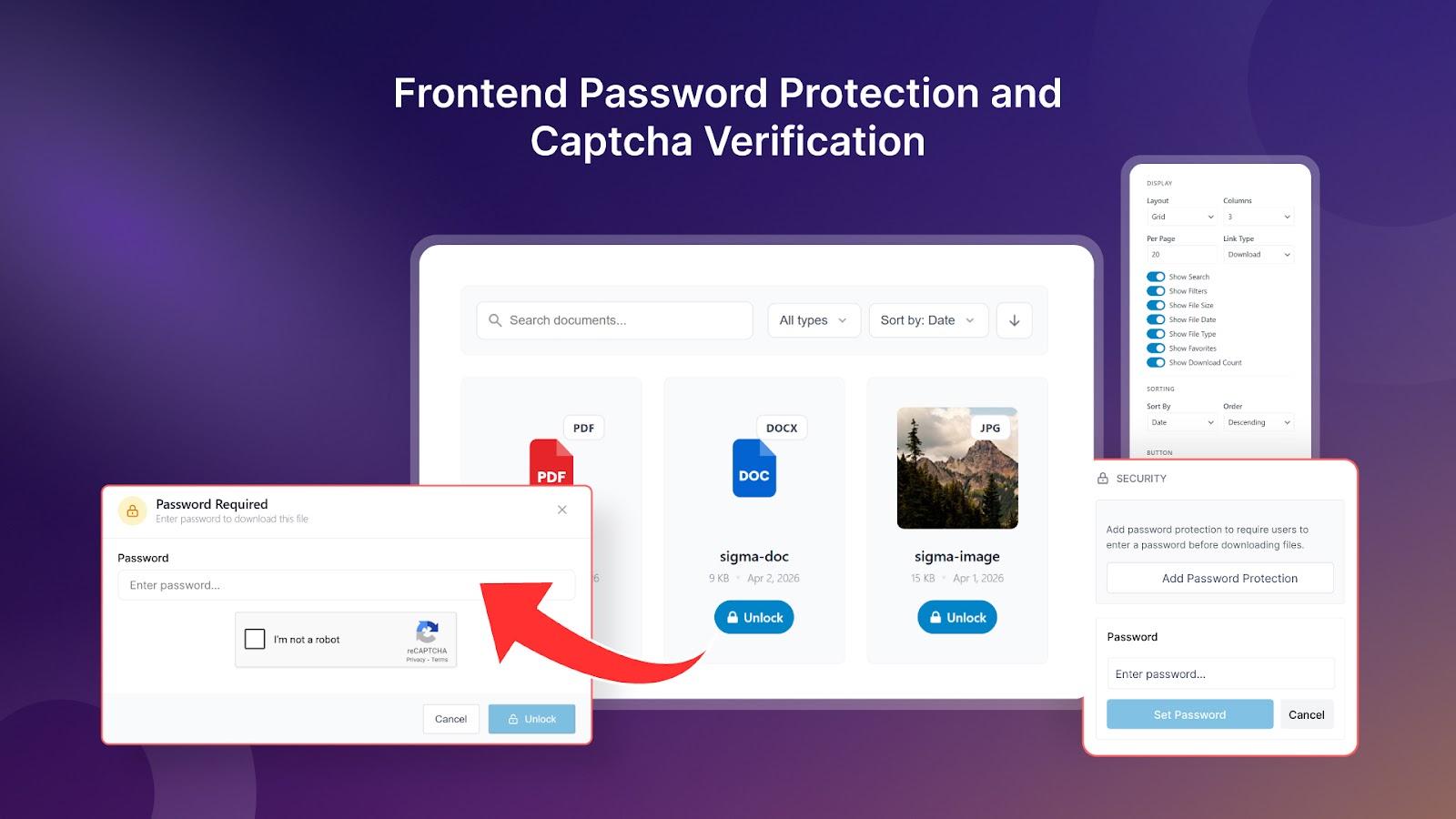
Advanced File Protection
Keep sensitive assets secure with granular access controls. Sigma Media Manager lets you restrict file access with passwords and expiring links, enable CAPTCHA verification to stop automated abuse, set download limits on your document library, and configure user roles with folder-level permissions. Your team only sees and manages what they need to—nothing more.
- Password protection and expiring download links
- CAPTCHA verification to prevent automated abuse
- Download limits on document libraries
- User roles and folder-level permissions
Built-in Image Editor
Edit images directly with brightness, contrast, saturation adjustments, cropping, rotating, filters, resizing, and an AI assistant for quick edits—no external software needed.
Smart Search & Filters
Find any asset instantly using custom taxonomies, filters, and bulk rename tools. No more hunting by scroll—search by metadata, file type, date, or folder.
Backup & Restore
Save or transfer your settings anywhere and restore everything with one click. Original files are backed up before optimization for safety.
White Labeling
Perfect for agencies—white-label the plugin to match your brand when managing client sites or offering media management as a service.
Sigma Media Manager Pricing: Lifetime Deal
AppSumo is offering an exclusive lifetime deal on Sigma Media Manager with 61% savings. Choose the plan that fits your needs:
AppSumo Deal Comparison
Personal Plan
- Lifetime access to all features
- 1 website license
- All future Basic Plan updates
- 60-day money-back guarantee
Business Plan
- Lifetime access to all features
- 5 websites license
- All future Business Plan updates
- Best value for agencies
Important Deal Terms:
- Lifetime access: One-time payment, no monthly or annual fees ever
- 60-day money-back guarantee: Full refund if not satisfied within 60 days
- Activate within 60 days: You can upgrade while deal is live but can only downgrade within 60 days
- All future updates: Automatic access to Basic Plan, Business Plan, and Agency Plan updates
- Plan flexibility: If plan names change, your deal automatically transfers with all updates
Save up to 61% • 60-day guarantee • Lifetime updates
Pros and Cons: What to Expect
Pros
- Exceptional value: 61% discount on lifetime access with all future updates included
- Unlimited folders: No restrictions on folder creation or nesting depth
- AI-powered automation: Bulk metadata generation saves hours of manual work
- Cloud flexibility: Support for 4 major cloud storage providers
- Native WordPress UX: Lightweight, smooth interface that feels familiar
- Trusted developer: From bdthemes, creators of Element Pack and Ultimate Store Kit
- Complete solution: 12 features in one plugin—folders, AI, cloud, protection, editing
Cons
- No physical folder migration: Does not create real server folder structures (by design to avoid WordPress conflicts)
- No multisite support yet: Each site needs separate license activation (coming soon)
- No Bunny CDN integration: Currently supports S3, DigitalOcean, Google Cloud, Cloudflare R2 only
- AI language limitations: Alt-text and descriptions may have limited multi-language support
- New on AppSumo: No user reviews yet—be the first to share your experience
Sigma Media Manager vs Alternatives
| Feature | Sigma Media Manager | Cloudinary | Real Media Library | WP Media Folder |
|---|---|---|---|---|
| Lifetime Deal | $39 one-time | Subscription | Subscription | Subscription |
| Unlimited Folders | ✓ Included | ✗ Not applicable | ✓ Included | ✓ Included |
| AI Metadata Generation | ✓ Bulk AI processing | ✓ AI tagging | ✗ Manual only | ✗ Manual only |
| Cloud Offloading | ✓ 4 providers | ✓ Cloud-native | ✗ Not included | ✗ Not included |
| Built-in Image Editor | ✓ With AI assistant | ✗ External tools | ✗ Not included | ✗ Not included |
| File Protection | ✓ Advanced controls | ✓ Basic | ✗ Limited | ✗ Limited |
| White Labeling | ✓ Included | ✗ Not included | ✗ Not included | ✗ Not included |
Key difference: Sigma Media Manager combines the best of both worlds—folder organization like Real Media Library and WP Media Folder, plus cloud capabilities like Cloudinary—all at a one-time lifetime price instead of recurring subscriptions.
Who Should Use Sigma Media Manager?
Freelancers
Manage multiple client projects with organized folders, white-label the interface, and offload large files to keep your hosting costs down.
Web Design Agencies
Scale media management across 5+ websites with the Business Plan, set folder-level permissions for team members, and protect client assets.
Web Designers
Organize portfolios with color-coded folders, auto-generate alt text for accessibility, and use the built-in image editor for quick adjustments.
Content Creators
Bulk-generate SEO-friendly metadata, find assets instantly with smart filters, and protect downloadable resources with passwords and expiring links.
E-commerce Sites
Organize product images by category, optimize images on upload, and use cloud offloading to handle large catalogs without server bloat.
Document Libraries
Set download limits, enable CAPTCHA verification, and organize PDFs and documents into nested folders with granular access controls.
Related: Chatbot Builder Review
Related: HoneyBill Review
Frequently Asked Questions
No, Sigma Media Manager does not create physical folder structures on the server. This is by design to avoid WordPress conflicts. The plugin creates a virtual folder system that organizes your media without changing actual file URLs or server structure. All existing images continue to work perfectly even if you remove the plugin—you’ll just lose the folder organization.
The Personal Plan ($39) includes 1 website license. The Business Plan ($89) includes 5 websites. Currently, each site needs separate license activation, though multisite license activation is coming soon according to the founder.
All existing images will continue to work perfectly. You’ll only lose the folder structure and organizational features—the actual media files and their URLs remain intact in your WordPress uploads folder.
No, every image is kept in backup when offloaded to cloud storage. You can easily restore images from the cloud back to your local WordPress site at any time. The plugin maintains backups to ensure you never lose your media files.
The AI metadata generation currently has limited multi-language support. Some users have asked about German and other languages. While the feature works best in English, bdthemes may expand language support based on user feedback.
Currently, Sigma Media Manager supports Amazon S3, DigitalOcean Spaces, Google Cloud Storage (GCS), and Cloudflare R2 for cloud offloading. Bunny CDN integration is not available yet, though users have requested this feature.
Yes, you can remove the plugin from one website and activate it on another. Just keep in mind that you’ll lose the folder structure on the old site, though all images will remain functional.
Yes! AppSumo offers a 60-day money-back guarantee. If you’re not satisfied with Sigma Media Manager within the first 60 days of purchase, you can request a full refund, no questions asked.
Final Verdict: Is Sigma Media Manager Worth It in ?
Sigma Media Manager delivers exceptional value for WordPress users struggling with media library chaos. At just $39 for lifetime access (61% off), it’s one of the most comprehensive media management solutions available—especially considering the unlimited folders, AI metadata generation, cloud offloading, and advanced file protection features.
After analyzing the features, pricing, and comparing it against alternatives like Cloudinary, Real Media Library, and WP Media Folder, Sigma Media Manager earns our strong recommendation for freelancers, web design agencies, and content creators. Here’s why:
What We Love:
- Unbeatable pricing: $39 lifetime access with unlimited folders and all future updates is a fraction of subscription alternatives
- AI automation: Bulk metadata generation saves hours of manual work and improves SEO
- Complete solution: 12 features in one plugin—no need for multiple separate tools
- Trusted developer: bdthemes has a proven track record with Element Pack and Ultimate Store Kit
- Cloud flexibility: Support for 4 major cloud providers helps scale without server bloat
Considerations:
- No physical folders: Creates virtual organization only (by design to avoid WordPress conflicts)
- New on AppSumo: No user reviews yet—though backed by bdthemes’ reputation
- Limited language support: AI metadata works best in English currently
Ready to Organize Your WordPress Media Library?
Join early adopters and get lifetime access to Sigma Media Manager for just $39
Get Sigma Media Manager Lifetime Deal Now✓ 60-day money-back guarantee ✓ No recurring fees ✓ Lifetime updates included