HTTPS, Secure DNS and DNS over HTTPS Explained
Three layers decide what the internet can see about you: HTTPS encrypts your content, DNS resolves the addresses, and DoH encrypts the lookups. Here is exactly what each one does — and what it does not.
HTTPS vs. Secure DNS vs. DoH, in One Paragraph
HTTPS (HTTP over TLS) encrypts the content of your connection to a website — the pages, forms, and cookies — so nobody on the path can read or tamper with it. DNS is the phonebook that translates example.com into an IP address, and classic DNS runs in plaintext, so your ISP and anyone on your network can read every domain you look up. Secure DNS — mainly DNS over HTTPS (DoH) and DNS over TLS (DoT) — wraps those lookups in encryption so the queries themselves become private. Together they hide what you read and what you ask for, but they still do not hide where you connect: your IP address, connection metadata, and browser fingerprint remain visible, which is why network encryption is only one layer of a complete privacy stack.
of desktop pages were loaded over HTTPS in 2025, up from ~89% in 2024 (HTTP Archive Web Almanac).
certificates Let’s Encrypt was issuing per day by late 2025 — the engine behind the encrypted web.
median per-query slowdown measured when switching to DoH (ACM IMC performance study) — usually imperceptible.
of DNS queries had end-to-end DNSSEC validation in 2025 — a reminder that authentication ≠ encryption.
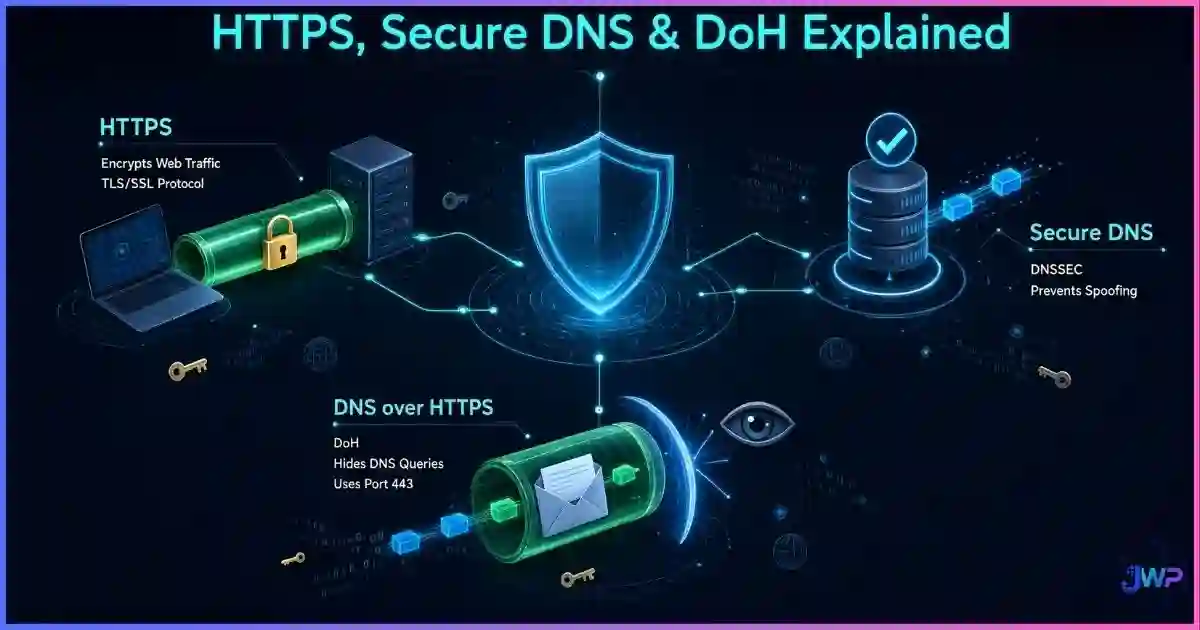
Table of Contents
The Three Layers: HTTPS, DNS, and Secure DNS
Every page load involves two conversations: a lookup (“what is the IP of this domain?”) and a connection (“send me the page”). Most confusion about web privacy comes from mixing these up. Here is the clean separation:
| Layer | What it does | What it hides from your ISP / on-path snoopers | What it still exposes |
|---|---|---|---|
| HTTPS (TLS) | Encrypts and authenticates the connection to the server | Page content, URLs paths, form data, cookies | Domain (via SNI, unless ECH), destination IP, traffic volume |
| Classic DNS | Resolves domain names to IPs | Nothing — queries are plaintext UDP/TCP port 53 | Every domain you look up |
| DoH / DoT (secure DNS) | Encrypts the lookup itself | Your DNS queries from local snoopers and ISP logging | The resolver you use; destination IPs after resolution |
The easiest mental model: HTTPS seals the letter, secure DNS seals the envelope address lookup, but the mail carrier still sees which building the letter is delivered to. This distinction between privacy and security matters throughout this guide — see browser privacy vs. browser security for the broader framework.
How HTTPS Actually Works
HTTPS is HTTP running inside a TLS (Transport Layer Security) tunnel. When you visit an HTTPS site, your browser and the server perform a handshake: they agree on encryption keys, and the server proves its identity with a certificate issued by a trusted Certificate Authority (CA). From that moment, everything inside the tunnel — page content, query strings, POST bodies, cookies — is unreadable to anyone intercepting the traffic.
- Encryption: stops your ISP, coffee-shop Wi-Fi, or a national firewall from reading or modifying page content.
- Authentication: the certificate chain proves you reached the real server, not an imposter (when CAs and certificate transparency do their job).
- Integrity: tampering with encrypted traffic breaks it, so injection attacks fail.
The modern encrypted web was built largely on free, automated certificates: Let’s Encrypt reached a billion total certificates by 2020 and was issuing around ten million certificates per day by late 2025. Add HSTS (which forces browsers to only connect over HTTPS) and the web of 2026 is overwhelmingly encrypted — over 91.7% of desktop page loads per the HTTP Archive’s 2025 Web Almanac.
The Plaintext DNS Problem
Before your browser can open any connection, it must resolve the domain name. Classic DNS sends that query as plaintext — usually UDP port 53 — through your router to your ISP’s resolver. That creates three problems:
- Surveillance: your ISP sees a complete log of every domain you look up, even when the subsequent traffic is fully encrypted by HTTPS.
- Tampering: on-path attackers can forge answers and redirect you to a fake site (DNS spoofing / cache poisoning).
- Hijacking: many ISPs intercept “not found” answers and redirect them to ad-filled search pages — a practice that also breaks security tooling.
DNSSEC was designed to fix the tampering half: it digitally signs DNS records so resolvers can verify authenticity. But adoption of full end-to-end validation has remained tiny — around 0.6% of queries in 2025 — and crucially, DNSSEC authenticates answers without encrypting queries. Your ISP still sees everything you ask. Encryption is the job of secure DNS.
DNS over HTTPS (DoH) and DNS over TLS (DoT), Explained
Secure DNS moves the lookup inside an encrypted channel so the query is unreadable on the path:
- DoH (RFC 8484, 2019): DNS queries are encoded as HTTPS requests to a resolver on port 443, indistinguishable from ordinary web traffic. Used by Chrome, Firefox, Edge, Safari, Android, and public resolvers like Cloudflare 1.1.1.1, Quad9, and Google 8.8.8.8.
- DoT (RFC 7858, 2016): DNS wrapped in TLS on a dedicated port 853. Simpler to identify and block at the network level, but equally effective at encrypting queries in transit.
- DNSCrypt (community protocol): encrypts and authenticates between client and resolver; still used by some privacy tools.
The trade-offs you should know
- Resolver centralization: DoH often shifts your query log from your ISP to a large resolver (Cloudflare, Google). The privacy win is real, but you are choosing who sees your lookups — pick resolvers with strong no-log policies.
- Enterprise and parental controls: network admins lose visibility and filtering hooks, which is why some organizations block DoH or enforce their own resolver via policy.
- Latency: measurements show a mixed impact — one ACM IMC study found a median ~65ms slowdown per query — while resolver caching and connection reuse usually make real-world browsing feel identical.
Secure DNS Statistics & Charts
The encrypted-web transition is one of the biggest infrastructure shifts in internet history. The charts below summarize where things stand in 2026.
Share of web pages loaded over HTTPS
(Chrome activity)
(HTTP Archive)
(HTTP Archive)
(Chrome-based)
Sources: Google Transparency Report / The SSL Store (2016, Chrome passing 50% encrypted activity); HTTP Archive Web Almanac 2025 (91.7% desktop / 91.5% mobile, up from ~89% in 2024); industry page-load tracking (95.6%). Methodologies differ; treat as directional.
What your ISP can still observe, by setup (editorial visibility score)
Editorial scoring based on protocol capabilities: HTTPS hides content but leaks SNI/domain; DoH removes the query log; a VPN removes the destination-IP view; ECH/Tor close the remaining handshake and routing gaps.
Encryption coverage by DNS technology
*DNSSEC authenticates answers (signatures) but does not encrypt queries. APNIC measurements show the US and Brazil leading real-world DoH adoption, with other countries catching up; end-to-end DNSSEC validation remains under 1% of queries.
Adoption is also visible in resolver behavior: APNIC’s longitudinal measurements found the United States and Brazil leading encrypted-DNS usage, driven largely by Firefox’s US DoH rollout and Android’s private DNS feature, while Europe and Asia followed as browsers shipped “secure DNS” settings.
How to Enable Secure DNS in Every Browser
| Platform | Where to enable | Notes |
|---|---|---|
| Chrome / Edge | Settings → Privacy & security → Security → “Use secure DNS” | Choose a provider (Cloudflare, Quad9, Google) or keep your ISP if it supports DoH |
| Firefox | Settings → General → Network Settings → “Enable DNS over HTTPS” | Default-on in the US since 2020; resolver selectable (Cloudflare/NextDNS) |
| Safari (macOS/iOS) | System-level: Settings → Wi‑Fi/Network → DNS, or a DNS profile/app | Uses DoH/DoT via system configuration profiles; no in-browser toggle |
| Android | Settings → Network & internet → Private DNS → “Private DNS provider hostname” | Enter dns.quad9.net or one.one.one.one for DoT |
| Windows 11 | Settings → Network & internet → your adapter → DNS server encryption: “On (automatic template)” | Enables DoH when the configured resolver supports it |
| Router | Router DNS settings or firmware (OpenWrt, Asus, etc.) | Protects every device on the network, including IoT gear |
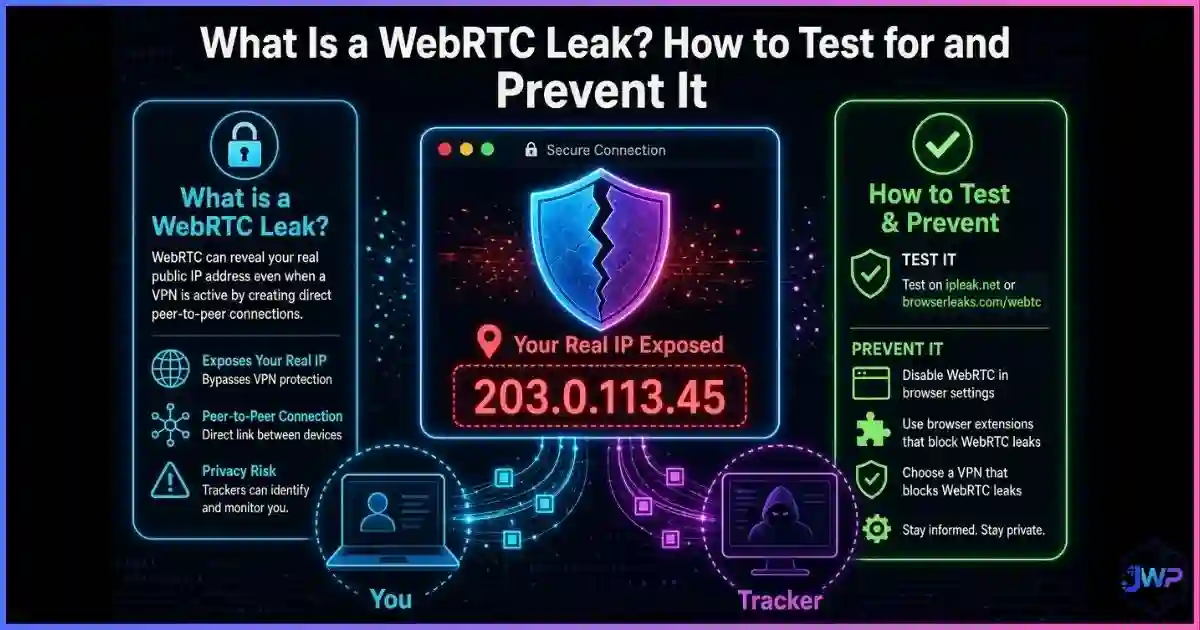
After enabling, verify with your resolver’s test page (for example Cloudflare’s 1.1.1.1/help) or a DNS leak test. And while you are auditing leaks, remember that DNS is not the only silent channel — WebRTC leaks can expose your real network path even when DNS and HTTPS are perfectly configured.
What HTTPS + DoH Still Do Not Hide
Encryption is necessary but not sufficient. Even with HTTPS everywhere and DoH enabled, an observer can still assemble a surprisingly complete picture of you:
- Destination IPs: your ISP sees which addresses you connect to, and IP-to-organization mapping often reveals the site.
- SNI (until ECH is universal): the server name in the TLS handshake is traditionally plaintext; Encrypted Client Hello is rolling out but is not yet everywhere.
- Traffic metadata: timing, volume, and burst patterns fingerprint your activity even when content is sealed.
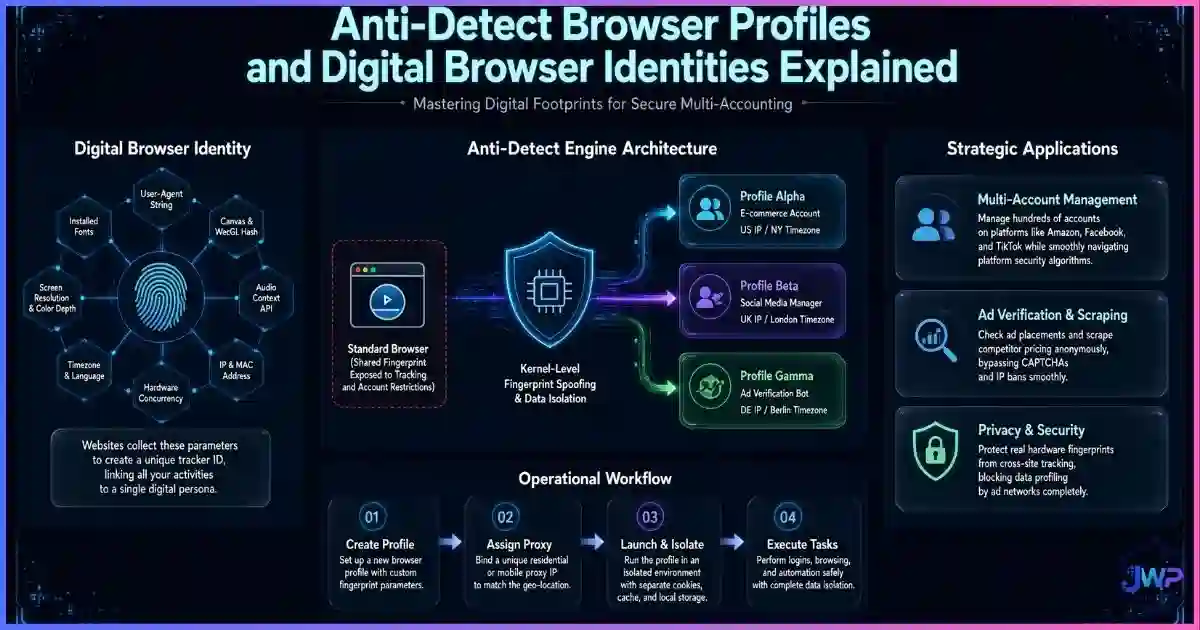
- Browser fingerprinting: canvas, fonts, WebGL, and timezone operate entirely above the network layer — see what browser fingerprinting is and how websites track you.
- Account identity: the moment you log in, every network-level protection is irrelevant to the platform — you have voluntarily identified yourself.
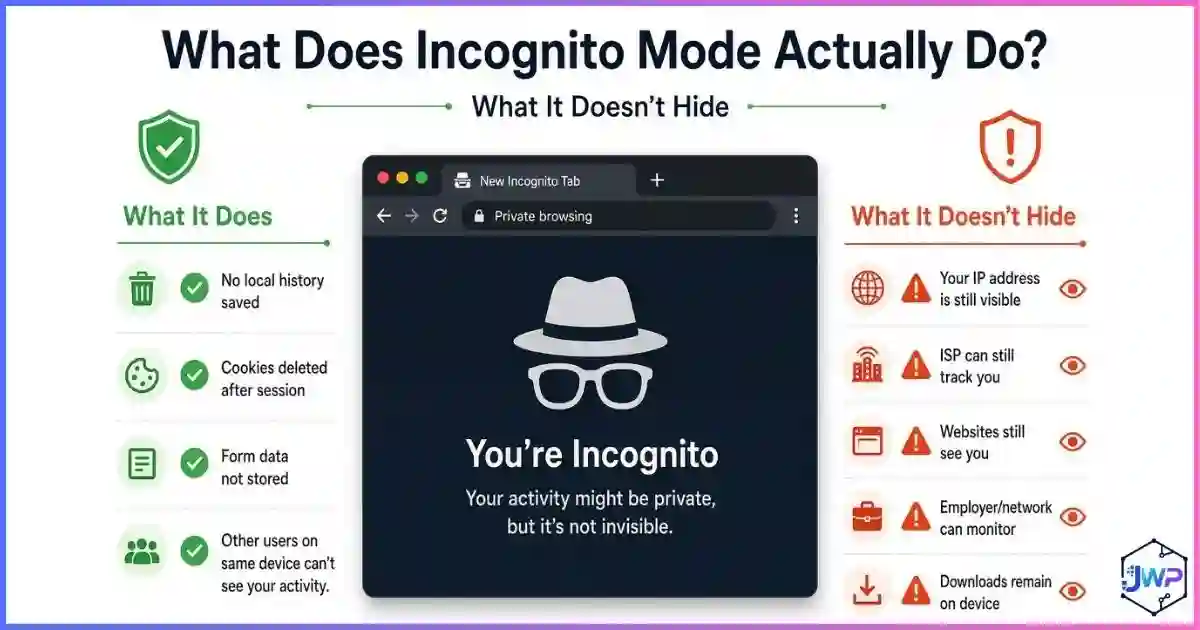
This is why “encrypted” does not mean “anonymous.” If your goal is identity separation rather than transport security — for example, running multiple ad or seller accounts without cross-linking — you need isolated profiles with per-profile DNS, proxy, and fingerprint settings, not just a secure connection. Our guide on whether you can really browse anonymously walks through the full picture.
Encryption protects the pipe. Isolation protects the identity.
Incogniton gives every browser profile its own DNS behavior, proxy route, cookies, and fingerprint — so each account looks like a different person on a different network, not the same device with a new IP.
Get Incogniton →Affiliate link — we may earn a commission at no extra cost to you.
Building a Layered Privacy Stack
Think in layers, not tools. Each layer closes a specific gap, and no single one closes them all:
- HTTPS everywhere: baseline content encryption; add HSTS-aware browsers and upgrade extensions only where sites still serve HTTP.
- Secure DNS (DoH/DoT): removes the plaintext query log from your ISP; pick a no-log resolver.
- VPN or Tor (threat-model dependent): hides destination IPs from the local network; Tor adds strong anonymity at the cost of speed and trust with exit nodes.
- Leak control: WebRTC, DNS, and IPv6 leak tests after every configuration change.
- Identity isolation: per-profile cookies, fingerprint, timezone, and DNS for multi-account work — the layer where a VPN alone cannot help you.
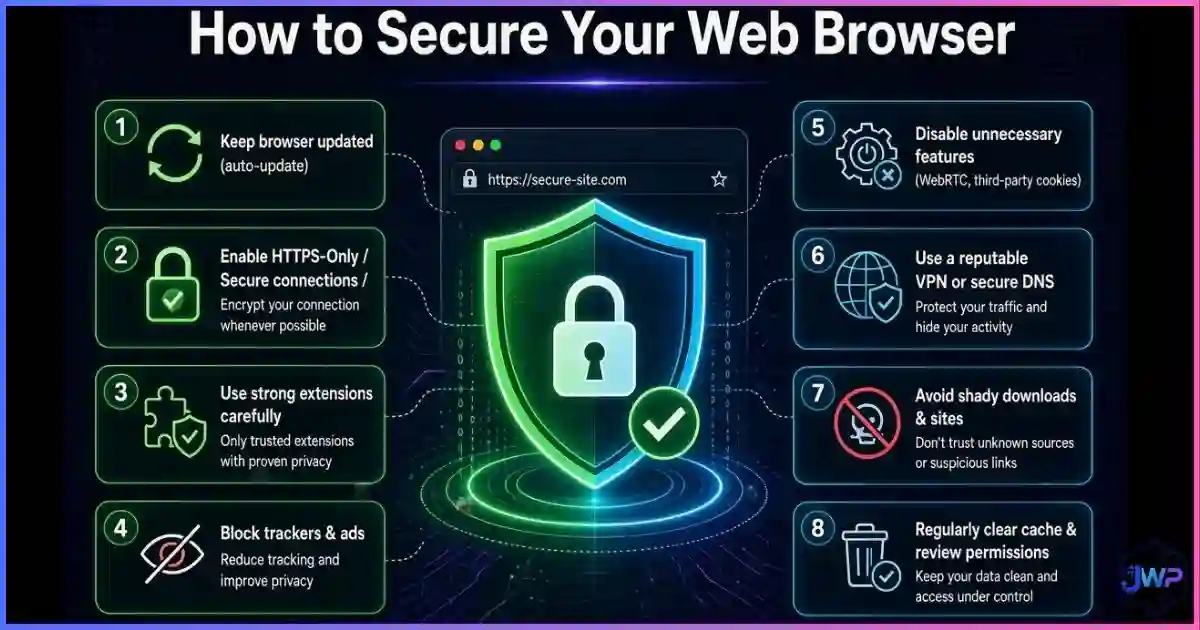
- Endpoint hygiene: updated browsers, minimal extensions, and hardened permissions — start with how to secure your web browser.
Secure DNS & HTTPS Checklist
- Confirm your browser shows the padlock / HTTPS-by-default behavior and warns on HTTP.
- Enable DoH (Chrome/Edge/Firefox) or Private DNS (Android) / system DoH profile (Apple).
- Choose a resolver with a public no-log policy (e.g., Quad9, Cloudflare) and note which one you picked.
- Run a DNS leak test and confirm queries resolve via your chosen resolver, not your ISP.
- Run a WebRTC leak test to confirm no local/public IP candidates leak around your tunnel.
- For multi-account work: assign per-profile DNS + proxy + fingerprint in an anti-detect browser.
- Re-test after OS/browser updates and router changes; encryption settings can silently reset.
Frequently Asked Questions
Does DNS over HTTPS make me anonymous?
What is the difference between DoH and a VPN?
Does DNS over HTTPS slow down browsing?
Is DNSSEC the same as DoH?
Can my ISP still see what I do if I use HTTPS and DoH?
Should I enable DoH in my browser or on my router?
Sources and Research Notes
Sources & Research Notes (click to expand)
Adoption figures differ by methodology (page loads vs. sites vs. resolver telemetry), so numbers above are presented as published and should be read as directional. Open sources used:
- HTTP Archive (2025). “Web Almanac 2025 — Security/SEO chapters.” HTTPS reached 91.7% of desktop pages and 91.5% of mobile pages in 2025, up from ~89% in 2024. almanac.httparchive.org
- Google Transparency Report / The SSL Store (2016–2024). “HTTPS encryption on the web” — Chrome passing 50% encrypted page-load activity (2016) and long-run adoption curves. transparencyreport.google.com
- Let’s Encrypt (2025). “10 Years of Let’s Encrypt Certificates.” ~10 million certificates issued per day by late 2025; 1 billion total by 2020. letsencrypt.org
- Hoffman & McManus (ACM IMC 2021). “Measuring DNS-over-HTTPS performance around the world.” Median ~65ms per-query slowdown on switch to DoH. acm.org
- APNIC Blog (2021). “The prevalence of DNS over HTTPS.” US and Brazil leading encrypted DNS adoption; global catch-up trends. apnic.net
- TechnologyChecker (2026). “DNSSEC Adoption in 2026.” End-to-end DNSSEC validation ≈0.6% of queries in 2025–2026. technologychecker.io
- IETF. RFC 8484 (DNS over HTTPS, 2019) and RFC 7858 (DNS over TLS, 2016). ietf.org
- Mozilla Blog (2020). Firefox DoH default rollout (US) with Cloudflare/NextDNS. blog.mozilla.org