Can Browser Fingerprinting Be Prevented or Reduced?
You Can’t Fully Prevent It. You Can Absolutely Reduce It.
Here is the honest answer that most privacy content won’t give you: on a standard browser, browser fingerprinting cannot be 100% prevented — because the web is built on the very data fingerprinting abuses (screen size, browser engine, fonts, rendering behavior). But fingerprinting can be dramatically reduced, and for specific use cases, effectively neutralized. The EFF’s measurements show that while 83.6% of default browsers are instantly unique, hardened setups like Tor push uniqueness below 1%. This guide breaks down the four real defense strategies — uniformity, blocking, spoofing, and isolation — what the data says about each, and the trade-offs nobody mentions.
Quick answer
Can browser fingerprinting be prevented or reduced?
Reduced: yes. Fully prevented on a normal browser: no. Fingerprinting works because browsers must reveal functional data (engine, screen, fonts, rendering) to display websites. What you can do is shrink your uniqueness: privacy browsers and hardened settings (Brave Shields, Firefox Resist Fingerprinting) cut it sharply; Tor eliminates it by making every user identical; and anti-detect browsers like Incogniton neutralize it for multi-account work by giving each profile its own consistent, believable spoofed fingerprint.
The key insight: the goal is not to hide data — it’s to stop being unique. Trackers can only follow you if your combination of attributes stands out from the crowd.
The Problem
Why Fingerprinting Is So Hard to Prevent
Cookie tracking can be stopped by deleting cookies. Fingerprinting cannot be stopped the same way, because it doesn’t store anything on your device — it reads you. Every time a page loads, JavaScript can query dozens of functional attributes that the browser must expose in order to render the site correctly. These fall into distinct families, which we cover in detail in types of browser fingerprinting:
| Fingerprint family | What it reads | Why the browser exposes it |
|---|---|---|
| Canvas / WebGL | How your GPU renders graphics and text | Needed for HTML5 graphics, games, video |
| AudioContext | How your audio hardware processes signals | Needed for web audio, calls, media |
| Fonts & screen | Installed fonts, resolution, color depth, DPR | Needed for layout and typography |
| Environment | Timezone, language, UA string, platform | Needed for localization and compatibility |
| Behavioral | Mouse dynamics, typing cadence, touch events | Needed for UX, forms, and mobile input |
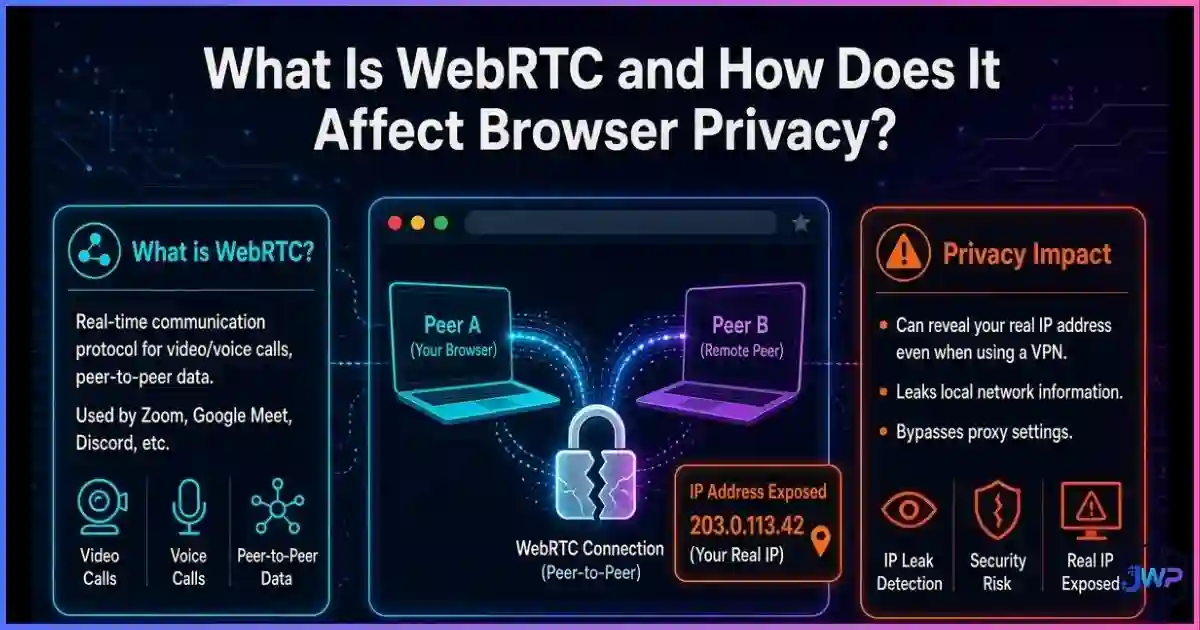
| Network-adjacent | WebRTC local IPs, TLS/JA3 handshake traits | Needed for peer connections and encryption |
The paradox: the more functional and personalized the web becomes, the more fingerprintable every device is. That’s why “prevention” in the absolute sense only exists in one place — browsers that deliberately strip or standardize functionality (Tor, Firefox’s Resist Fingerprinting). Everyone else is playing a game of reduction: lowering your uniqueness until tracking you becomes economically pointless.
Data
Uniqueness Rates & Defense Effectiveness
The single most useful metric in this whole debate is uniqueness rate: the percentage of users whose fingerprint is one-of-a-kind in the measurement pool. Lower is better. The data shows a dramatic ladder from “fully exposed” to “effectively invisible”:
Fingerprint uniqueness by browser setup (lower is better)
Sources: EFF Panopticlick / Cover Your Tracks; AmIUnique (INRIA); Gómez-Boix et al., ACM CCS 2018. Hardened setups are editorial estimates from published measurements.
How much each common defense reduces fingerprint tracking
Editorial scoring based on tracking-vector coverage (canvas, WebGL, audio, fonts, environment, state). Higher is better.
The identifiability problem
Source: EFF research (Panopticlick / Cover Your Tracks).
Why the number stays so high on default setups:
- Most users never change a single default setting.
- Extensions, fonts, and screen configs add entropy — every addition makes you rarer.
- First check your own exposure with our guide on how to check your browser fingerprint.
The Framework
The 4 Real Defense Strategies
Every tool that fights fingerprinting uses one (or a combination) of four strategies. Understanding them tells you exactly what any product — including anti-detect browsers — is actually doing under the hood.
Uniformity (hide in the crowd)
Make every user look identical: same window size, same fonts, same UA. Tor and Firefox’s Resist Fingerprinting do this. Maximum protection, maximum functionality sacrifice.
Blocking (starve the collectors)
Stop third-party fingerprinting scripts from loading at all (uBlock Origin, NoScript, Brave Shields, Firefox ETP). Strong against cross-site trackers; weaker against first-party scripts.
Spoofing (answer with believable lies)
Intercept Canvas, WebGL, AudioContext, and font queries and return consistent fake values. This is the core of anti-detect browsers and what anti-detect browsers can hide.
Isolation (limit the blast radius)
Don’t stop the fingerprint — stop it from being linked. Separate profiles mean each identity has its own fingerprint, so tracking can’t cross accounts. See browser profile isolation.
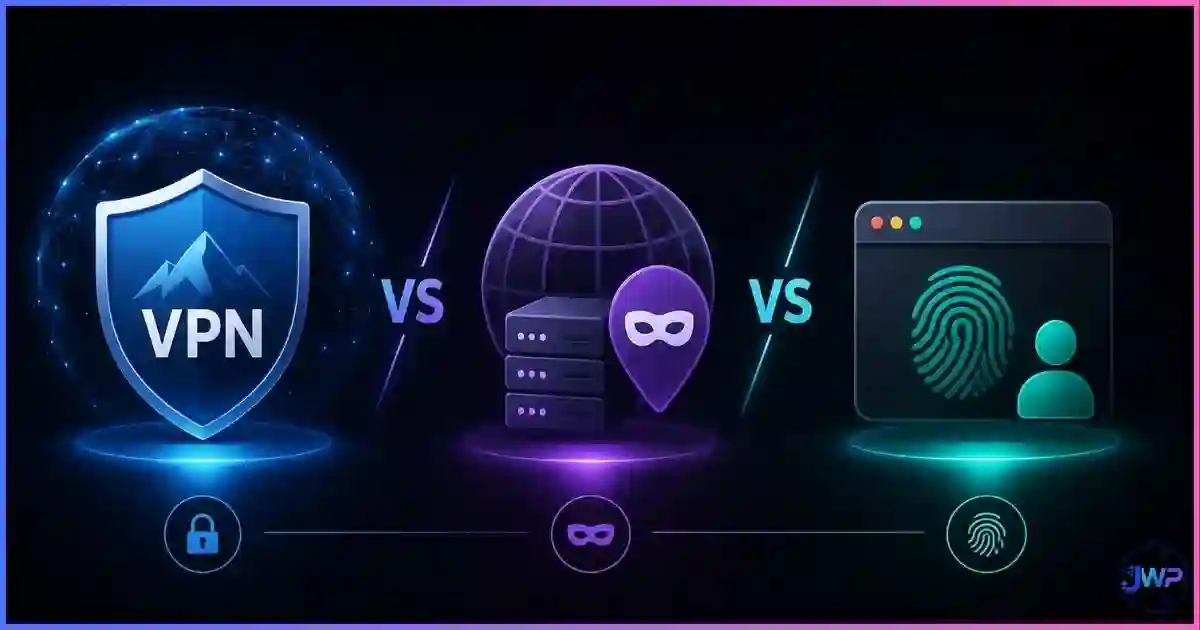
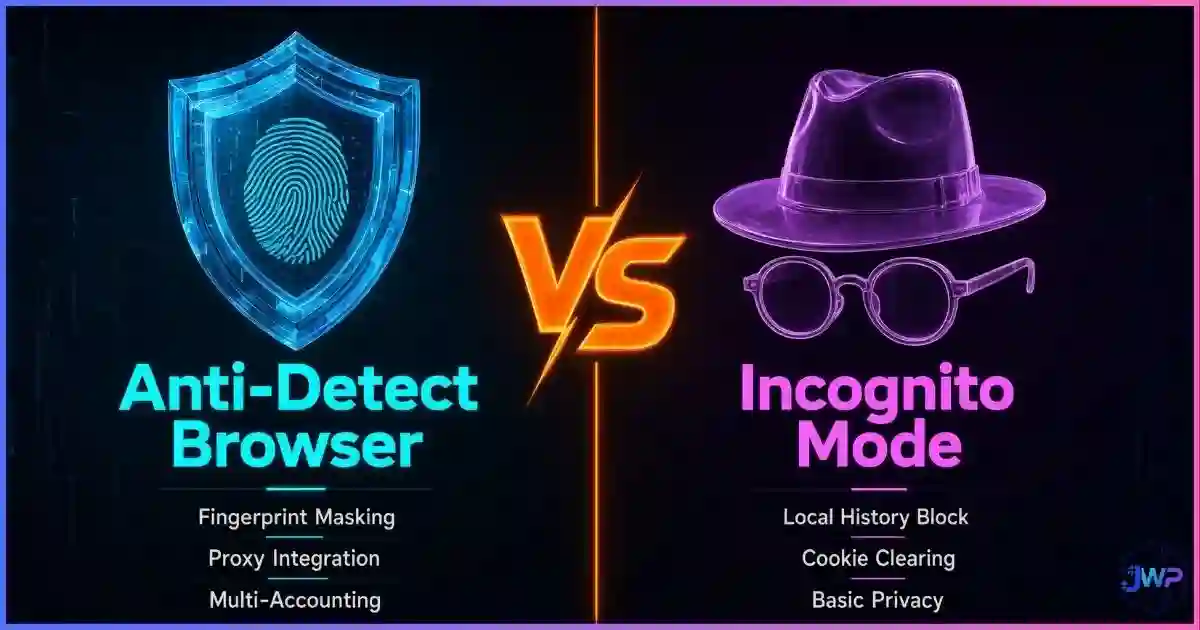
Notice what’s missing from the list: VPNs and incognito mode. A VPN changes your IP but leaves every fingerprint attribute untouched — which is why a VPN does not change your browser fingerprint, and why changing your IP doesn’t change your fingerprint. They solve the network layer, not the browser layer.
Reduce your fingerprint without breaking the web.
Incogniton combines spoofing + isolation: every profile gets a consistent, believable fingerprint (Canvas, WebGL, AudioContext, fonts, timezone) with isolated cookies and a dedicated proxy — so you’re neither unique nor linkable.
Get Incogniton Anti-Detect Browser → Affiliate link — we may earn a commission at no extra cost to you.What Works
What Actually Works (and How Much)
| Defense | Strategy | Reduces uniqueness? | Cost / trade-off |
|---|---|---|---|
| Tor Browser | Uniformity | ✓ <1% unique | Very slow; CAPTCHAs; some sites block Tor outright |
| Firefox Resist Fingerprinting (RFP) | Uniformity | ✓ Strong | Breaks some site features; forces light theme, standard window |
| Brave Shields / Firefox ETP Strict | Blocking | ~ Good vs third parties | Occasional site breakage; first-party scripts still run |
| uBlock Origin / NoScript | Blocking | ~ Good, config-dependent | NoScript breaks many sites by default; requires maintenance |
| Anti-fingerprint “noise” extensions | Spoofing (naive) | ~ Weak to negative | Random noise per load is detectable; the extension itself adds entropy |
| Anti-detect browser (consistent spoof) | Spoofing + Isolation | ✓ Strong per profile | Paid tiers for scale; requires proxy pairing for full coverage |
| Disabling JavaScript entirely | Blocking (total) | ✓ Very strong | Most of the modern web stops working |
| VPN / Incognito | — | ✕ None for fingerprint | Useful for other threats, useless for this one |
The pattern: uniformity protects you from everyone but costs functionality; spoofing protects your functionality but demands consistency; isolation protects your accounts even when the fingerprint itself is read. Professionals combine all three — which is exactly the architecture of a good anti-detect browser.
Reality Check
Trade-offs & Detection Risks
Every defense has a price, and some defenses can even backfire. Before you harden your browser, understand the failure modes:
Risk 1
Over-blocking makes you more unique.
Why
A browser with 47 extensions and a custom filter stack is rarer than a default one. Rarity is the fingerprint. Uniformity beats customization.
Risk 2
Random “noise” spoofing is detectable.
Why
If your canvas hash changes on every page load, fraud systems flag you as a bot instantly. Real hardware is stable; spoofing must be too.
Risk 3
Hardened browsers break websites.
Why
RFP and NoScript trade functionality for protection: logins, payments, and video can fail. Tor users face CAPTCHAs and outright blocks.
Risk 4
Inconsistent spoofing gets flagged.
Why
A “MacBook” profile reporting Windows fonts or a Berlin proxy with a Los Angeles timezone fails basic consistency checks. See can websites detect anti-detect browsers?
How much does any of this matter in practice? It depends on the adversary. Ad networks want scale — reducing uniqueness below the crowd threshold defeats them. Fraud systems at banks, ad platforms, and marketplaces want you specifically — they need consistency and isolation, not just reduction. That’s why the right setup depends on your threat model, and why fingerprinting accuracy varies so much between an ad tracker and a fraud engine.
Myth Busting
6 Fingerprint-Defense Myths, Busted
Myth 1
“Clearing cookies stops fingerprinting.”
Reality
Fingerprinting stores nothing on your device. Clearing cookies removes state, not your hardware signature — trackers simply re-identify you on the next visit.
Myth 2
“A VPN hides my fingerprint.”
Reality
A VPN masks the IP only. Canvas, WebGL, fonts, and timezone are unchanged. It’s a network-layer tool, not a browser-layer tool.
Myth 3
“Incognito mode changes my fingerprint.”
Reality
Private windows use the same engine, fonts, screen, and GPU. Your fingerprint is identical; only local storage is temporary.
Myth 4
“More privacy extensions = more protection.”
Reality
Past a point, each extension adds entropy and makes you rarer. A small uniform setup beats a large customized one.
Myth 5
“Fingerprinting can be 100% prevented in Chrome.”
Reality
Chrome exposes the attributes by design. You can reduce collection (blockers) but not the underlying uniqueness. Full prevention requires uniformity (Tor/RFP).
Myth 6
“If I’m not unique, I’m safe.”
Reality
Low uniqueness defeats cross-site ad tracking, but session cookies and logged-in identities still tie activity to you. Defense layers stack; none replaces the others.
Action Plan
The Right Setup for Your Threat Model
Measure first
Before changing anything, test your current exposure. Use our walkthrough on how to check your browser fingerprint to see exactly what a tracker reads today.
Everyday users: block + privacy browser
Switch to Brave or Firefox with strict tracking protection plus uBlock Origin. This crushes third-party fingerprinting with minimal site breakage — the best effort-to-protection ratio for normal browsing.
High-privacy users: add uniformity
Enable Firefox Resist Fingerprinting (or use Tor for sensitive research). Accept the functionality trade-off in exchange for crowd-level anonymity.
Multi-account professionals: spoof + isolate
Use an anti-detect browser so each account gets a stable, believable fingerprint, isolated cookies, and a dedicated proxy. Consistency is the rule: one identity, one fingerprint, forever.
Keep configurations boring and stable
Standard window sizes, default-ish fonts, no exotic extension stacks. The most private browser is one that looks like a million others.
Re-test quarterly
Browsers update, APIs change, and spoofing tables age. Re-run fingerprint checks every few months and after major browser updates.
Skip these assumptions
- “VPNs or incognito stop fingerprinting”
- “Random noise extensions make me safe”
- “More extensions = more privacy”
- “Clearing cookies resets my fingerprint”
- “One tool covers every layer”
Do this instead
- Match the strategy to the threat (block / uniform / spoof / isolate)
- Prefer uniformity over customization
- Keep spoofed fingerprints stable across sessions
- Pair anti-detect profiles with dedicated proxies
- Measure your uniqueness before and after changes
Fingerprint-reduction checklist
- I tested my current fingerprint and know my uniqueness level.
- I use a privacy browser or strict tracking protection with uBlock Origin.
- I avoid exotic extension stacks that make my setup rarer.
- I understand that VPN/incognito do not touch my fingerprint.
- For multi-account work, each profile has a stable spoofed fingerprint.
- Each isolated profile is paired with its own dedicated proxy.
- I re-check my fingerprint after major browser updates.
Neither unique nor linkable. That’s the goal.
Incogniton gives every profile a consistent spoofed fingerprint, isolated state, and proxy support — the spoofing + isolation combination that ad platforms and marketplaces can’t easily tie back to you or to each other.
Try Incogniton Free → Affiliate link — we may earn a commission at no extra cost to you.FAQs
Frequently Asked Questions
Can browser fingerprinting be completely prevented?
Does a VPN stop browser fingerprinting?
Do ad blockers prevent fingerprinting?
Are anti-fingerprinting “noise” extensions safe?
Does incognito or private mode reduce my fingerprint?
What’s the difference between preventing and reducing fingerprinting?
Can websites tell I’m blocking fingerprint scripts?
📚 Sources & Research Notes (click to expand)
This guide draws on peer-reviewed fingerprinting research, EFF measurements, and browser vendor documentation. Uniqueness figures for hardened setups are editorial estimates derived from the cited measurement pools; browser APIs and tracking techniques evolve quickly.
- Eckersley, P. (2010). “How Unique Is Your Web Browser?” EFF Panopticlick — 83.6% of tested browsers had unique fingerprints; ~94% identifiability result. panopticlick.org
- EFF. Cover Your Tracks — ongoing public measurement of tracker exposure and fingerprint uniqueness. coveryourtracks.eff.org
- Gómez-Boix, A., Laperdrix, P., & Baudry, B. (2018). “An Analysis of the Effectiveness of Browser Fingerprinting.” ACM CCS — 73% mobile vs ~35% desktop uniqueness via unique values. dl.acm.org
- Laperdrix, P., Rudametkin, W., & Baudry, B. (2020). AmIUnique — INRIA fingerprint diversity dataset and defense analysis. amiunique.org
- Englehardt, S., & Narayanan, A. (2016). “Online Tracking: A 1-million-site Measurement and Analysis.” Princeton CITP — prevalence of third-party tracking and fingerprinting scripts across the web.
- Leith, D. (2020). “Web Browser Privacy: What Do Browsers Say When They Phone Home?” Trinity College Dublin — comparative data-collection study (Brave collected the least identifying data). Referenced via WeLiveSecurity.
- Mozilla Documentation — Resist Fingerprinting (privacy.resistFingerprinting) design notes and Firefox anti-tracking architecture.
- Tor Project — Tor Browser design documents — uniformity principles, window-size standardization, and canvas protections.
Browser APIs, tracking techniques, and platform detection rules evolve quickly. Always verify current documentation from Mozilla, Brave, the Tor Project, and your chosen anti-detect browser vendor before making privacy or multi-account decisions.