
Anti-Detect Browser vs Incognito Mode: Which Actually Protects You?
Private browsing deletes your local history, but it does nothing to hide your identity from websites. Here is the technical breakdown of what each tool actually controls, backed by tracking data and fingerprint research.
What is the actual difference?
Incognito mode only prevents your local device from saving history, cookies, and form data after the session ends. It does not hide your IP address, change your browser fingerprint, or isolate your identity from websites while the window is open. An anti-detect browser creates fully isolated, persistent profiles with spoofed hardware fingerprints, separate cookie jars, and dedicated proxies, allowing you to manage multiple digital identities without getting linked or banned by platform detection systems.
of users misunderstand what private browsing actually protects them from (USENIX Security Symposium).
of standard browsers have a completely unique fingerprint, making them easily trackable even in Incognito (EFF Panopticlick).
IP addresses or fingerprint attributes hidden by standard Incognito / Private browsing modes.
cross-browser fingerprinting identification rate, proving that simply switching browsers or windows does not hide your hardware (NDSS 2017).
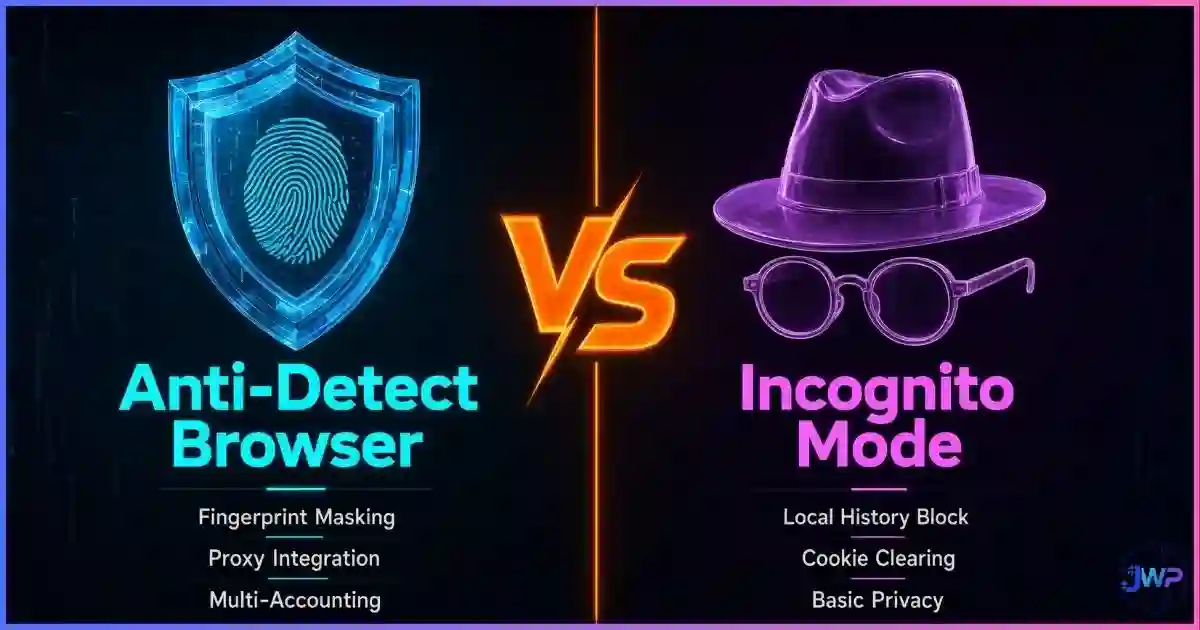
Table of Contents
The Core Difference Defined
The confusion between these two tools comes from a fundamental misunderstanding of where tracking happens. People assume tracking happens on their hard drive (via cookies and history). In reality, modern tracking happens in the network and the browser engine itself. If you need a primer on the local data side, read our guide on what Incognito mode actually does.
Incognito Mode is a local cleanup tool. It tells your browser, “Do not write history or cookies to the disk, and delete the temporary session when I close the window.” It does absolutely nothing to change the data your browser sends to the server while the window is open.
Anti-Detect Browsers are identity isolation tools. They tell the server, “I am a completely different device, with a different graphics card, a different timezone, and a different IP address,” and they maintain that lie consistently across multiple sessions. For a deep dive into the technology, see what an anti-detect browser is.
What Incognito Actually Does (and Doesn’t Do)
When you open a private window in Chrome, Firefox, Safari, or Edge, the browser creates a temporary, isolated session. Here is the exact boundary of that isolation:
- It hides: Local browsing history, temporary cookies, and form autofill data from other users of the same physical computer.
- It fails to hide: Your public IP address (visible to the website and your ISP), your browser fingerprint (canvas, WebGL, fonts), your downloads (saved to disk), and your bookmarks.
Statistics and Comparison Charts
Research consistently shows that users overestimate the protection provided by private browsing, while underestimating the persistence of hardware-level tracking.
Protection against tracking vectors (Editorial Scoring 0-10)
Editorial scoring based on technical capabilities. Incognito scores a 2 on cookie isolation because while it clears them on close, they are shared across all open private windows during the session, enabling immediate cross-account linking.
User misconceptions about private browsing
hides IP from ISP
website tracking
stops fingerprinting
Source: “The Web Never Forgets” and subsequent USENIX user studies on private browsing misconceptions. The “anonymity illusion” leads users to adopt tools that do not match their actual threat models.
Browser Fingerprint Uniqueness
(Normal Window)
(Incognito Mode)
(Spoofed & Consistent)
Sources: EFF Panopticlick (83.6% uniqueness). Incognito mode does not alter the underlying hardware APIs (Canvas, WebGL, AudioContext) that generate the fingerprint. Anti-detect browsers actively spoof these values to blend into the crowd.
How Anti-Detect Browsers Work
While Incognito mode manages local storage, an anti-detect browser manages what the browser exposes to the web. It operates on the principle of strict profile isolation. When you create a new profile in a tool like Incogniton, Multilogin, or GoLogin, the software generates a sealed container that includes:
- Spoofed Hardware: The browser reports a specific CPU core count, GPU renderer string (WebGL), and canvas rendering hash that matches a real device in the market.
- Isolated State: Cookies, LocalStorage, IndexedDB, and cache are completely separated from your main OS and other profiles.
- Network Routing: Each profile is bound to a specific proxy (residential, mobile, or datacenter). The browser automatically aligns its timezone, language, and WebRTC policies to match the proxy’s geolocation.
This creates a “digital identity” that persists across sessions. If you close the profile and open it tomorrow, the website sees the exact same device returning, which builds trust and prevents bot-detection flags. This is why professionals rely on them for scaling operations.
Stop linking your accounts by accident.
Incogniton provides strict profile isolation, ensuring your cookies, cache, and fingerprints never cross-contaminate between accounts. Start with up to 10 profiles for free.
Try Incogniton Free →Affiliate link — we may earn a commission at no extra cost to you.
Feature-by-Feature Comparison
| Feature | Incognito / Private Mode | Anti-Detect Browser |
|---|---|---|
| Primary Purpose | Prevent local history tracking on a shared computer. | Manage multiple isolated digital identities online. |
| IP Address | Real IP exposed to websites and ISP. | Hidden via proxy integration per profile. |
| Browser Fingerprint | Real hardware (Canvas, WebGL, Fonts) exposed. | Spoofed to match a consistent, believable device. |
| Cookies & Storage | Shared across all open private windows; wiped on close. | 100% isolated per profile; persistent across sessions. |
| Multi-Accounting | High risk of account linking and bans. | Designed specifically for safe multi-account scaling. |
| WebRTC Leaks | Vulnerable to local and public IP leaks. | Can be disabled or routed through the proxy. |
| Automation | Detectable via standard Selenium/Puppeteer flags. | Hides automation flags to bypass bot detection. |
When to Use Which Tool
Neither tool is universally “better”; they solve entirely different problems. If you are comparing network tools as well, read our breakdown of the anti-detect browser vs. VPN vs. proxy.
Use Incognito Mode When:
- You are using a public or shared computer (library, hotel business center) and want to ensure your login session and history are wiped when you leave.
- You want to check search engine results or ad placements without your personal browsing history and past clicks biasing the algorithm.
- You are buying a gift on a shared household computer and do not want the recipient to see the search history.
Use an Anti-Detect Browser When:
- You are an affiliate marketer managing dozens of ad accounts across Facebook, Google, or TikTok.
- You are an e-commerce seller operating multiple storefronts on Amazon, eBay, or Etsy.
- You are a social media manager handling multiple brand accounts that require strict separation to avoid shadowbans.
- You are conducting competitive intelligence, web scraping, or price monitoring that requires rotating identities.
Common Privacy and Tracking Myths
- Myth: “If I clear my cache, my fingerprint changes.”
Reality: Your fingerprint is generated by your physical hardware (GPU, screen resolution, installed fonts) and browser engine. Clearing cache does not change your graphics card. See what browser fingerprinting is for the technical details. - Myth: “Websites can’t tell if I’m in Incognito.”
Reality: Many sites use JavaScript to check if the FileSystem API or LocalStorage quotas are restricted, which are common behaviors in private modes. Furthermore, websites can detect spoofed environments if the configuration is sloppy. - Myth: “A VPN is enough for multi-accounting.”
Reality: A VPN changes your IP, but if you log into Account A and Account B from the same Chrome browser with the same VPN IP, the platform links them via your identical Canvas and WebGL hashes.
Frequently Asked Questions
Is Incognito mode the same as an anti-detect browser?
Can websites tell if I am using Incognito mode?
Does Incognito mode hide my IP address?
Can I manage multiple accounts using Incognito mode?
Do anti-detect browsers work better than VPNs for privacy?
Is it illegal to use an anti-detect browser?
Sources and Research Notes
Sources & Research Notes (click to expand)
Methodologies differ across academic studies, user surveys, and browser-vendor measurements. Figures above are presented as published and should be read as directional.
- Blasing, P., et al. (2020). “The Web Never Forgets: Persistent Tracking Mechanisms in the Wild.” USENIX Security Symposium — user studies on misconceptions regarding private browsing modes (73% misunderstanding rate). usenix.org
- Eckersley, P. (2010). “How Unique Is Your Web Browser?” EFF Panopticlick — foundational research showing 83.6% of browsers have a unique fingerprint. panopticlick.org
- Cao, Li & Wijmans (2017). “(Cross-)Browser Fingerprinting via OS and Hardware Level Features.” NDSS 2017 — 99.24% cross-browser identification rate. ndss-symposium.org
- Laperdrix, P., et al. (2020). “Fingerprinting the Fingerprinters: Understanding the Web Tracking Ecosystem.” INRIA — analysis of cross-site tracking vectors and evasion techniques. amiunique.org
- Google Support / Chromium issue tracker. “Anonymize local IPs exposed by WebRTC” — documentation on how private modes handle (or fail to handle) WebRTC leaks compared to specialized tools.