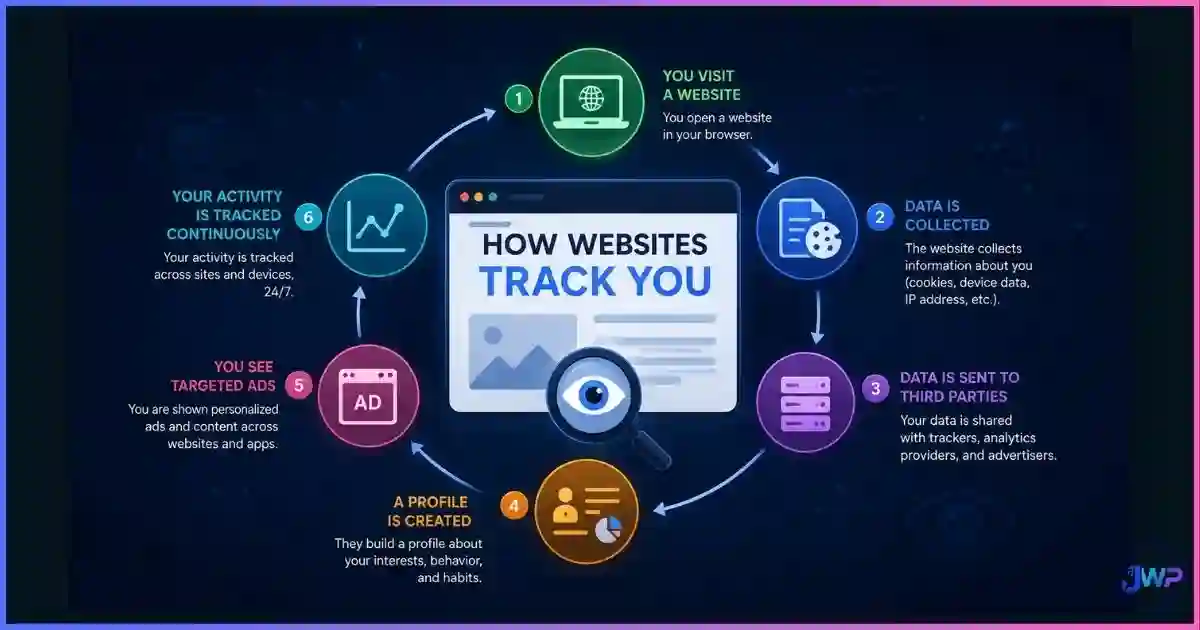
Browser Privacy vs Browser Security: What’s the Difference?
Privacy Keeps You Unseen. Security Keeps You Unharmed.
Most people use “privacy” and “secure” as if they were the same word. They are not. Research from Carnegie Mellon’s Cylab found that users routinely conflate privacy protections with security protections, believing that a tool that hides their activity also defends them against malware, phishing, and hacking — and vice versa. The result is a dangerous false sense of safety: users who install a privacy extension assume it blocks malicious downloads, and users who update their browser assume it stops advertisers from tracking them. This guide explains the real difference, the threats that target each layer, and the tool stack that actually covers both.
Quick answer
What is the difference between browser privacy and browser security?
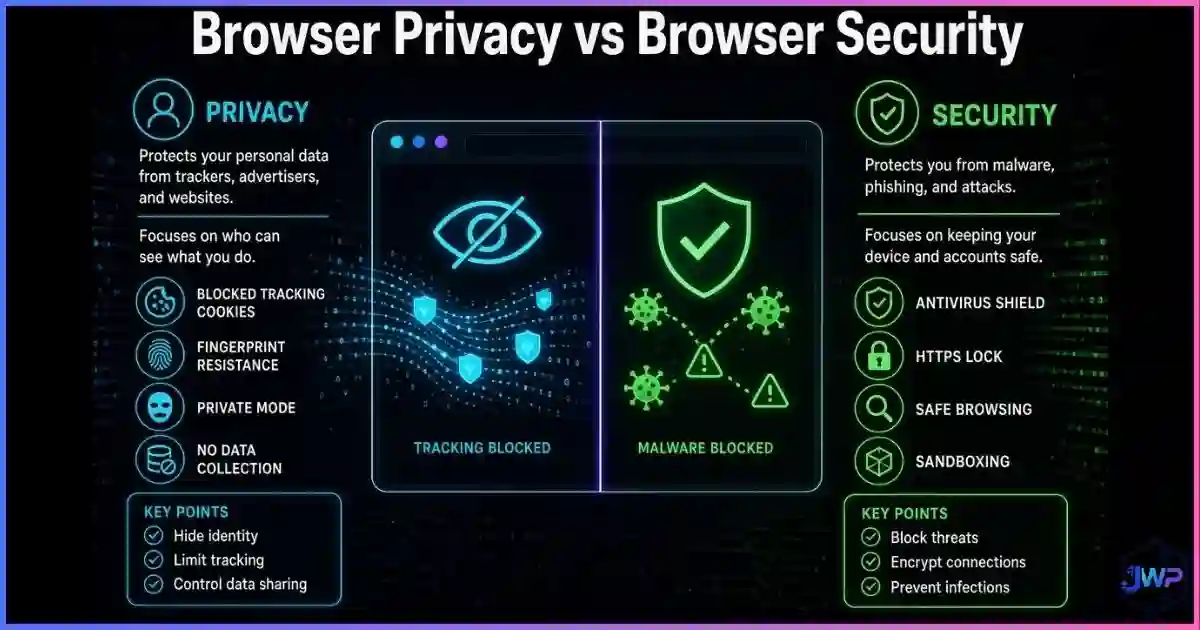
Browser security protects your device and data from malicious actors. It stops hackers, malware, phishing, and code-execution attacks — threats that come at you. A secure browser is the front door of your device locked.
Browser privacy controls who can observe your behavior. It stops advertisers, data brokers, websites, and networks from tracking what you do, who you are, and where you go — threats that watch through you. A private browser is the curtains drawn.
You can be secure but not private (your device is safe from malware, but Google still knows every site you visit). You can be private but not secure (your traffic is hidden, but a malicious extension is stealing your passwords). You need both, and they are defended by different tools.
Definitions
Privacy, Security, and Anonymity: The Three Layers
Before choosing tools, it’s worth pinning down exactly what each term means. A common mistake is treating them as a sliding scale where “more of one” means “less of another.” In reality, they’re three separate axes.
Privacy
Who can see what you do
Privacy is about observation. It controls which parties — websites, advertisers, networks, ISPs, data brokers — can collect, link, and retain information about your browsing behavior, identity, and location.
- Stops cross-site tracking
- Hides device fingerprint
- Masks IP and location
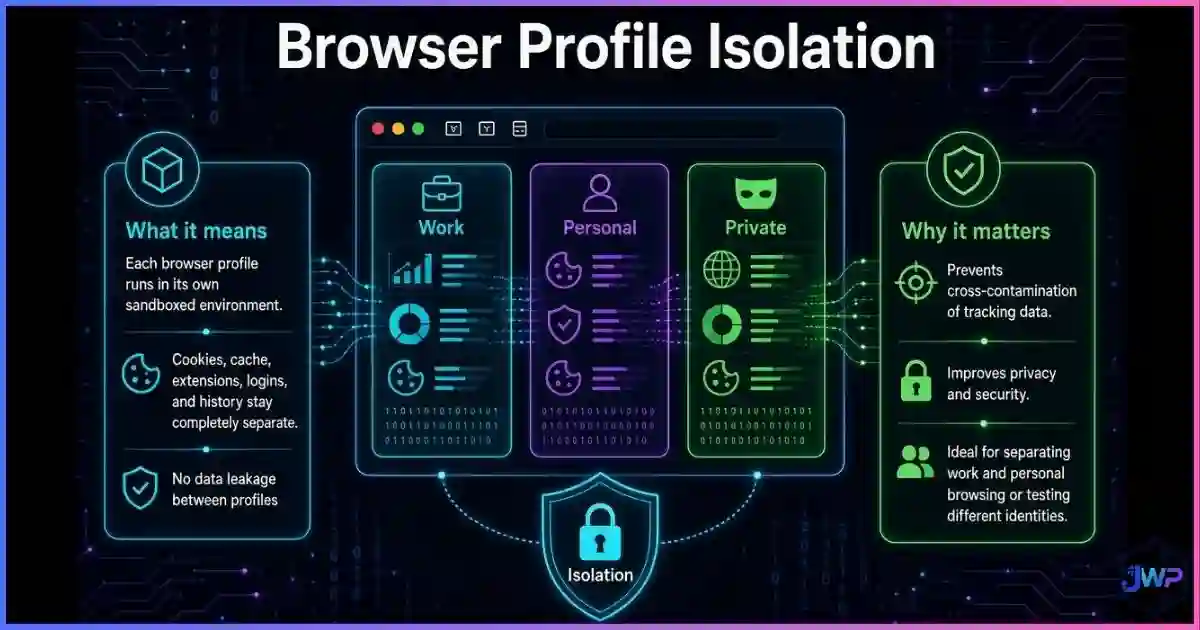
- Isolates accounts
Security
Who can hurt your device
Security is about defense. It protects your device, data, and credentials from malicious code, phishing, credential theft, man-in-the-middle attacks, and unauthorized access.
- Stops malware execution
- Blocks phishing sites
- Patches vulnerabilities
- Encrypts traffic
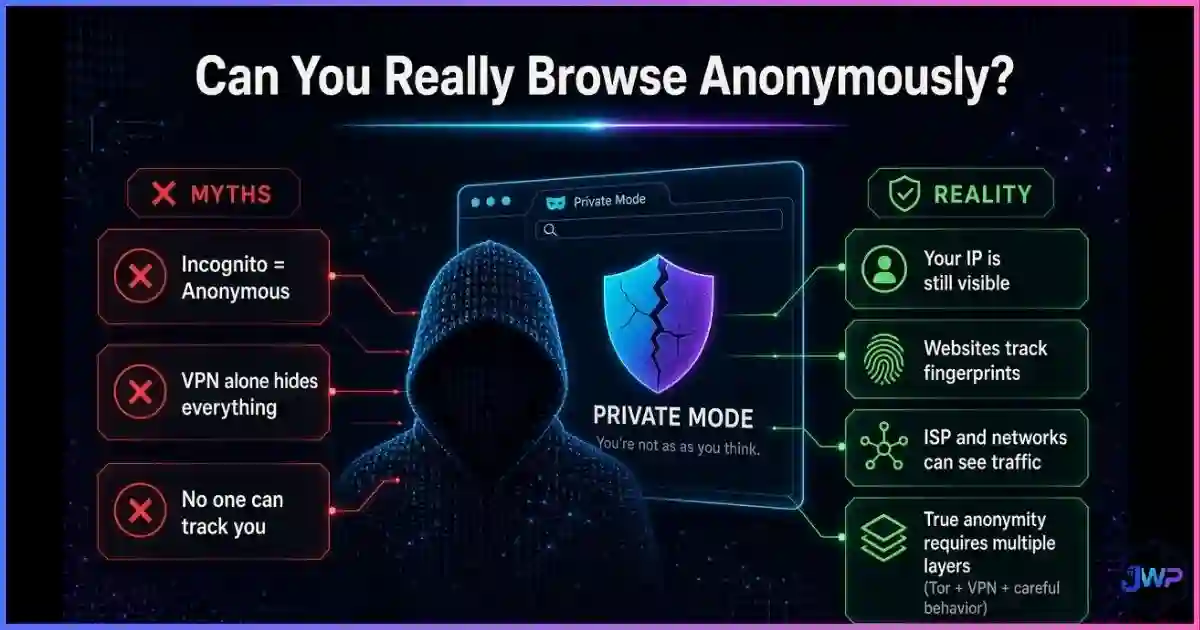
There’s also a third concept that sits on top of both: anonymity, which hides your identity entirely so your actions cannot be linked back to you. This is what tools like Tor target — and it’s explored in depth in our guide on whether you can really browse anonymously. Most everyday users don’t need full anonymity; they need good privacy paired with strong security.
Data
Browser Threats by the Numbers
The modern browser is attacked on two completely different fronts lines. The data makes the split very clear:
Security threats: vulnerabilities, breaches, and malicious extensions
Sources: ASEE, IBM Cost of a Data Breach 2025, Malwarebytes 2025, ITRC.
Privacy threats: tracking and user sentiment
Sources: Brave Software user survey (2024), Surfshark mobile browser study.
Despite that sentiment, the default browser ecosystem still exposes users heavily:
- 7 in 10 mobile users rely on browsers rated as high privacy risk.
- Yandex, Edge, and Chrome lead in data-collection features per Surfshark’s 15-browser audit.
- Default settings leave browser fingerprinting fully enabled.
Side-by-Side
Browser Privacy vs Browser Security: The Full Comparison
| Dimension | Browser Privacy | Browser Security |
|---|---|---|
| Core question it answers | “Who can see what I’m doing?” | “Who can harm my device or data?” |
| Primary threat | Observation, profiling, tracking | Malware, hacking, data theft |
| Attacker types | Ad networks, data brokers, ISPs, websites | Threat actors, phishing gangs, malware authors |
| Identifiers at risk | IP, cookies, fingerprint, search history | Passwords, session tokens, files, system access |
| Worst-case outcome | Behavioral profile sold, accounts linked, price discrimination | Device compromised, identity stolen, money lost |
| Defensive mechanisms | Tracker blocking, fingerprint spoofing, profile isolation, proxies/VPNs | Sandboxing, patching, HTTPS, Safe Browsing, anti-phishing |
| Key tools | Anti-detect browsers, uBlock Origin, privacy browsers, proxies | Auto-updates, EDR, Safe Browsing lists, 2FA, password managers |
| Does it stop malware? | ✕ No | ✓ Yes |
| Does it stop ad tracking? | ✓ Yes | ✕ No |
Most browsers give you security by default — but not privacy.
If your browser is up to date and Safe Browsing is on, you’re reasonably secure. But the same browser is still leaking your fingerprint, cross-site cookies, and search history to dozens of third parties on every page load. Incogniton adds the privacy layer most mainstream browsers were never designed to provide.
Get Incogniton Anti-Detect Browser → Affiliate link — we may earn a commission at no extra cost to you.Threats
What Actually Attacks Each Layer
| Threat | Targets | Privacy fix | Security fix |
|---|---|---|---|
| Malicious extensions | Security | — | Audit extensions, review malicious browser extensions patterns, revoke permissions |
| Zero-day browser exploits | Security | — | Auto-update (see why updates matter) |
| Cross-site fingerprint tracking | Privacy | Spoofed fingerprint per profile | — |
| Cookie-based identity linking | Privacy | Isolated browser profiles | — |
| Phishing sites | Security | — | Safe Browsing / anti-phishing lists |
| Man-in-the-middle attacks | Security | — | HTTPS enforcement, certificate pinning |
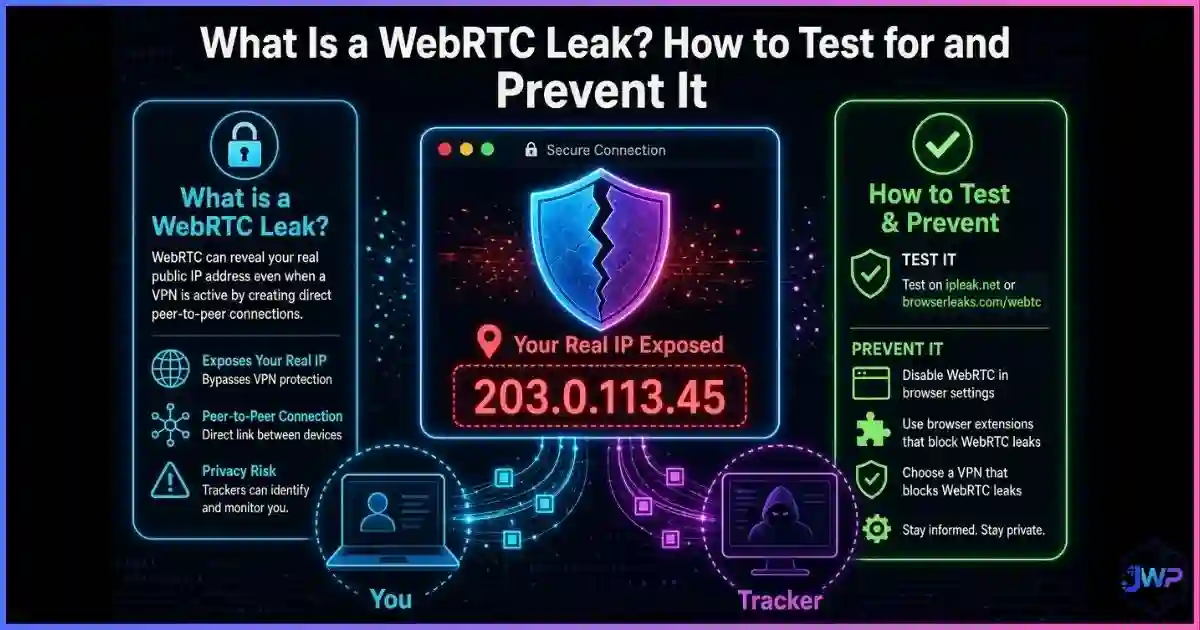
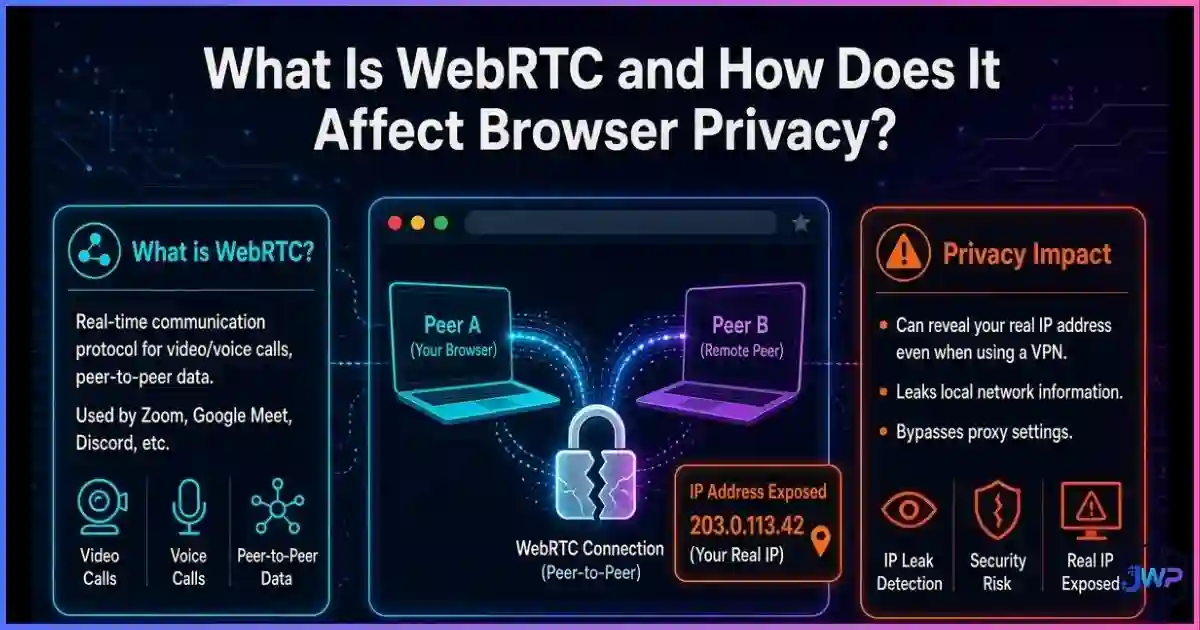
| WebRTC / DNS leaks | Both | Leak prevention in proxy/VPN stack | — |
| Credential stuffing | Security | — | Password manager + 2FA |
| Behavioral ad profiling | Privacy | Tracker blockers, profile isolation | — |
The pattern is clear: most malware and hacking attacks live in the security column, while most tracking, profiling, and identity-linking attacks live in the privacy column. A user who installs only a VPN (a privacy tool) is still exposed to malicious extensions and zero-days. A user who only patches their browser (a security step) is still exposed to how websites track them across the web.
The Conflation Problem
Why Users Mix Privacy and Security Up
The Carnegie Mellon Cylab study on security and privacy misconceptions found that participants routinely believed privacy tools offered security benefits they don’t, and vice versa. The most common conflations in the wild are:
Conflation 1
“Incognito mode keeps me safe from malware.”
Reality
Incognito only affects local cookie storage. It has zero effect on exploit delivery or malicious downloads.
Conflation 2
“A secure (updated) browser stops advertisers from tracking me.”
Reality
Updates patch security holes; they don’t change fingerprint entropy, cookie behavior, or ad network relationships.
Conflation 3
“A VPN makes me both private and secure.”
Reality
A VPN hides traffic from your ISP but doesn’t stop malware, phishing, or browser fingerprinting. See anti-detect browser vs VPN vs proxy.
Conflation 4
“Privacy extensions block all threats.”
Reality
Many privacy extensions have no sandboxing, no phishing list, and no exploit mitigation — they block trackers, not attacks.
This confusion is exactly what makes phishing and malicious-extension campaigns so effective: users feel covered by a tool that is not actually defending the relevant layer. If you haven’t recently audited the permissions your extensions hold, read our guide on browser permissions explained — it sits squarely on the security side of this divide.
Tools
Which Tools Help Privacy, Security, or Both
Every browser tool defends one layer better than the other. Here’s a clean matrix of what popular defenses actually cover:
| Tool | Privacy | Security | Notes |
|---|---|---|---|
| Auto-updates | ✕ | ✓ | The single highest-leverage security control in any browser. |
| Safe Browsing / anti-phishing | ✕ | ✓ | Blocklist-driven; does nothing for tracking. |
| Sandboxing & site isolation | ✕ | ✓ | Limits damage of a successful exploit; not a privacy feature. |
| HTTPS-only mode | ~ | ✓ | Encrypts traffic from eavesdroppers; does not stop the destination site tracking you. |
| Tracker blockers (uBlock, etc.) | ✓ | ~ | Major privacy win; minor security win when they block malicious ad scripts. |
| Privacy browsers (Brave, Firefox ETP) | ✓ | ~ | Better default privacy than Chrome; security parity with mainstream engines. |
| Anti-detect browsers (Incogniton) | ✓ | ~ | Profile-level fingerprint + cookie isolation; inherits underlying engine security. |
| VPN | ~ | ~ | Hides traffic from ISP; does not block fingerprinting, malware, or phishing. |
| Tor | ✓ | ~ | Strong anonymity + privacy; slow and not suitable for multi-account workflows. |
| Password manager + 2FA | ✕ | ✓ | Core account security; no tracking impact. |
✓ = strong defense ~ = partial or indirect ✕ = not what the tool is for
The practical takeaway is that you need a stack, not a single tool. A sensible everyday stack looks like: updated Chromium-based browser + Safe Browsing + tracker blocker + password manager. A multi-account or professional stack adds: isolated browser profiles (Incogniton) + per-profile proxy + dedicated fingerprint.
Myth Busting
6 Privacy-vs-Security Myths, Busted
Myth 1
“My browser is secure, so I’m private.”
Reality
Security patches stop exploits; they don’t stop advertisers or fingerprinting. An updated Chrome still has a unique, trackable fingerprint.
Myth 2
“My VPN protects me from hackers.”
Reality
A VPN hides traffic from your ISP. It does not block malware downloads, phishing pages, or malicious extensions.
Myth 3
“Incognito mode is an antivirus.”
Reality
Incognito deletes local cookies. Malware doesn’t care which window you used to download it.
Myth 4
“More privacy always reduces security.”
Reality
Many privacy tools (profile isolation, tracker blocking, cookie controls) have neutral or positive security effects. The tradeoff is usually usability, not safety.
Myth 5
“Clearing cookies protects me from hackers.”
Reality
Clearing cookies is a privacy action (it ends sessions). It does not patch vulnerabilities or stop exploit delivery.
Myth 6
“Anti-detect browsers are only for bad actors.”
Reality
They’re used by affiliate marketers, ad buyers, QA testers, and agencies managing legitimate multi-account workloads. Read are anti-detect browsers safe and legal?
Action Plan
How to Harden Both Layers
Lock down security first
Enable auto-updates, turn on Safe Browsing / Enhanced Protection, use a password manager, enforce 2FA everywhere, and remove extensions you haven’t used in 90 days. This is the foundation — see how to secure your web browser.
Add a default tracker blocker
Install uBlock Origin (or equivalent) on your main browser. This is the single fastest privacy improvement most users can make.
Audit browser permissions
Revoke camera, microphone, location, and notification permissions for everything except the handful of sites you actually need. See browser permissions explained.
Separate identities, not just windows
For multi-account work, stop relying on incognito. Use an anti-detect browser so each account gets its own isolated browser profile, fingerprint, and proxy.
Match the proxy to the profile
If you use isolated profiles, pair each one with a dedicated residential or mobile proxy. Shared IPs leak identity across accounts.
Keep security and privacy on separate update cycles
Patch the browser the moment security updates ship. Re-tune privacy (tracker rules, proxy rotation, fingerprint refresh) on a separate schedule — usually monthly or quarterly.
Skip these assumptions
- “My antivirus makes me private”
- “My VPN makes me secure”
- “Incognito = anonymous”
- “Updated browser = untrackable browser”
- “One tool covers both layers”
Do this instead
- Patch first, then add privacy controls
- Pair VPN with tracker blocking and fingerprint control
- Use isolated profiles for multi-account work
- Check what your browser fingerprint reveals
- Audit permissions quarterly
Browser hardening checklist
- Auto-updates are on for the browser and every extension.
- Safe Browsing / Enhanced Protection is enabled.
- HTTPS-only mode is the default across all sites.
- A tracker blocker (uBlock Origin or equivalent) is installed.
- WebRTC leaks are prevented or routed through the VPN/proxy.
- Camera, mic, location, and notifications are denied by default.
- Unused extensions are uninstalled.
- Multi-account work happens in isolated profiles, not incognito.
- Password manager + 2FA are active on every account that supports them.
Privacy and security are a stack, not a switch.
Incogniton provides the privacy and identity-isolation layer that mainstream browsers were never designed to give you — while inheriting the security posture of the underlying Chromium engine. Perfect for agencies, affiliate marketers, ad buyers, and e-commerce operators.
Try Incogniton Free → Affiliate link — we may earn a commission at no extra cost to you.FAQs
Frequently Asked Questions
Is browser privacy the same as browser security?
Does a VPN give me privacy or security?
Is a more private browser automatically more secure?
Does incognito mode protect against hacking?
Do extensions help with privacy or security?
Should I use an anti-detect browser for everyday browsing?
How often should I re-check my privacy and security posture?
📚 Sources & Research Notes (click to expand)
This guide draws on peer-reviewed security research, browser vendor data, and large-scale tracking measurements. Browser policies and threat landscapes change; verify current documentation before making security decisions.
- Carnegie Mellon Cylab (2021). “Misconceptions plague security and privacy tools.” Study finding users routinely conflate privacy and security protections. cylab.cmu.edu
- Wu, Y., et al. (2018). “Your Secrets Are Safe: How Browsers’ Explanations Impact Misconceptions About Private Browsing.” ACM CHI 2018 (n=460). dl.acm.org
- Brave Software (2024). User Privacy Sentiment Survey — 82% of respondents want a more privacy-oriented web. brave.com
- Surfshark Research (2024). Mobile Browser Privacy Risks — analysis of 15 mobile browsers, Yandex/Edge/Chrome highest risk. surfshark.com
- Malwarebytes (July 2025). “Millions of people spied on by malicious browser extensions in Chrome and Edge.” 1.7M installs, 2.3M users affected in single campaign. malwarebytes.com
- ASEE Cybersecurity Statistics (2024). Over 30,000 new vulnerabilities identified in 2024, a 17% YoY increase. Referenced via fortinet.com.
- IBM Cost of a Data Breach Report (2025). Global average breach cost: $4.44 million. Referenced via varonis.com.
- Identity Theft Resource Center (2025). 3,322 publicly reported US data compromises in 2025, 5% increase over 2024. Referenced via swif.ai.
- Cisco Annual Security Report. 85% of organizations affected by malicious browser extensions. Referenced via spiceworks.com.
Browser behaviors, platform policies, and the threat landscape evolve quickly. Always verify current documentation from Chrome, Firefox, Safari, Edge, and your chosen tool vendors before making security or privacy decisions.