Types of Browser Fingerprinting
Canvas, WebGL, fonts, audio, TLS handshakes, keystroke rhythm — modern tracking stacks don’t rely on one trick. They combine a dozen distinct fingerprinting families into a single identifying profile. This guide breaks down every major type of browser fingerprinting, how each one works, what it reveals, and how hard each is to block or spoof. (New to the topic? Start with what browser fingerprinting actually is first.)
Quick answer
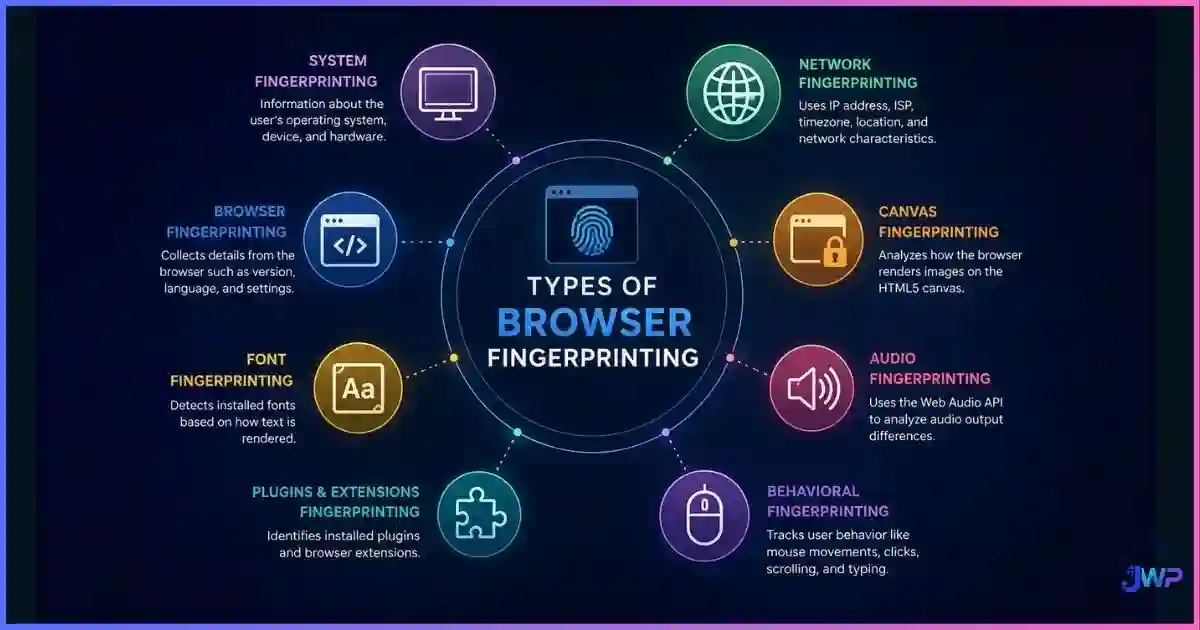
Browser fingerprinting falls into three families: active rendering probes (canvas, WebGL/GPU, font enumeration, AudioContext), which force your device to produce hardware-dependent output; device & configuration API reads (screen, hardware, timezone/locale, extensions, WebRTC, behavioral patterns), which collect settings your browser exposes; and passive network signals (TLS/JA3 handshakes, HTTP header order, IP reputation), which are observed from traffic without running any script on your machine.
Individually, each type only narrows the crowd. Combined, they are devastating: EFF’s landmark study measured at least 18.1 bits of entropy in a typical fingerprint — roughly a 1-in-285,000 chance of sharing your fingerprint with someone else.
Browser Fingerprinting in 60 Seconds
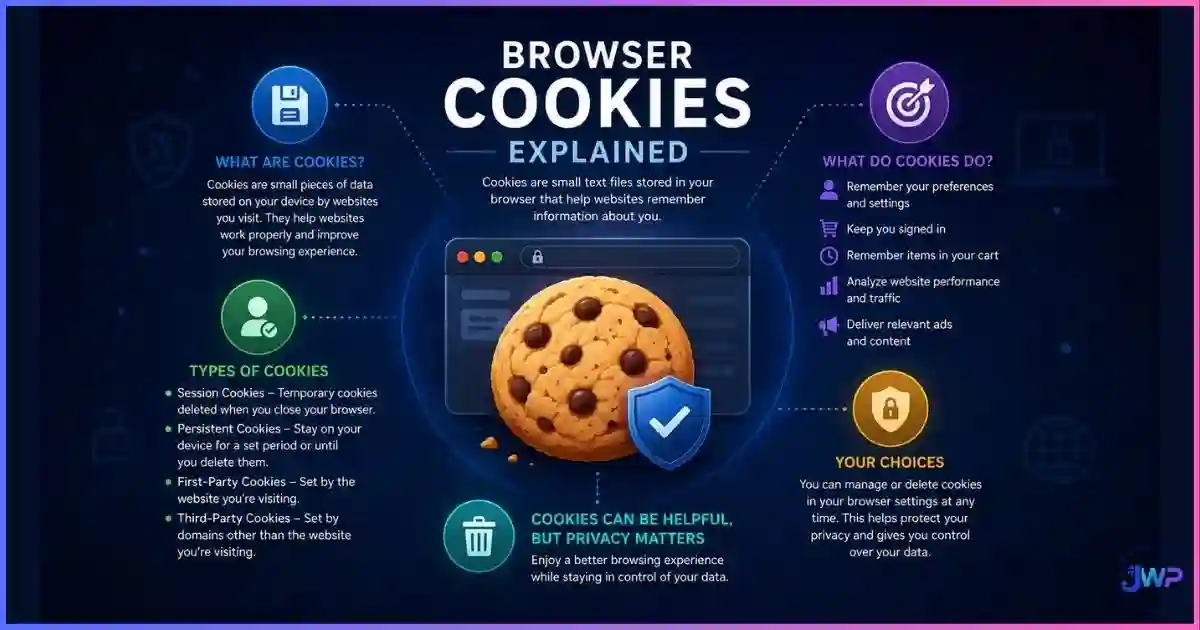
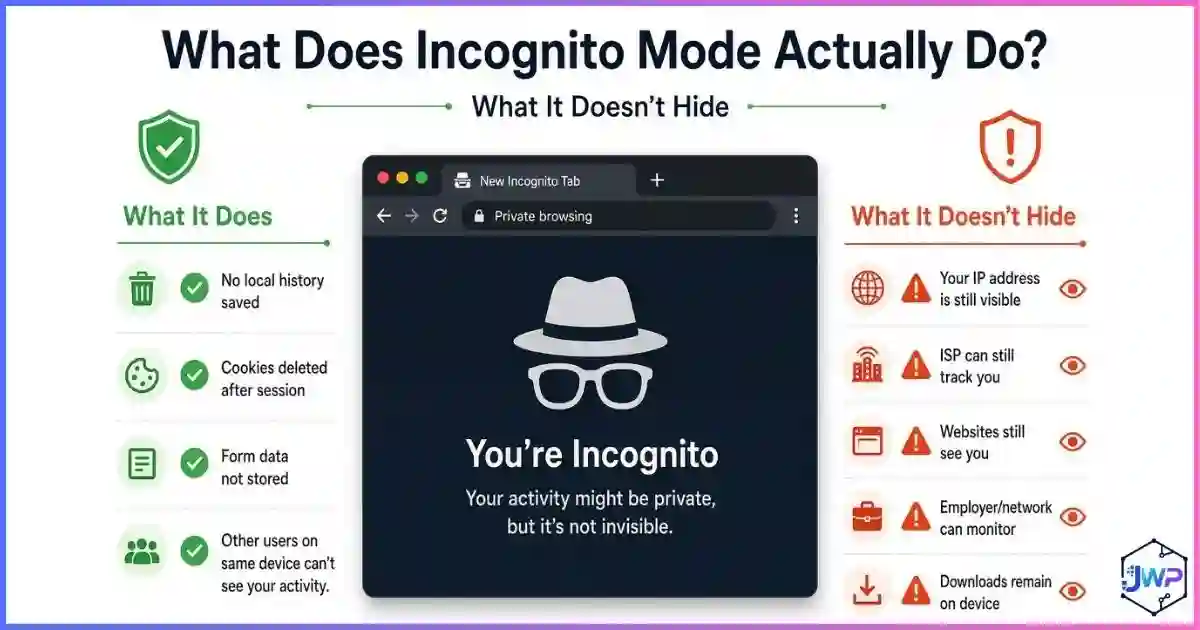
Browser fingerprinting is device identification without cookies. Instead of storing an ID on your machine, a site reads the hundreds of tiny configuration differences between devices — GPU model, rendering quirks, font lists, timezone, header order — and hashes them into a stable ID. It works because no two devices configure the full stack identically, and it survives cookie deletion, incognito mode, and even IP changes, which is why changing your IP doesn’t change your browser fingerprint.
Fingerprinting is also not automatically malicious: banks and fraud-prevention vendors use it to spot account takeovers, while ad-tech and data brokers use the same math to follow you across sites. The technique families below appear in both worlds. For the broader picture, see our guide on how websites track you.
TaxonomyActive vs Passive vs Hybrid Fingerprinting
The cleanest way to classify fingerprinting types is by how the signal is collected. This matters for defense: active probes can be blocked or spoofed by script control, while passive signals are observed on the network and can’t be stopped by any browser extension alone.
| Family | How it collects | Example techniques | Needs JS on page? | Defense style |
|---|---|---|---|---|
| Active probes | Script forces the device to render/compute output that varies by hardware & drivers. | Canvas, WebGL/GPU, fonts, AudioContext | Yes | Block, noise, or spoof the API |
| API / config reads | Script reads exposed settings & capabilities. | Screen, hardware, timezone/locale, extensions, WebRTC, behavioral | Yes | Restrict APIs, normalize settings |
| Passive network | Server observes traffic characteristics; nothing runs on your device. | TLS/JA3 handshake, HTTP header order, IP & ASN | No | Match real-browser network stack |
Hybrid attacks are the norm in production: a tracker mixes two or three active probes with a pile of cheap API reads, then a fraud vendor layers passive TLS fingerprinting on top. That layering is exactly why single-purpose blockers (a “canvas blocker” extension, for instance) rarely make you anonymous — they change one bar in a twelve-bar chart.
The listThe 13 Types of Browser Fingerprinting, Explained
Each card below shows the signal family, what it exposes, and a block difficulty meter (1 = trivial to block, 5 = very hard to defeat without a real, consistent device profile).
1. Canvas Fingerprinting
ActiveScript draws hidden text/shapes to an HTML5 canvas and hashes the pixel output. Tiny differences in anti-aliasing, GPU, and drivers make each device’s render unique.
Reveals: GPU + driver rendering quirks, OS graphics stack.
2. WebGL & GPU Fingerprinting
ActiveReads the renderer/vendor strings and hashes a rendered 3D scene. Advanced variants like DrawnApart time individual GPU operations to fingerprint even “identical” machines.
Reveals: Exact GPU model, driver version, per-device GPU timing.
3. Font Fingerprinting
ActiveMeasures rendered text widths across candidate font lists; the installed-font set varies by OS, Office installs, and personal additions. Studies attribute ≈5 bits of entropy to fonts alone.
Reveals: Installed software, OS flavor, personal customization.
4. AudioContext (Audio) Fingerprinting
ActivePushes a tone through the Web Audio API’s compressor/oscillator chain and hashes the output sample data — which differs by audio hardware, drivers, and OS math libraries.
Reveals: Audio stack + hardware processing differences.
5. Screen & Display Fingerprinting
API readCollects screen resolution, available workspace, color depth, pixel ratio, and orientation. Rare combinations (ultrawide + 125% scaling) are surprisingly identifying.
Reveals: Monitor setup, OS scaling habits, device class.
6. Hardware & Device Signals
API readCPU core count (hardwareConcurrency), device memory, battery state, touch points, and platform strings. Low entropy each, but they cross-check your claimed device story.
Reveals: Device class inconsistencies (e.g., “iPhone” with 0 touch points).
7. Timezone, Locale & Keyboard
API readIntl APIs expose timezone, language, numbering system, and even keyboard layout. Mismatches — English-US locale with a Moscow timezone — flag spoofed profiles instantly.
Reveals: Approximate geography, locale consistency.
8. Extension & Plugin Enumeration
API readProbes extension-injected resources, DOM artifacts, or changed APIs to infer installed add-ons. Your privacy extension stack can itself become an identifier.
Reveals: Add-on set, including privacy tools.
9. WebRTC & Local Network Fingerprinting
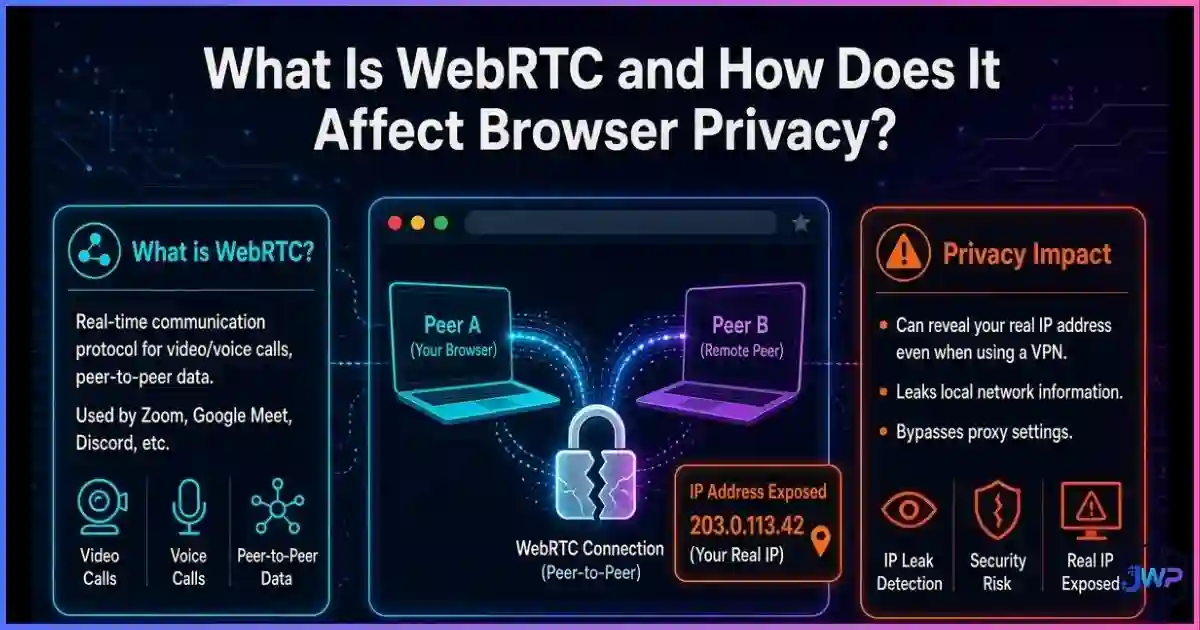
API readWebRTC ICE candidates can expose real local and public IPs — even behind a VPN — plus mDNS hostnames and network topology. See our deep-dives on what a WebRTC leak is and how WebRTC affects browser privacy.
Reveals: True IP, LAN identity, VPN bypass.
10. Behavioral Fingerprinting
API readKeystroke dynamics, mouse trajectory curvature, scroll cadence, and touch pressure form a biometric-like pattern. Also used for bot detection — humans are gloriously inconsistent.
Reveals: Human-vs-bot signals, per-user interaction biometrics.
11. HTTP Header & User-Agent Fingerprinting
PassiveThe header set, order, Accept-Language values, and UA string are surprisingly diverse across users. Client-hints (UA-CH) now serve structured platform data on request.
Reveals: Browser/OS version, language prefs, header-order quirks.
12. TLS / Network Fingerprinting (JA3/JA4)
PassiveThe TLS Client Hello — cipher suites, extensions, curve order — is a stable per-client signature. Servers see it before any page loads; no extension or JS setting can rewrite it.
Reveals: Client library (Chrome vs Puppeteer vs Python), bot signals.
13. Cookie, Storage & Cache Fingerprinting
Passive-ishETags, cache timing, localStorage, and IndexedDB create persistent state that behaves like a super-cookie. It’s tracking by storage rather than configuration — we compare the two in cookies vs local storage vs fingerprinting.
Reveals: Persistent cross-session ID independent of config.
Running more than one online identity?
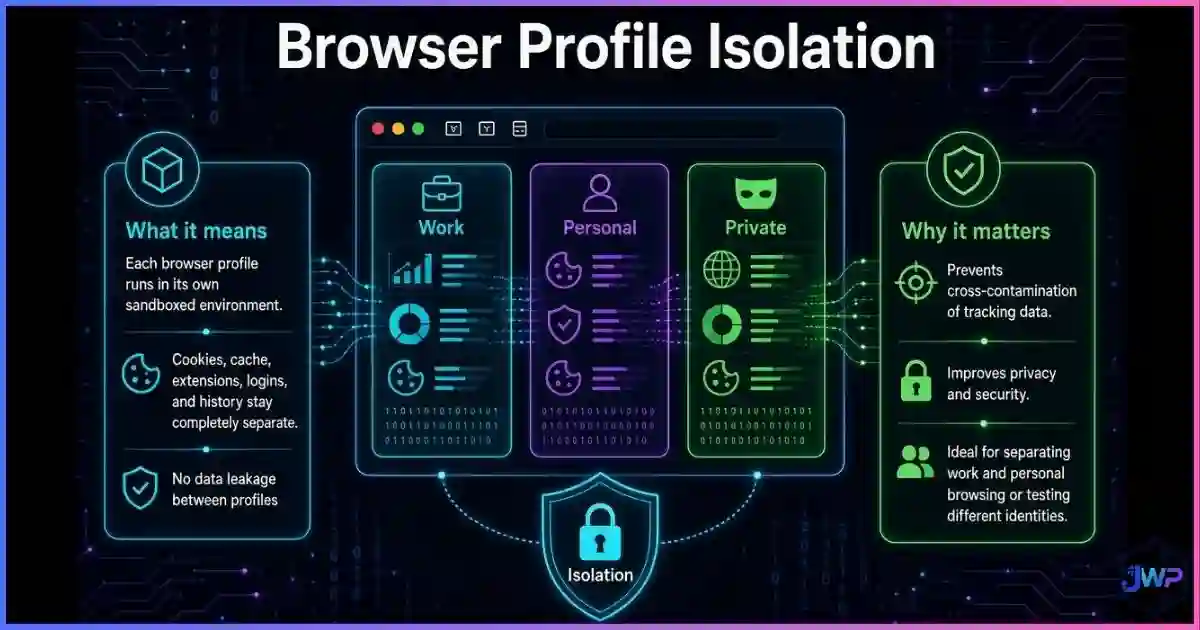
Blocking one fingerprint type won’t save a multi-account workflow — the whole stack (canvas, WebGL, audio, WebRTC, TLS) has to stay consistent per profile. Anti-detect browsers like Incogniton generate isolated, coherent fingerprints so each profile looks like a different real device.
Try Incogniton → Disclosure: this is an affiliate/partner link. It never affects our technical explanations.The Data: How Unique and How Common Is It?
Fingerprinting research agrees on the headline finding — most browsers are uniquely identifiable — but the exact uniqueness rate depends on how diverse the audience is. EFF’s 2010 study found 83.6%–94.2% of visitors unique; a later INRIA analysis on a more homogeneous population measured only 33.6% unique; a 2024 replication with 470,000+ fingerprints was back at 83.6%. The lesson: the weirder your configuration, the more identifiable you are.
Share of unique fingerprints across landmark studies
Compiled from published studies: Eckersley 2010 (EFF), INRIA/HAL 2018, and a 2024 two-week experiment (470k+ fingerprints).
Identifying power by technique (directional)
Editorial 0–10 scoring informed by published entropy research (canvas ≈ high single-digit bits in commercial deployments; fonts ≈ 5 bits; EFF total ≈ 18.1 bits). Directional guide, not a lab guarantee.
How the 13 types in this guide collect data
Distribution of the technique families covered above — active rendering probes dominate, which is why script-level control is the core of any anti-detect strategy.
- Active rendering probes — 6 (canvas, WebGL, fonts, audio, extensions, behavioral)
- Device & config API reads — 4 (screen, hardware, timezone/locale, WebRTC)
- Passive network / storage — 3 (TLS/JA3, headers/UA, cookies & cache)
On prevalence: Princeton’s retrospective measurement found ~5% of the top 100,000 sites using canvas fingerprinting around 2016, and a 2025 study of the top 20,000 sites measured 12.7% actively engaging in it — fingerprinting did not go away after cookie deprecation; it expanded.
AccuracyHow Accurate Is Each Type?
No single type is a reliable standalone ID — accuracy comes from combination and stability. Canvas hashes drift after GPU driver updates; screen setups change when you plug in a monitor; but a 12-signal composite stays stable for weeks. That’s the nuance most “fingerprinting is dead / unstoppable” hot takes miss. We keep a dedicated, regularly updated breakdown of how accurate browser fingerprinting really is, including re-identification rates over time.
Two practical rules fall out of the research: (1) uniqueness is contextual — you can be anonymous in a homogeneous corporate fleet and blazingly unique among home users; (2) stability beats uniqueness — fraud systems prefer a slightly fuzzy ID that persists for 30 days over a perfect ID that changes daily.
DefenseBlocking, Blunting, and Spoofing Each Type
Defense options range from trivial (disable WebRTC in most browsers) to nearly impossible for a normal user (rewriting your TLS Client Hello). The honest summary table:
| Type | Privacy extension | Hardened browser (Tor/Firefox RFP) | Anti-detect browser |
|---|---|---|---|
| Canvas / WebGL | Noisy or blocked — can increase uniqueness | Normalized to a common value | Spoofed per profile, consistently |
| Fonts | Partial (API blocking) | Restricted to system set | Curated per-OS font lists |
| AudioContext | Rarely handled well | Rounded/normalized | Spoofed with matching noise floor |
| Screen / hardware | Some rounding | Snapped to common values | Matched to claimed device |
| WebRTC | Disable/leak-prevention | Disabled or proxied | Proxied per profile |
| Headers / UA | Limited | Frozen UA (reduces entropy) | Real per-browser header sets |
| TLS / JA3 | ❌ Not possible | Real browser stack = good | Depends on real networking stack |
| Behavioral | ❌ | ❌ | Human-like input or none |
The trap to avoid: half-measures create anomalies. A “canvas blocker” that returns blank images is itself a fingerprint. This is why researchers and our own testing keep converging on the same advice — either join a large uniform group (Tor Browser’s philosophy) or run fully coherent, isolated profiles (the anti-detect philosophy). If you want the full playbook, see can browser fingerprinting be prevented? and how to check your own fingerprint before and after making changes.
ToolsHow Anti-Detect Browsers Handle All 13 Types
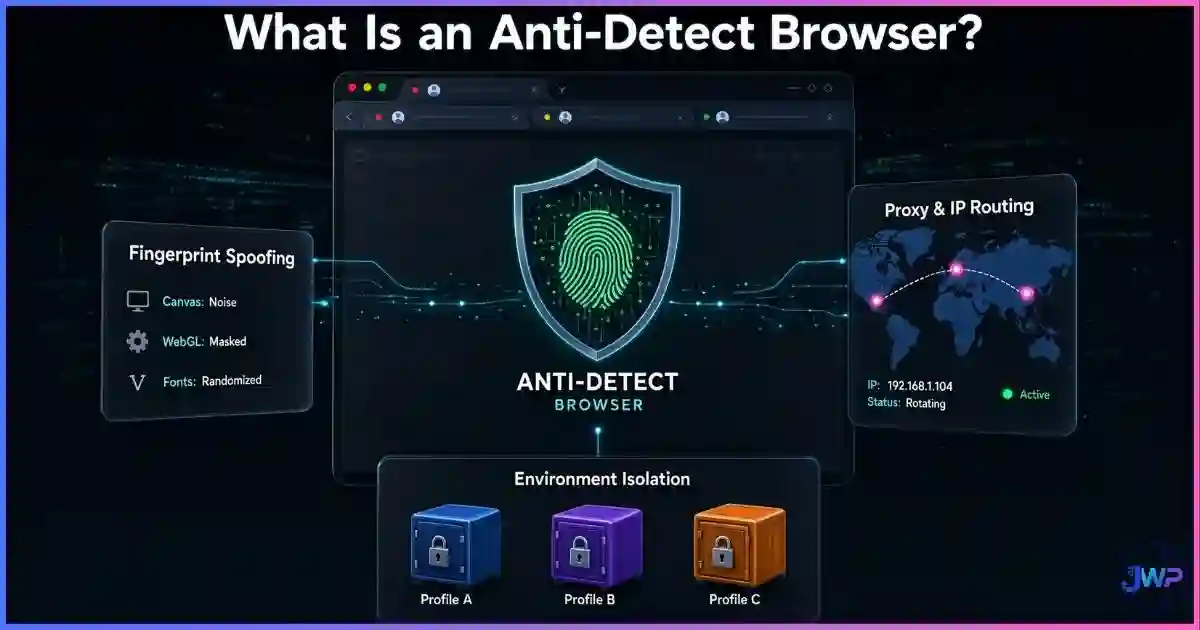
An anti-detect browser’s job is to make each profile a consistent lie: canvas noise that matches the claimed GPU, a font list that matches the claimed OS, a timezone that matches the proxy location, WebRTC routed through the same exit, and a TLS handshake identical to the real browser it emulates. When one signal contradicts another — “Windows 11” with a macOS font stack — detection systems flag the profile in one request.
This is also why a VPN alone doesn’t change your browser fingerprint: it only touches the network layer while the other twelve signal families keep broadcasting your real device. If multi-accounting, ad operations, or market research is your use case, compare the tools in our best anti-detect browsers roundup — and start with a free-tier profile count to test your workflow.
One dashboard, many coherent fingerprints
Incogniton isolates canvas, WebGL, audio, fonts, WebRTC, and timezone per profile, syncs them with your proxy, and lets you scale from a handful of profiles to hundreds — with a free plan to start.
Get Incogniton Free → Partner link — supports our independent testing at no extra cost to you.Fingerprint Surface-Reduction Checklist
- Use a mainstream browser + OS combination; exotic stacks are inherently unique.
- Keep window size near-default and avoid unusual display scaling where possible.
- Match locale, language, and timezone to your real (or claimed) location.
- Disable or restrict WebRTC when anonymity matters.
- Avoid stacking five privacy extensions — the stack itself becomes an identifier.
- Prefer site-wide protections (Tor Browser / Firefox RFP) over per-API blockers.
- For multi-account work: one profile = one proxy = one coherent device story.
- Test your fingerprint before and after changes, and re-test monthly.
- Assume passive TLS/JA3 fingerprinting sees you no matter what JS you block.
- Remember the goal: blend into a crowd, not become a “blank” anomaly.
Frequently Asked Questions
What is the most powerful type of browser fingerprinting?
Is browser fingerprinting active or passive?
Does incognito mode stop fingerprinting?
Is browser fingerprinting illegal?
Can two people really share the same fingerprint?
Do ad blockers stop fingerprinting?
Sources & Research Notes
- P. Eckersley, “How Unique Is Your Web Browser?”, Privacy Enhancing Technologies Symposium (PETS) 2010 — 18.1 bits of entropy; 83.6%–94.2% unique fingerprints. freehaven.net
- INRIA / HAL, “An Analysis of the Effectiveness of Browser Fingerprinting” (2018) — 33.6% uniqueness in a homogeneous dataset. inria.hal.science
- Princeton CITP, “A Retrospective Look at Canvas Fingerprinting” (2016) — ~5% of top 100k sites. blog.citp.princeton.edu
- E. Luo et al., “Characterizing Canvas Fingerprinting Use Across the Web” (IMC 2025) — 12.7% of top 20k sites. cseweb.ucsd.edu
- arXiv:2403.15607, “Assessing Web Fingerprinting Risk” — 470k+ fingerprints, 83.6% unique. arxiv.org
- Large-scale empirical fingerprint analysis (HAL, 2020) — font entropy ≈ 4.98 bits. hal.science
Fingerprinting techniques, browser APIs, and privacy regulations change quickly. Figures are cited from the studies above and directional charts are editorial estimates — verify against current research before making security decisions.