Incogniton vs AdsPower: Free Headroom vs Built-In Automation in 2026
By JoshWP Team | Published: September 3, 2026 | ~18 min read
Two budget anti-detect browsers with very different philosophies, head-to-head. We compare Incogniton’s massive free plan against AdsPower’s built-in RPA, stealth tests, proxies and pricing so you know exactly which tool fits your workflow.
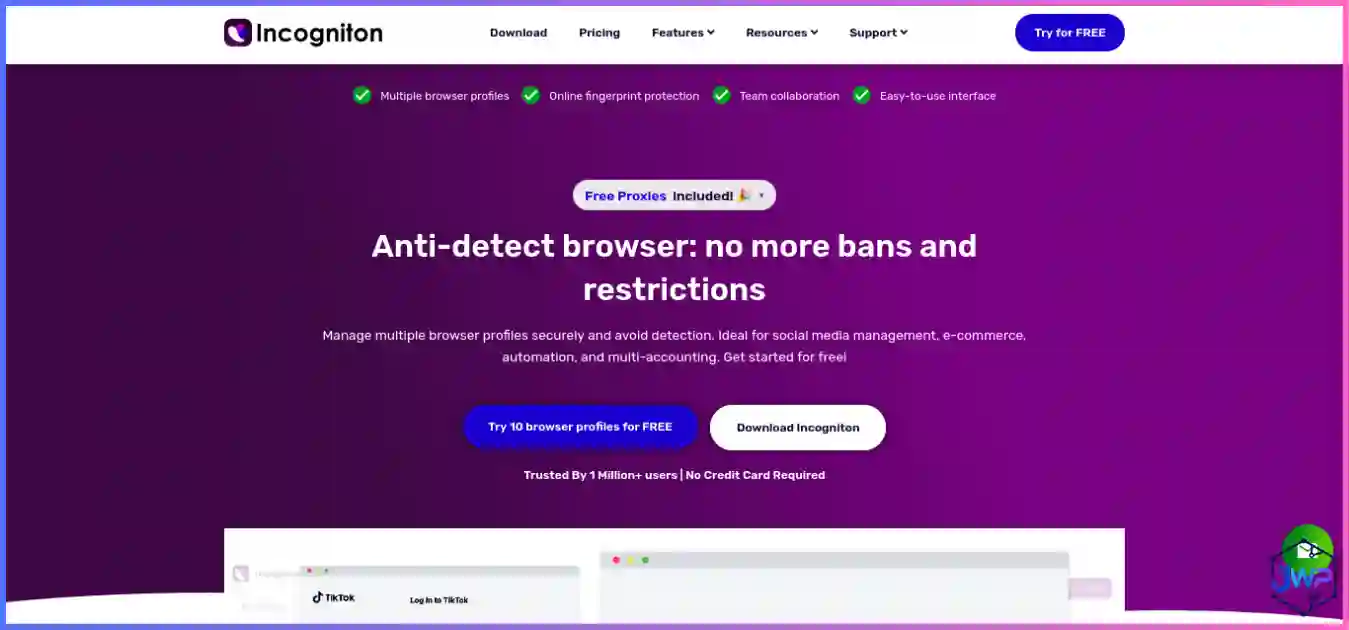
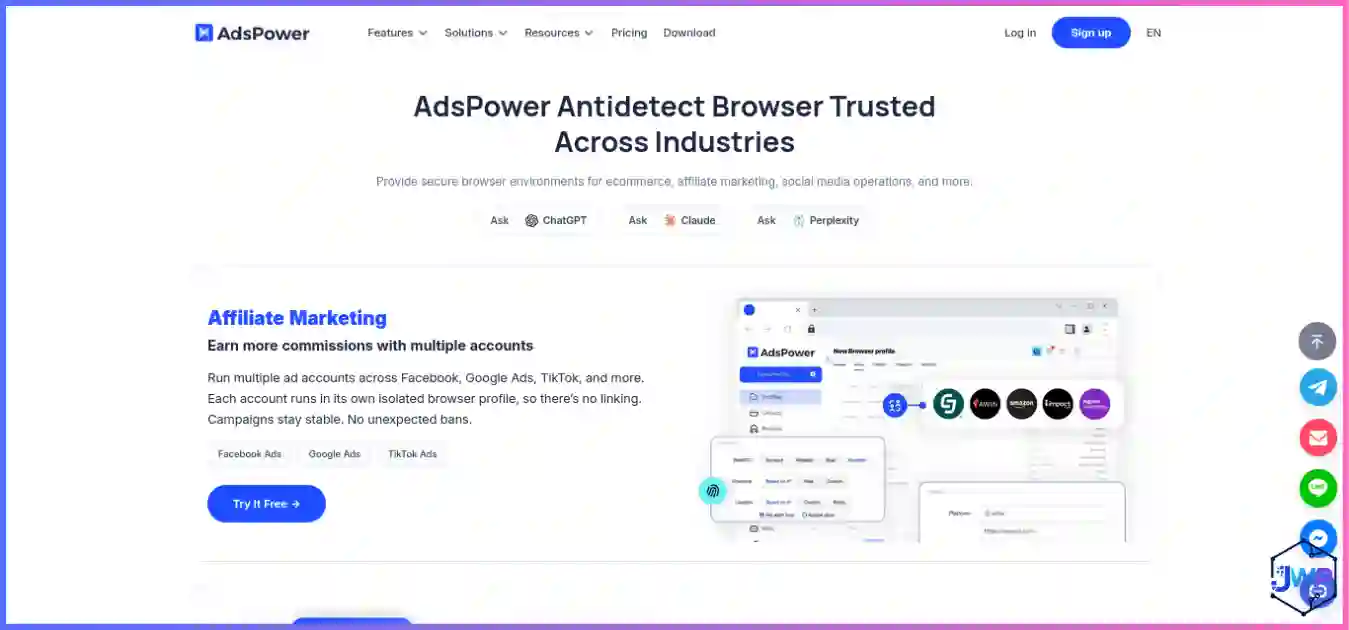
This is the matchup that defines the budget tier of the anti-detect browser market. Incogniton vs AdsPower is a choice between two very different ideas of what a budget tool should be. Incogniton bets on the biggest free sandbox in the category — 10 profiles to start, simple Chromium-based fingerprinting, and a beginner-first pricing ladder. AdsPower bets on built-in automation, no-code RPA, and the cheapest path to thousands of profiles. Both are widely used by affiliate marketers and solo operators, but they solve very different bottlenecks.
In this head-to-head we put Incogniton and AdsPower through the same ten-category framework using independent 2026 stealth-test data (Pixelscan, Iphey, CreepJS), verified August 2026 pricing, and hands-on workflow evaluation. If you are new to the category, skim what is an anti-detect browser first — then come back and pick your tool.
AdsPower vs Incogniton: The Short Answer
For almost every paid workflow, AdsPower wins decisively. It is cheaper at entry (~$5.40/mo vs $13.99), it passes two of three independent stealth checkers on defaults (Incogniton passes zero out of the box), and it ships a full visual no-code RPA engine, Synchronizer and platform templates that Incogniton simply does not offer.
Incogniton wins one specific job: the $0 learning sandbox. Its 10-profile free trial (then 3 forever) is the biggest practice ground in the category, ideal for learning browser profile isolation, proxy pairing and cookie handling without spending a cent. The moment an account carries real value or you need automation, Incogniton’s weak default stealth and lack of RPA become real bottlenecks.
Rule of thumb: learn on Incogniton’s free tier if your budget is literally zero; run anything that requires automation or scale on AdsPower. The moment your workflow runs on repetition, AdsPower’s RPA saves hours a week that Incogniton cannot match. See our best anti-detect browsers guide for the full five-tool ranking.
Get Incogniton — 10 Free Profiles Get AdsPower — 2 Free Profiles
Incogniton vs AdsPower: At-a-Glance Comparison
| Category | Incogniton | AdsPower | Winner |
|---|---|---|---|
| Independent stealth (3 checkers) | 0/3 on defaults; 1/3 after tuning | 2/3 (Iphey flags SunBrowser) | AdsPower |
| Free plan headroom | 10 profiles (2 months) → 3 forever | 2 profiles forever | Incogniton |
| Free plan permanence | Drops to 3 after 60 days | 2 profiles, permanent | AdsPower |
| Entry paid price | $13.99/mo (6-mo billing) | ~$5.40/mo (Base) or $9 monthly | AdsPower |
| Cost per profile (entry) | $1.40 | $0.54 | AdsPower |
| Built-in automation / RPA | None visual; API gated higher | Visual RPA, Synchronizer, Templates | AdsPower |
| Bundled proxy traffic | None | None (BYO proxies) | Tie |
| Platforms | Windows, macOS only | Win, macOS, Linux (CLI) | AdsPower |
| Scale ceiling | ~1,000 profiles | 10,000+ on Business | AdsPower |
| Beginner free sandbox | 10 profiles to practice on | 2 profiles to practice on | Incogniton |
Ten categories judged. AdsPower wins seven, Incogniton wins two (free headroom and beginner sandbox size), one is a tie (no bundled proxies). The split is real: AdsPower is the production tool, Incogniton is the $0 classroom.
Meet the Contenders
Incogniton
A Chromium-based anti-detect browser from a European team, positioned at beginners and budget users. Fingerprint randomization, synchronizer, bulk creation, cookie management, human-like paste typing and deleted-profile recovery. Windows and macOS only. Full details in our Incogniton review.
AdsPower
The automation workhorse. Runs SunBrowser (Chromium) and FlowerBrowser kernels with a built-in no-code RPA engine, Synchronizer and platform templates. Native clients for Windows, macOS and Linux (CLI). Full details in our AdsPower review.
Both tools solve the same core problem: websites combine dozens of signals into a browser fingerprint that links your accounts even after you clear cookies or change IPs. Both create isolated profiles to break that link. The difference is how they help you operate those profiles at scale — and that difference drives almost every verdict below.
Free Plans Face-Off: 10 Profiles vs 2 Profiles
Incogniton’s whole brand promise is the biggest free plan in the category. AdsPower’s free plan is smaller but permanent. The difference tells you exactly who each tool is built for.
- Incogniton free: 10 profiles for 2 months, then 3 profiles free forever, no card. The biggest sandbox in the category — ideal for learning, airdrops, referrals and classifieds.
- AdsPower free: 2 profiles forever, no card. Excludes cloud sync, batch operations and API access. Small but permanent.
Free plan headroom comparison
*Incogniton’s 10 free profiles last 2 months, then drop to 3 forever. AdsPower’s 2 are permanent.
Pricing Face-Off: AdsPower Is Cheaper at Every Tier
This is the part of the comparison that surprises most readers. Incogniton markets as the budget tool, but once you pay, AdsPower is cheaper at every level. Incogniton’s Starter Plus costs $13.99/mo on 6-month billing ($19.99 monthly) for 10 profiles with no API. AdsPower’s Base tier starts at ~$5.40/mo and its Professional tier is $9/mo ($7.20 annual) for 10 profiles — with a full RPA engine included. That makes AdsPower roughly 2.5× cheaper at entry while including more.
Entry paid price, best-case $/month (lower = cheaper)
AdsPower Base vs Incogniton 6-month Starter Plus. At the 10-profile Professional level, AdsPower is $7.20 annual vs Incogniton’s $13.99.
Cost per profile at entry tier (lower = better)
Entry subscription ÷ profiles included. AdsPower’s $0.54 includes a full RPA engine; Incogniton’s $1.40 includes no automation API.
| Tier | Incogniton | AdsPower |
|---|---|---|
| Free | 10 profiles (2 months) → 3 forever, no card | 2 profiles forever, no card |
| Entry paid | Starter Plus $13.99/mo (6-mo) or $19.99 monthly — 10 profiles, no API | Base ~$5.40/mo; Professional $9/mo ($7.20 annual) — 10 profiles, API 120 req/min |
| Mid tier | Entrepreneur ~$21–30/mo — 50 profiles + API | Business customizable — per-profile price drops as volume scales |
| Top tier | Professional/Business — 200–1,000+ profiles | Business customizable to 10,000+ profiles |
| Best discount | Up to 40% yearly | ~20% annual |
Test both free tiers against your real targets this week.
Both tools are free to start. Create the same profile on each, bind the same proxy type, run the same checker, and let the data make your decision.
Incogniton — 10 Free Profiles AdsPower — 2 Free ProfilesStealth & Fingerprint Quality: Neither Is Perfect, AdsPower Is Better
Independent 2026 testing ran fresh default profiles from both tools, each behind a clean residential proxy, through three respected checkers: Pixelscan (fingerprint + proxy consistency), Iphey (does it read as a natural device?) and CreepJS (adversarial spoofing detection). Neither tool passes all three cleanly on defaults — but AdsPower passes two, while Incogniton passes zero.
Out-of-the-box stealth: checks passed (of 3)
AdsPower passed Pixelscan and CreepJS but Iphey flagged its SunBrowser environment by name. Incogniton failed all three on defaults and only partially recovered after heavy manual tuning.
Multi-dimensional comparison (editorial /10)
Incogniton’s only spike is free-plan headroom. AdsPower leads every other axis by a wide margin.
What the flags mean in practice: AdsPower’s Iphey flag reads “Detected anti-detect browser environment (ads)” — the environment itself carries an identifiable marker, but proxy and hardware layers are clean. Incogniton’s defaults fail for deeper reasons: a Safari-style WebGL string on a Chrome UA, a 2011 Intel HD 3000 GPU on Apple silicon, and a non-frozen macOS user-agent version. These are exactly the inconsistencies that let platforms link accounts — the failure mode websites use to detect anti-detect browsers.
Automation & RPA: AdsPower’s Defining Advantage
This is the category where AdsPower justifies its place in the market. It ships a full automation suite that Incogniton simply does not offer.
| Automation capability | Incogniton | AdsPower |
|---|---|---|
| No-code visual RPA builder | ✗ | ✓ Built-in |
| Multi-profile Synchronizer | ✓ Basic | ✓ Core feature |
| Ready-made platform templates | ✗ | ✓ FB, TikTok, Amazon, LinkedIn |
| Task scheduler | ✗ | ✓ |
| Selenium / Puppeteer | Gated (Entrepreneur+) | ✓ Official (paid) |
| Playwright | Gated (Entrepreneur+) | Community wrapper |
| REST API | Gated (Entrepreneur+) | ✓ 120 req/min |
If your workflow is repetitive account management — creating accounts, warming profiles, liking posts, managing ad permissions across dozens of accounts — AdsPower’s visual RPA builder and platform templates will save you hours a week. The Synchronizer lets you mirror clicks across many open profiles at once, which is exactly what social media and ad-arbitrage teams need.
Incogniton’s automation story is gated behind the Entrepreneur tier (~$21–30/mo), where Selenium, Puppeteer and Playwright become available via a local API. It is a developer-centric story for teams that write their own scripts, but it does not offer the no-code visual builder that makes AdsPower accessible to non-coders at the entry tier.
Profiles & Platforms
- Profile model: Both create isolated Chromium containers with separate cookies, cache and storage — proper profile isolation either way. AdsPower runs two kernels (SunBrowser + FlowerBrowser); Incogniton runs a single Chromium engine.
- Platforms: AdsPower runs on Windows, macOS and Linux (CLI builds). Incogniton is Windows and macOS only. If any of your team is on Linux, the decision makes itself.
- Scale ceiling: AdsPower’s customizable Business packages scale to 10,000+ profiles with a falling per-profile cost. Incogniton tops out around 1,000 on its highest tier.
- Team features: Both support profile sharing on paid tiers; AdsPower’s seat model is more mature for agencies scaling past a few dozen profiles.
Proxy Support: Neither Bundles Proxies
Both tools support HTTP, HTTPS and SOCKS5 with sticky one-profile-one-IP binding. Neither tool bundles proxy traffic — you bring your own from a third-party proxy provider on every tier. This is the one genuine tie in the comparison.
On either tool, serious work needs clean residential (or mobile) IPs, with timezone and locale matched to the proxy region. Remember that a new IP alone changes nothing about your fingerprint — see why changing your IP doesn’t change your browser fingerprint. For layering context, see anti-detect browser vs VPN vs proxy.
Usability & Performance
Incogniton’s interface feels a generation older but the mental model is simple; AdsPower’s dashboard is busier but logical, and the RPA builder is genuinely approachable for non-coders. Beginners can create a profile on either tool in a few minutes; the RPA templates on AdsPower shorten the path to first automation even further.
Performance is a near tie. Both run local Chromium engines with 1–2 second cold launches on current hardware, and both handle hundreds of concurrent profiles comfortably on 16 GB machines. AdsPower is specifically engineered for high-volume fleets, which shows when you push past a few dozen profiles.
The usability gap that actually matters is tuning time. AdsPower’s defaults are cleaner (2/3 checker pass) than Incogniton’s (0/3), so AdsPower demands less manual parameter fixing and re-testing before production use. Your hourly rate is a cost too — and it is a cost Incogniton quietly charges on top of the cheaper-looking sticker.
Security & Privacy Considerations
- Local-first storage: both store profiles locally by default; cloud sync is optional and paid on both.
- Leak handling: AdsPower’s WebRTC handling is configurable — understand what a WebRTC leak is and set it explicitly. Incogniton’s WebRTC controls exist but need the same care.
- Real risk profile: with either vendor, the bigger risk is your own configuration. AdsPower’s defaults minimize that risk more than Incogniton’s; the Iphey flag on AdsPower is a known quantity, while Incogniton’s deeper inconsistencies are harder to predict.
- Legality: both are legitimate infrastructure for ads, QA, research and privacy workflows. Read are anti-detect browsers safe and legal? before deploying at scale.
Who Should Pick Which?
Choose AdsPower if…
- Your workflow runs on repetition (warm-up, liking, posting).
- You need a visual no-code RPA builder and Synchronizer.
- You want ready-made templates for Facebook, TikTok, Amazon.
- You run scaled, lower-stakes fleets where one checker flag is acceptable.
- You want the cheapest per-profile cost at 10,000+ scale.
- Your team includes non-coders who need to build automations.
- You need Linux support.
Choose Incogniton if…
- Your budget is literally $0 and you want to learn.
- You need 10 practice profiles for airdrops or referrals.
- Your targets fingerprint lightly (classifieds, small platforms).
- You value deleted-profile recovery and human-like typing.
- You accept manual tuning and checker-gated deployment.
- You will graduate to a stealthier tool once accounts matter.
Incogniton vs AdsPower: Frequently Asked Questions
Is AdsPower better than Incogniton?
Is Incogniton better than AdsPower for beginners?
Which is cheaper, Incogniton or AdsPower?
Can websites detect Incogniton more easily than AdsPower?
Do either tools include proxies?
Does either tool work on Linux?
Which has the better free plan?
Can I switch from Incogniton to AdsPower easily?
Incogniton vs AdsPower: Final Verdict
Across ten judged categories, the scoreboard reads AdsPower 7, Incogniton 2, Tie 1 — and Incogniton’s two wins are free-plan headroom and beginner sandbox size. That is a wide gap, and it reflects a fundamental difference in what each tool is built for. Incogniton is a $0 classroom; AdsPower is a production automation tool.
The honest recommendation we give every reader: if your budget is zero and your accounts are disposable (airdrops, referrals, learning), claim Incogniton’s 10 free profiles and learn the craft. The moment your workflow runs on repetition — warming profiles, posting, liking, managing ad permissions across dozens of accounts — move to AdsPower. Its ~$5.40/mo entry is cheaper than Incogniton’s paid tier, and its RPA engine will save you hours a week that Incogniton cannot match.
| Tool | Best For | Rating | Get Started |
|---|---|---|---|
| AdsPower | Automation at scale, RPA, social media fleets | 4.7 / 5.0 | Try Free |
| Incogniton | $0 beginners, airdrops, learning sandbox | 4.2 / 5.0 | Try Free |
Disclosure: This comparison contains affiliate links. If you purchase through them, we may earn a commission at no extra cost to you. Rankings reflect independent stealth-test data and vendor documentation verified in August 2026 — confirm current pricing on vendor sites before committing, especially annual billing.
Sources & Research Notes
View sources and research notes
All vendor pricing and plan limits were verified against official pricing pages in August 2026 and change quickly. Stealth results come from independent 2026 testing; editorial scores are our own judgments, not laboratory benchmarks.
- Independent stealth testing (Pixelscan / Iphey / CreepJS): ScrapingBee, “10 Best Antidetect Browsers in 2026 (Tested + Free Picks)” — Incogniton default-profile failures (masking detected, timezone spoofed, Safari WebGL on Chrome UA, 2011 Intel HD 3000 GPU on Apple silicon, non-frozen macOS UA) with partial recovery only after heavy tuning; AdsPower passed Pixelscan and CreepJS but Iphey flagged SunBrowser by name (“Detected anti-detect browser environment (ads)”).
- Incogniton pricing: incogniton.com/pricing — free 10 profiles for 2 months then 3 forever; Starter Plus $13.99/mo on 6-month billing ($19.99 monthly) for 10 profiles; Entrepreneur ~$21–30/mo for 50 profiles + API; yearly discounts up to 40%; Windows/macOS only.
- AdsPower pricing: adspower.com/pricing & AdsPower review blog — free 2-profile plan; Base from ~$5.40/mo; Professional $9/mo ($7.20 annual) for 10 profiles + API at 120 req/min; Business customizable to 10,000+ profiles with falling per-profile cost; RPA, Synchronizer and platform templates.
- Feature cross-checks: AIMultiple, “Ranked the 12 Best Antidetect Browsers in 2026” — OS support, free plans, automation gating and proxy policies for both tools.
- Fingerprinting statistics: Eckersley & Englehardt, “How Unique Is Your Web Browser?” (EFF Panopticlick lineage) — ~18.1 bits of identifying entropy, 1-in-286,777 uniqueness; arXiv measurement study (2021) — ~10% of Alexa top 100k sites load fingerprinting scripts; Texas A&M University Engineering research (June 2025) on covert fingerprinting.