GoLogin vs AdsPower: Clean Stealth vs Built-In Automation in 2026
By JoshWP Team | Published: September 1, 2026 | ~19 min read
Two of the best-value anti-detect browsers, head-to-head. We compare independent stealth tests, RPA automation, free plans, proxies and pricing so you know exactly which tool fits your workflow.
This is the matchup that defines the budget end of the anti-detect browser market. GoLogin vs AdsPower is a choice between two very different philosophies: GoLogin bets on clean default fingerprints, bundled proxies and a native mobile app; AdsPower bets on built-in automation, no-code RPA and the cheapest path to thousands of profiles. Both are excellent value. Both are widely used by affiliate marketers, e-commerce operators and social media teams. But they are not interchangeable.
In this head-to-head we put GoLogin and AdsPower through the same ten-category framework using independent 2026 stealth-test data (Pixelscan, Iphey, CreepJS), verified August 2026 pricing, and hands-on workflow evaluation. If you are new to the category, skim what is an anti-detect browser first — then come back and pick your tool.
AdsPower vs GoLogin: The Short Answer
For most users, GoLogin wins. It passes all three independent stealth checkers on defaults (AdsPower is flagged by Iphey), it is slightly cheaper at entry ($4.50/mo annual vs ~$5.40), it bundles 2 GB of residential proxy traffic (AdsPower bundles none), and it ships the only native Android app in the category.
AdsPower wins one massive category: built-in automation. If your workflow runs on repetition — creating accounts, warming profiles, liking posts, managing ad permissions across dozens of accounts — AdsPower’s visual no-code RPA builder, Synchronizer and platform templates will save you hours a week that GoLogin cannot match.
Rule of thumb: if stealth and mobile access are your priorities, choose GoLogin. If automation at scale is your priority and your targets do not run strict Iphey-level checks, choose AdsPower. See our best anti-detect browsers guide for the full five-tool ranking.
Get GoLogin — 3 Free Profiles Get AdsPower — 2 Free Profiles
GoLogin vs AdsPower: At-a-Glance Comparison
| Category | GoLogin | AdsPower | Winner |
|---|---|---|---|
| Independent stealth (3 checkers) | 3/3 clean on defaults | 2/3 (Iphey flags SunBrowser) | GoLogin |
| Free plan headroom | 3 profiles forever | 2 profiles forever | GoLogin |
| Entry paid price | $4.50/mo annual ($9 monthly) | ~$5.40/mo (Base) or $9 monthly | GoLogin |
| Cost per profile (entry) | $0.45 | $0.54 | GoLogin |
| Bundled proxy traffic | 2 GB residential + free DC IPs | None (BYO proxies) | GoLogin |
| Built-in automation / RPA | API, Selenium, Puppeteer | Visual RPA, Synchronizer, Templates | AdsPower |
| Platforms | Win, macOS, Linux + Android app | Win, macOS, Linux (CLI) | GoLogin |
| Scale ceiling | 1,000+ on Enterprise | 10,000+ on Business | Tie (both huge) |
| Beginner friendliness | Approachable dashboard | Busy but logical | GoLogin |
| Mobile support | Native Android app + Cloud | Desktop emulation only | GoLogin |
Ten categories judged. GoLogin wins seven, AdsPower wins one (automation), two are ties/splits. The split is real: clean defaults vs built-in automation.
Meet the Contenders
GoLogin
Runs its own Chromium fork (Orbita) with coherent, real-hardware-style fingerprints. Native clients for Windows, macOS, Linux and Android; REST API, Selenium/Puppeteer guides and a Browser MCP for AI agents. Full details in our GoLogin review.
AdsPower
The automation workhorse. Runs SunBrowser (Chromium) and FlowerBrowser kernels with a built-in no-code RPA engine, Synchronizer and platform templates. Native clients for Windows, macOS and Linux (CLI). Full details in our AdsPower review.
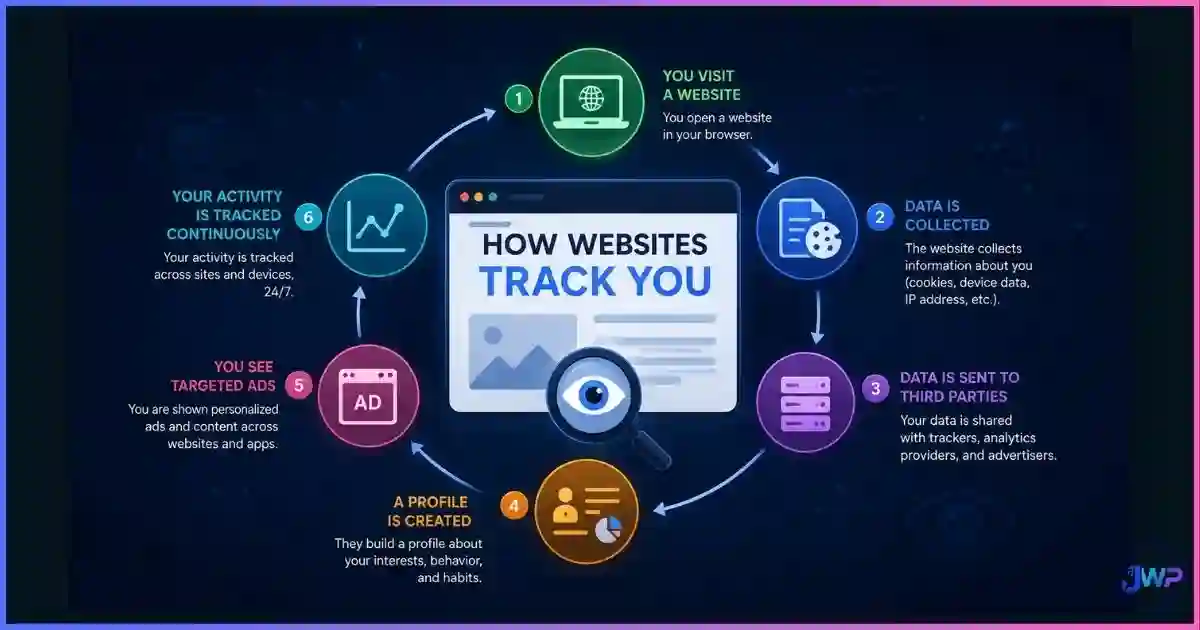
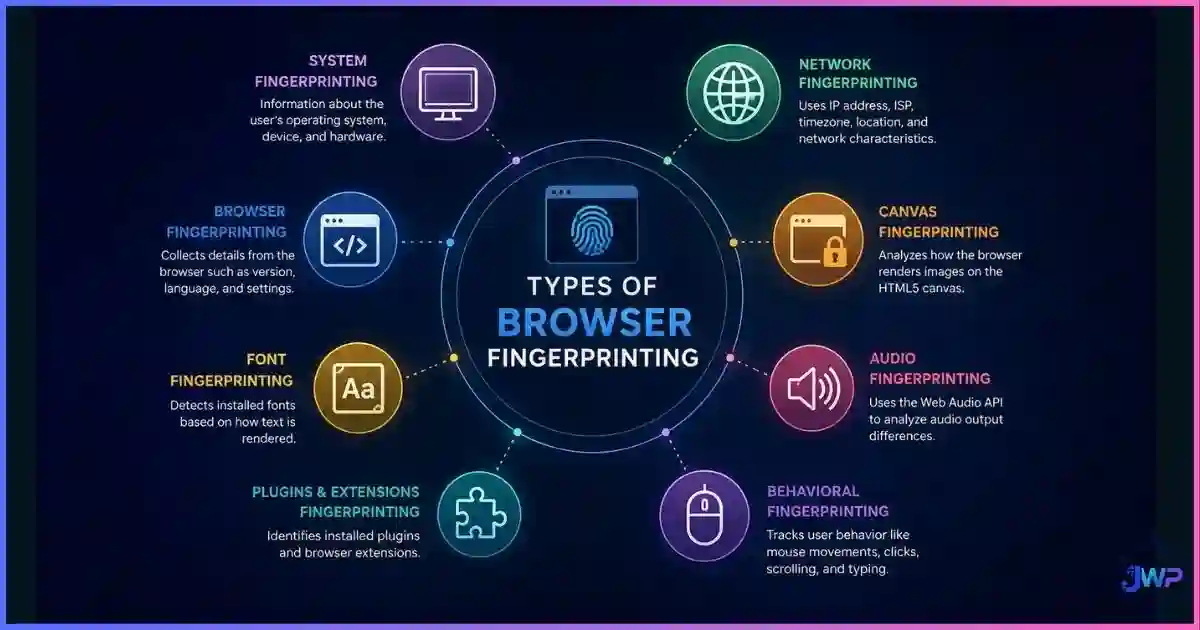
Both tools solve the same core problem: websites combine dozens of signals into a browser fingerprint that links your accounts even after you clear cookies or change IPs. Both create isolated profiles to break that link. The difference is how they help you operate those profiles at scale — and that difference drives almost every verdict below.
Free Plans Face-Off: 3 Profiles vs 2 Profiles
Both tools offer permanent free tiers — no time limits, no credit card required. The difference is small but meaningful.
- GoLogin free: 3 profiles forever. Clean 3/3 stealth on defaults, which makes these 3 profiles genuinely usable for real work.
- AdsPower free: 2 profiles forever. Excludes cloud sync, batch operations and API access.
Pricing Face-Off: Both Are Cheap, GoLogin Edges It
Both tools are among the cheapest in the category, but GoLogin pulls slightly ahead on value. Its Professional tier costs $9/mo monthly or $4.50/mo billed annually for 10 profiles plus 2 GB of residential proxy traffic. AdsPower’s Base tier starts at ~$5.40/mo and its Professional tier is $9/mo ($7.20 annual) for 10 profiles — with no bundled proxies.
Entry paid price, best-case $/month (lower = cheaper)
GoLogin annual Professional vs AdsPower Base. At the 10-profile Professional level, GoLogin is $4.50 vs AdsPower’s $7.20.
Cost per profile at entry tier (lower = better)
Entry subscription ÷ profiles included. GoLogin’s $0.45 also includes 2 GB of residential proxy traffic; AdsPower’s $0.54 includes none.
| Tier | GoLogin | AdsPower |
|---|---|---|
| Free | 3 profiles forever, no card | 2 profiles forever, no card |
| Entry paid | Professional $9/mo or $4.50 annual — 10 profiles, 2 GB proxy traffic, API 300 req/min | Base ~$5.40/mo; Professional $9/mo ($7.20 annual) — 10 profiles, API 120 req/min |
| Mid tier | Business ~$49–59/mo — 100 profiles, team seats | Business customizable — per-profile price drops as volume scales |
| Top tier | Enterprise ~$149–299/mo — 1,000 profiles, cloud launches | Business customizable to 10,000+ profiles |
| Best discount | ~50% annual | ~20% annual |
Stealth & Fingerprint Quality: Where the Tools Diverge
Independent 2026 testing ran fresh default profiles from both tools, each behind a clean residential proxy, through three respected checkers: Pixelscan (fingerprint + proxy consistency), Iphey (does it read as a natural device?) and CreepJS (adversarial spoofing detection). This is the single biggest difference between the two tools.
Out-of-the-box stealth: checks passed (of 3)
GoLogin passed all three cleanly. AdsPower passed Pixelscan and CreepJS but Iphey flagged its SunBrowser environment by name.
Multi-dimensional comparison (editorial /10)
GoLogin leads on stealth, mobile and free-plan quality. AdsPower spikes hard on automation.
What the Iphey flag means in practice: Iphey’s signals read “Detected anti-detect browser environment (ads)” — meaning it fingerprints AdsPower’s SunBrowser by name. The proxy and hardware layers are clean; the environment itself carries an identifiable marker. Most platforms do not run Iphey-level inspection, so for scaled fleets behind good proxies AdsPower works fine. But if a single detection flag costs you real money, understand whether websites can detect anti-detect browsers and choose GoLogin, whose defaults pass all three checkers cleanly.
Test both free tiers against your real targets this week.
Both tools are free to start. Create the same profile on each, bind the same proxy type, run the same checker, and let the data make your decision.
GoLogin — 3 Free Profiles AdsPower — 2 Free ProfilesAutomation & RPA: AdsPower’s Defining Advantage
This is the category where AdsPower justifies its place in the market. It ships a full automation suite that GoLogin simply does not offer.
| Automation capability | GoLogin | AdsPower |
|---|---|---|
| No-code visual RPA builder | ✗ | ✓ Built-in |
| Multi-profile Synchronizer | Partial | ✓ Core feature |
| Ready-made platform templates | ✗ | ✓ FB, TikTok, Amazon, LinkedIn |
| Task scheduler | ✗ | ✓ |
| Selenium / Puppeteer | ✓ Official | ✓ Official |
| Playwright | CDP/unverified | Community wrapper |
| REST API | ✓ 300 req/min | ✓ 120 req/min |
| AI-agent integration (MCP) | ✓ Browser MCP | ✗ |
If your workflow is repetitive account management — creating accounts, warming profiles, liking posts, managing ad permissions across dozens of accounts — AdsPower’s visual RPA builder and platform templates will save you hours a week. The Synchronizer lets you mirror clicks across many open profiles at once, which is exactly what social media and ad-arbitrage teams need.
GoLogin’s automation story is more developer-centric: a REST API, official Selenium/Puppeteer guides, and a Browser MCP for AI-agent control. It is excellent for teams that write their own automation scripts, but it does not offer the no-code visual builder that makes AdsPower accessible to non-coders.
Profiles, Platforms & Team Tools
- Profile model: Both create isolated Chromium containers with separate cookies, cache and storage — proper profile isolation either way. AdsPower runs two kernels (SunBrowser + FlowerBrowser); GoLogin runs its Orbita fork.
- Platforms: GoLogin runs on Windows, macOS, Linux and Android (native app — the only one in the category). AdsPower runs on Windows, macOS and Linux (CLI builds). If native mobile access matters, GoLogin is the only option.
- Scale ceiling: Both scale to 10,000+ profiles on their highest tiers. AdsPower’s customizable Business packages make the per-profile cost fall particularly gently at scale.
- Team features: Both support profile sharing and permission scoping on paid tiers.
Proxy Support: GoLogin Bundles, AdsPower Doesn’t
Both tools support HTTP, HTTPS and SOCKS5 with sticky one-profile-one-IP binding. The difference is what comes included:
- GoLogin: includes free datacenter IPs from five locations on every plan plus 2 GB of residential traffic on Professional.
- AdsPower: includes nothing. You bring your own from a third-party proxy provider on every tier.
On either tool, serious work needs clean residential (or mobile) IPs, with timezone and locale matched to the proxy region. Remember that a new IP alone changes nothing about your fingerprint — see why changing your IP doesn’t change your browser fingerprint. For layering context, see anti-detect browser vs VPN vs proxy.
Usability & Performance
GoLogin’s customizable dashboard is cleaner and more approachable — you can add, remove and rearrange widgets, and the mental model is easy for first-time users. AdsPower’s dashboard is busier but logical; the profile list, folder organization and batch tools are easy to grasp, and the RPA builder is genuinely approachable for non-coders.
Performance is a near tie. Both run local Chromium engines with 1–2 second cold launches on current hardware, and both handle hundreds of concurrent profiles comfortably on 16 GB machines. AdsPower is specifically engineered for high-volume fleets, which shows when you push past a few dozen profiles.
Security & Privacy Considerations
- Local-first storage: both store profiles locally by default; cloud sync is optional and paid on both.
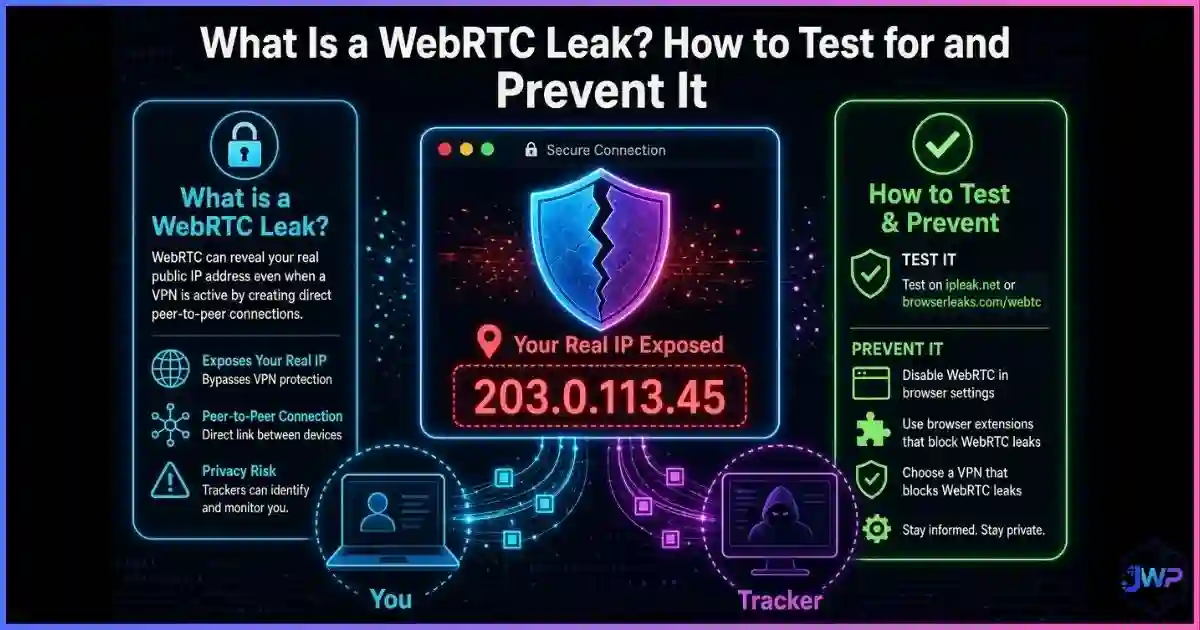
- Leak handling: GoLogin showed no WebRTC leakage in testing. AdsPower’s WebRTC handling is configurable — understand what a WebRTC leak is and set it explicitly.
- Real risk profile: with either vendor, the bigger risk is your own configuration. GoLogin’s defaults minimize that risk; AdsPower’s Iphey flag raises it slightly on strict targets.
- Legality: both are legitimate infrastructure for ads, QA, research and privacy workflows. Read are anti-detect browsers safe and legal? before deploying at scale.
Who Should Pick Which?
Choose GoLogin if…
- You want clean 3/3 stealth without manual tuning.
- You need Linux support or a native Android app.
- You want bundled proxy traffic to cut total costs.
- Your accounts carry real value and cannot afford a flag.
- You prefer the cleanest, most approachable dashboard.
- Your automation is script-based (Selenium/Puppeteer).
Choose AdsPower if…
- Your workflow runs on repetition (warm-up, liking, posting).
- You need a visual no-code RPA builder and Synchronizer.
- You want ready-made templates for Facebook, TikTok, Amazon.
- You run scaled, lower-stakes fleets where one checker flag is acceptable.
- You want the cheapest per-profile cost at 10,000+ scale.
- Your team includes non-coders who need to build automations.
GoLogin vs AdsPower: Frequently Asked Questions
Is GoLogin better than AdsPower?
Is AdsPower better than GoLogin for automation?
Which is cheaper, GoLogin or AdsPower?
Can websites detect AdsPower more easily than GoLogin?
Do GoLogin and AdsPower include proxies?
Does either tool work on Linux or mobile?
Which has the better free plan?
Can I use both tools together?
GoLogin vs AdsPower: Final Verdict
Across ten judged categories, GoLogin wins seven — stealth, free plan, entry price, cost per profile, bundled proxies, platforms and mobile. AdsPower wins one — built-in automation — with two ties on scale and OS support. That scoreboard tells the whole story: GoLogin is the better default choice for most users, and AdsPower is the specialist tool for teams whose workflows run on repetition.
The practical recommendation we give every reader: if your accounts carry real value and you want fingerprints that pass every checker out of the box, choose GoLogin. If your workflow is automation at volume — warming profiles, posting, liking, managing ad permissions across dozens of accounts — and your targets do not run strict Iphey-level inspection, choose AdsPower. Either way, start with the free tier and validate against your real targets before committing.
| Tool | Best For | Rating | Get Started |
|---|---|---|---|
| GoLogin | Best overall value, cleanest defaults, bundled proxies | 4.9 / 5.0 | Try Free |
| AdsPower | Automation at scale, RPA, social media fleets | 4.7 / 5.0 | Try Free |
Disclosure: This comparison contains affiliate links. If you purchase through them, we may earn a commission at no extra cost to you. Rankings reflect independent stealth-test data and vendor documentation verified in August 2026 — confirm current pricing on vendor sites before committing, especially annual billing.
Sources & Research Notes
View sources and research notes
All vendor pricing and plan limits were verified against official pricing pages in August 2026 and change quickly. Stealth results come from independent 2026 testing; editorial scores are our own judgments, not laboratory benchmarks.
- Independent stealth testing (Pixelscan / Iphey / CreepJS): ScrapingBee, “10 Best Antidetect Browsers in 2026 (Tested + Free Picks)” — GoLogin 3/3 clean pass on defaults; AdsPower passed Pixelscan and CreepJS but Iphey flagged SunBrowser by name (“Detected anti-detect browser environment (ads)”).
- GoLogin pricing: gologin.com/pricing & support.gologin.com — free 3 profiles forever; Professional $9/mo ($4.50 annual) with 10 profiles and 2 GB proxy traffic; Business ~$49–59/mo (100 profiles); Enterprise ~$149–299/mo (1,000 profiles); free datacenter IPs from five locations; API 300–1,200 req/min; native Android app.
- AdsPower pricing: adspower.com/pricing & AdsPower review blog — free 2-profile plan; Base from ~$5.40/mo; Professional $9/mo ($7.20 annual) for 10 profiles + API at 120 req/min; Business customizable to 10,000+ profiles with falling per-profile cost; RPA, Synchronizer and platform templates.
- Feature cross-checks: AIMultiple, “Ranked the 12 Best Antidetect Browsers in 2026” — OS support, free plans, automation gating and proxy policies for both tools.
- Fingerprinting statistics: Eckersley & Englehardt, “How Unique Is Your Web Browser?” (EFF Panopticlick lineage) — ~18.1 bits of identifying entropy; arXiv measurement study (2021) — ~10% of Alexa top 100k sites load fingerprinting scripts; Texas A&M University Engineering research (June 2025) on covert fingerprinting.